
How It Works
Get Started with FigsFlow in Three Simple Steps
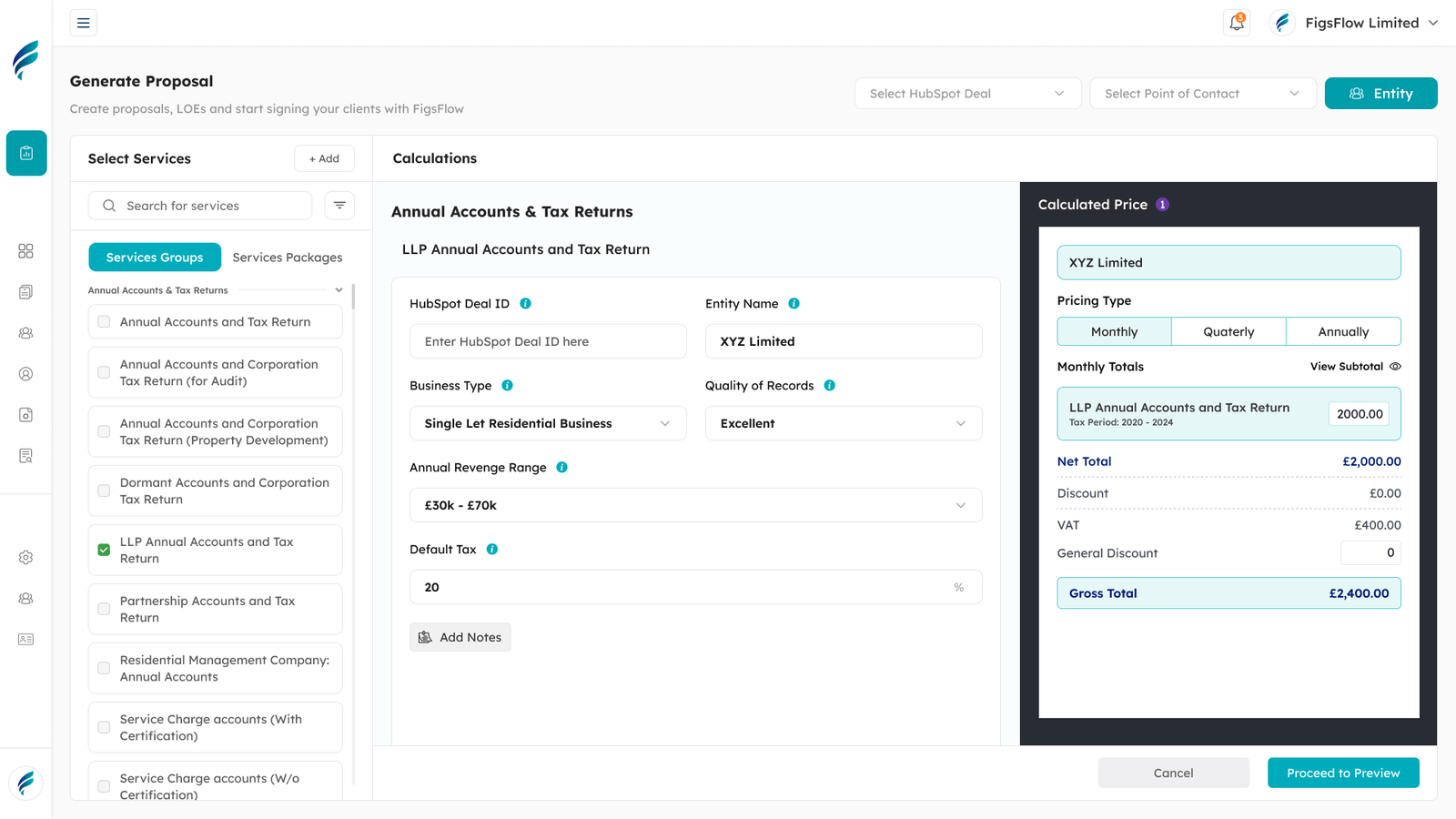
Setting up your account, customising your workspace and creating your proposals, engagement letters or pricing guides is as simple as 1, 2, 3.





Excellent Reviews by Accountants, Bookkeepers & Tax Advisers

G2 Reviews
5.0
Read our reviews on G2

Trustindex Reviews
5.0
Excellent based on 10 reviews
How FigsFlow Works for You
Streamline your accounting, bookkeeping and tax advisory practice with FigsFlow. See how easy it is to set up, customise and automate your workflow for best proposal, engagement letter and pricing guide designs.
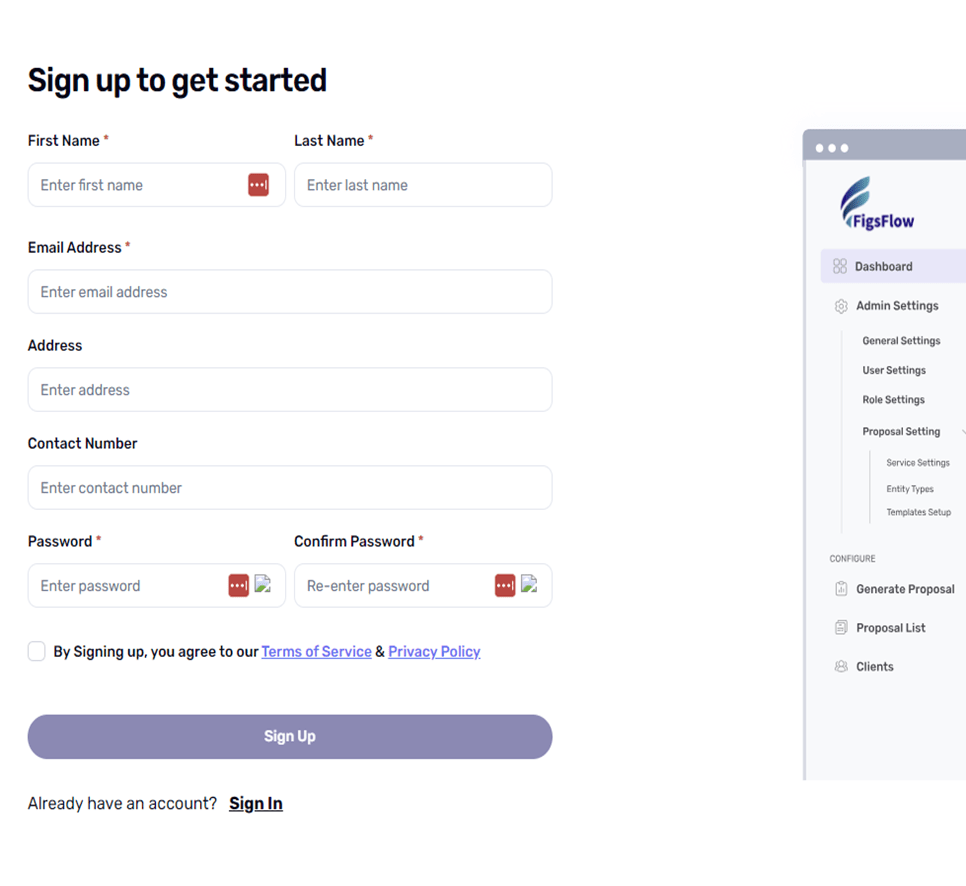
Sign Up & Set Up Your Account
Get started by creating your account and customising your workspace to fit your firm’s specific needs.
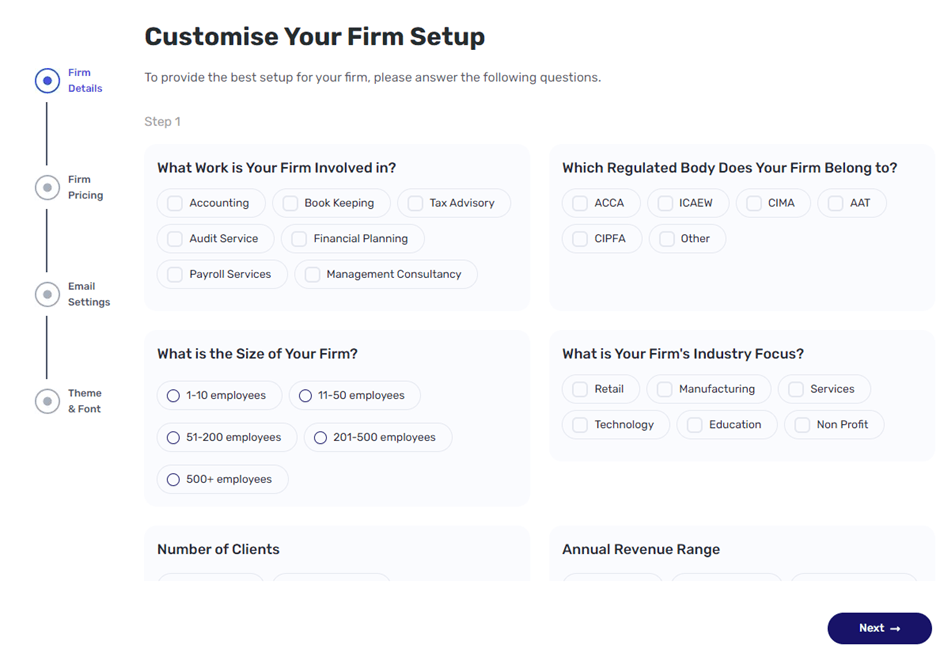
Customise Your Workspace
Tailor your dashboard, tax settings, and currency preferences to suit your business needs.
Choose Your Plan
Choose the most suitable plan from among a range of pricing options.
Add Team Members
Assign roles and permissions to your team members so everyone can work together.
Onboard Clients Effortlessly
Easy onboarding of clients in a few simple steps without hassle and headache.
Create & Customise Documents
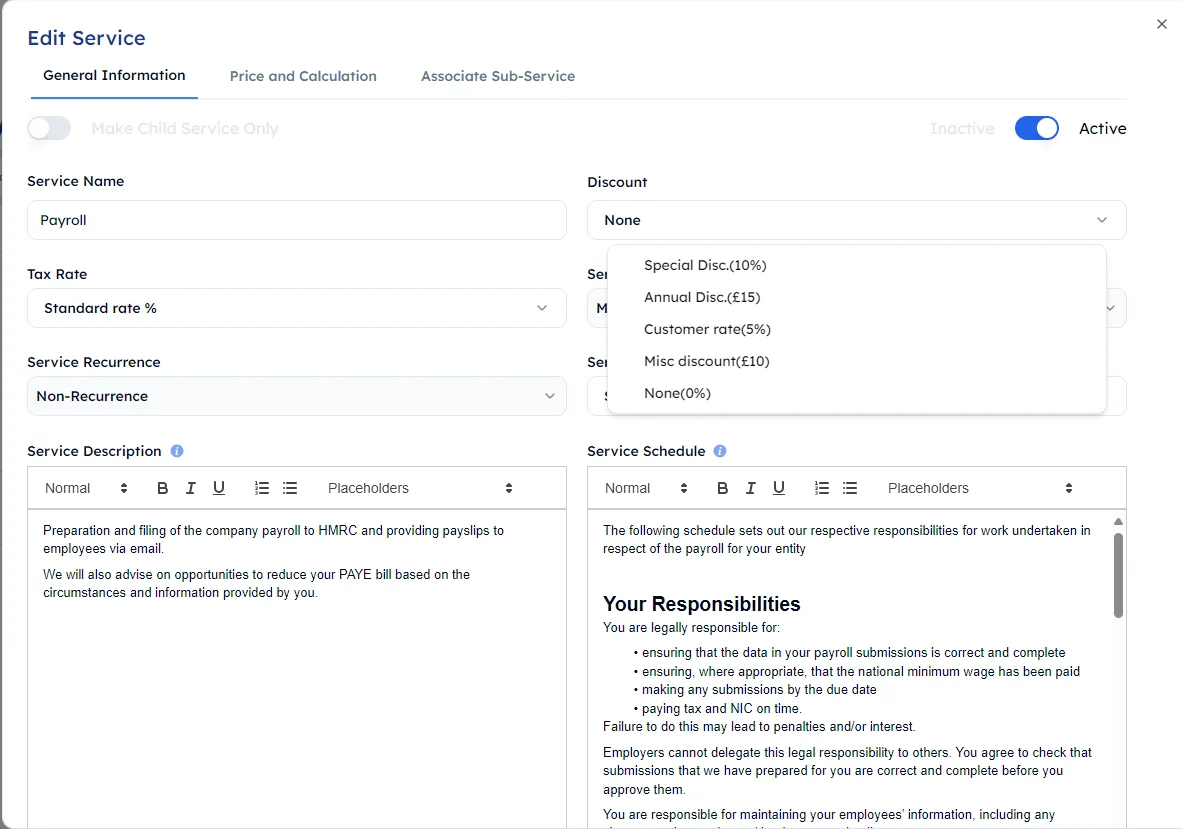
Access ready-made templates or create your own to simplify proposal, engagement letter and pricing guide generation.
Use Pre-Built Templates
Choose from a range of pre-loaded comprehensive templates.
Create Custom Proposal Templates
Create your own proposal templates by simply entering client and service details.
Create Custom Engagement Letter Templates
Insert your logo, customise typeface and change colours to meet your brand guidelines.
Brand Your Firm
Generate comprehensive reports like profit & loss, balance sheets, and cash flow statements.
Manage Documents & Clients
Communicate directly with clients, track the progress of proposals, pricing guides and engagement letters, and automate follow-ups with FigsFlow.
Invite & Manage Clients
Send invitation to clients to join the platform and manage multiple clients through intuitive workspace.
Send & Track Proposals & Engagement Letters
Don’t just send documents, also track which stage they are at – created, pending or approved.
Instant Approvals
With FigsFlow’s e-signature feature, your clients will be able to sign documents directly and approve instantly.
Efficient Follow-Ups
Set up automated reminders for payments and deadlines so that you can follow up easily.
Ready to Transform Your Practice?
Experience the simplicity and power of FigsFlow.
Streamline your workflows, impress your clients and save time today.
Trusted by Practitioners Just Like You
Hear What Others Have to Say
Take a look at the real ways accountants, bookkeepers and tax advisers have achieved faster growth, streamlined workflows and elevated profits with FigsFlow.

FigsFlow changed how we produce our engagement letters and proposals. It is easy to setup and use - has pre-built templates for ACCA. The good think we like about the software is that it is easier to edit and make changes in each proposal and engagement letter as per client needs.
Another feature that was really helpful was when sending proposal for multiple inviduals and companies, it generates one proposal but multiple engagement letter to each entity and person as required by ACCA. This saved lots of time for single proposal for same family members and group companies.
Ability to edit each proposal and enagement letter is the best feature. We have templates, but each client want something to change which can be done instantly in FigsFlow.
Figsflow blogs have become a trusted source of information for me as an accountant, especially when it comes to Making Tax Digital. Their full MTD guide breaks down digital record-keeping, quarterly reporting, and software compliance in a way that actually makes sense, making the whole preparation for transition doable for both me and my clients. I also like their broader topics, automation, onboarding tips, and HMRC updates which support the day-to-day work I do.
As an accountant I’ve tried many onboarding tools, but FigsFlow is the best. It generates compliant proposals in under a minute and creates customisable engagement letters, transforming our workflow. Pre-loaded templates (meeting the standards of ACCA, ICAEW, CIOT, etc.) support compliance and save hours.
FigsFlow is a profit booster. Highly recommended. Try the free 30-day trial: you won’t regret it.
Loving the experience so far..... The nice feature is that each Proposal or Engagement letter can be customised different from the template, making few client specific changes.
In the morning at my firm, I quickly list all my engagement letters in draft and send them one by one, after fine tuning them.
Perfect for saving time and staying organized!
The software is super easy to use—customizing templates, sending documents, and getting client approvals all happen in no time. It’s professional, efficient, and takes the hassle out of managing client interactions. Perfect for saving time and staying organized!
Frequently Asked Questions
Got questions? We’ve got answers.
Explore our FAQs to learn how FigsFlow simplifies your workflows and boosts efficiency.
Still have questions?
If you can’t find answers to your questions in our FAQ section, you can always contact us. We will get back to you shortly.
How do I get started with FigsFlow?
Book a demo, then set up your firm profile and add your team. FigsFlow ships with 150+ pre-configured services across categories like Annual Accounts & Tax Returns, Bookkeeping, VAT Returns, Audit, and MTD for Income Tax Self Assessment, so most firms can send their first proposal the same day without building anything from scratch.
What does client onboarding look like in FigsFlow?
FigsFlow runs the whole onboarding journey in one connected system, from adding a client to collecting their first payment. You import the client, price the service, generate the proposal and engagement letter, run AML and ID checks, and set up payment, all without switching tools or re-entering data. Where most firms juggle five or six separate systems for a single engagement, FigsFlow replaces them with one.
Do I need to build my services and pricing before I can send a proposal?
No. The 150+ pre-built services come ready with descriptions, schedules, and pricing logic, so you can send proposals immediately. You only build a custom service when you offer something outside the library, and even then FigsFlow AI drafts the description and schedule for you.
Will FigsFlow work with the software I already use?
Yes. It integrates with your existing accounting software and tools like Zapier, Outlook, and Gmail, so it sits alongside your current setup rather than replacing it.
How do I onboard a client for a service that isn't in the library?
Create a custom service under Services in the sidebar. Fill in the general information, service name, tax rate, billing period, recurrence, and let FigsFlow AI draft the proposal description and engagement letter schedule. Then set up pricing with input parameters and a formula in the visual builder. Once saved, that service behaves exactly like a library service for every future client.
Get Started With FigsFlow
Create personalised Proposals, Pricing, and Engagement Letters for client acquisition and retention.
