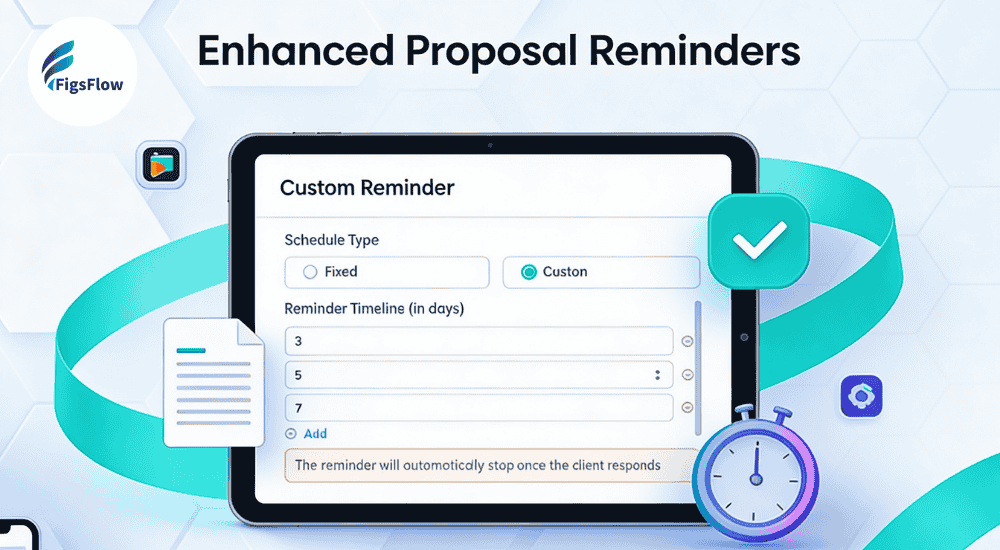

We’re excited to announce Custom Reminder Timelines in FigsFlow.
You send a proposal. The client says they’ll review it. Then nothing. Days pass. You’re stuck wondering when to follow up without seeming pushy or losing the opportunity entirely.
That changes now. With Custom Reminder Timelines, you can set automated follow-up schedules for every proposal and engagement letter you send. Clients receive timely reminders without you lifting a finger.
The Problem We're Solving
Most proposals don’t fail because clients reject them. They fail because clients forget about them. Between managing their business, dealing with urgent matters, and juggling competing priorities, reviewing your proposal slides down their to-do list.
Meanwhile, you’re stuck guessing. Do you follow up after three days? A week? Send a gentle reminder or wait for their response? Every practice handles this differently, and most handle it inconsistently.
The manual approach doesn’t scale. Sending five proposals a week means 15-20 follow-up emails you need to remember to send. Each one requires checking your calendar, drafting a polite reminder, and hoping you’re not being annoying.
The result? Some clients get excellent follow-through. Others fall through the cracks. Your conversion rates suffer because follow-ups depend on your memory and available time.
Introducing Custom Reminder Timelines
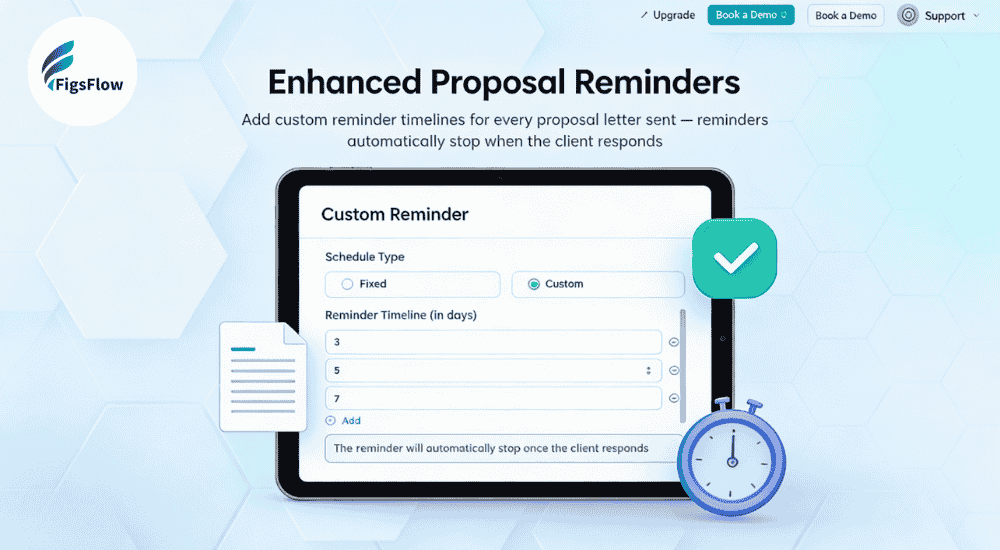
Custom Reminder Timelines automate the entire follow-up process. When you generate a proposal or engagement letter, you configure exactly when clients receive reminders. FigsFlow handles everything else.
You decide the schedule. Send a gentle reminder after three days, a second at five days, a final nudge at eight days. Or adjust the timing to match your sales process. High-value engagements might get more frequent follow-ups. Routine compliance work might need just one or two.
The system stops automatically. Once a client opens, signs, or responds to your proposal, reminders cease immediately. No accidental spam. The moment they take action, FigsFlow removes them from the reminder sequence.
This happens within your existing workflow. No separate tool to manage. No reminder system to check. You configure the timeline during proposal setup, and the system takes over.
How It Works
Setting up Custom Reminder Timelines takes less than a minute.
-
Navigate to Add Reminder
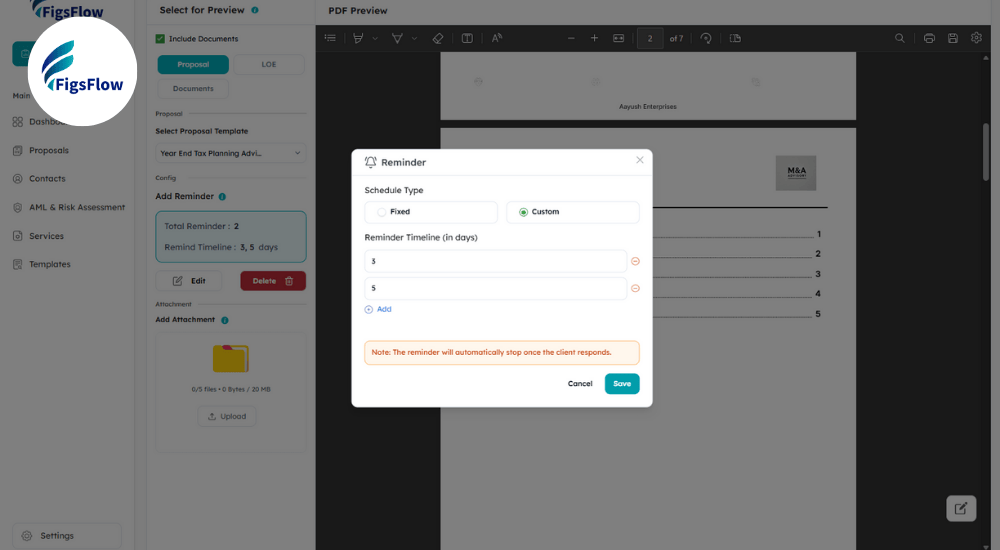
When generating your proposal, find the Add Reminder section in the configuration panel. You'll see two options: Fixed schedules with preset timing, or Custom schedules you control completely.
-
Configure Your Timeline
Select Custom and input your preferred reminder days. Add as many intervals as your process requires. Common patterns include 3, 5, 8 days for standard proposals, or tighter schedules like 2, 4, 6 days for time-sensitive engagements.
-
Review & Adjust
The system displays your complete reminder timeline immediately. You'll see the total number of reminders and exactly when each one goes out. Edit or delete specific days without rebuilding the entire sequence.
-
Set It & Forget It
Once saved, your reminder timeline attaches to that proposal. FigsFlow sends each Reminder automatically on schedule. When clients respond or sign, reminders stop instantly.
Why This Matters for Your Practice
The average accounting practice sends 10-15 proposals monthly. Without automation, that’s 30-45 manual follow-up emails and 2.5 to 4 hours monthly just chasing proposals.
-
Save Time on Admin
Configure your schedule once, and every proposal gets consistent follow-through. No mental overhead, no calendar reminders, no wondering if you've already followed up.
-
Improve Conversion Rates
Consistent reminders keep your proposal top of mind without being aggressive. Professional persistence shows you're organized and serious about your business.
-
Accelerate Cash Flow
Faster proposal acceptance means faster engagement letter signing and quicker payment collection. The entire client onboarding cycle is compressed.
-
Set It & Forget It
Once saved, your reminder timeline attaches to that proposal. FigsFlow sends each Reminder automatically on schedule. When clients respond or sign, reminders stop instantly.
Custom Reminder Timelines turn proposal follow-up from a manual chore into an automatic advantage.
What Our Users Are Saying
We’ve been testing Custom Reminder Timelines with select practices over the past few weeks. The feedback has been clear and consistent.
It eliminated the mental burden of remembering who needs a follow-up and when.
- Bdodge Malik
Our proposal acceptance rate improved noticeably within the first month. The consistent follow-through made the difference.
- Bookkeeping Practice, Manchester
Clients receive timely reminders that feel helpful rather than pushy. The automatic stop feature prevents the embarrassing situation of sending a reminder to someone who's already signed.
- Accounting Firm, Birmingham
Get Started with Custom Reminder Timelines
For Current FigsFlow Users – Custom Reminder Timelines are live in your account now. Start generating a proposal, navigate to Add Reminder in the configuration panel, select Custom, and configure your schedule.
For New Users – Start your 30-day free trial (no credit card required) and explore Custom Reminder Timelines alongside FigsFlow’s full suite of practice management tools.