
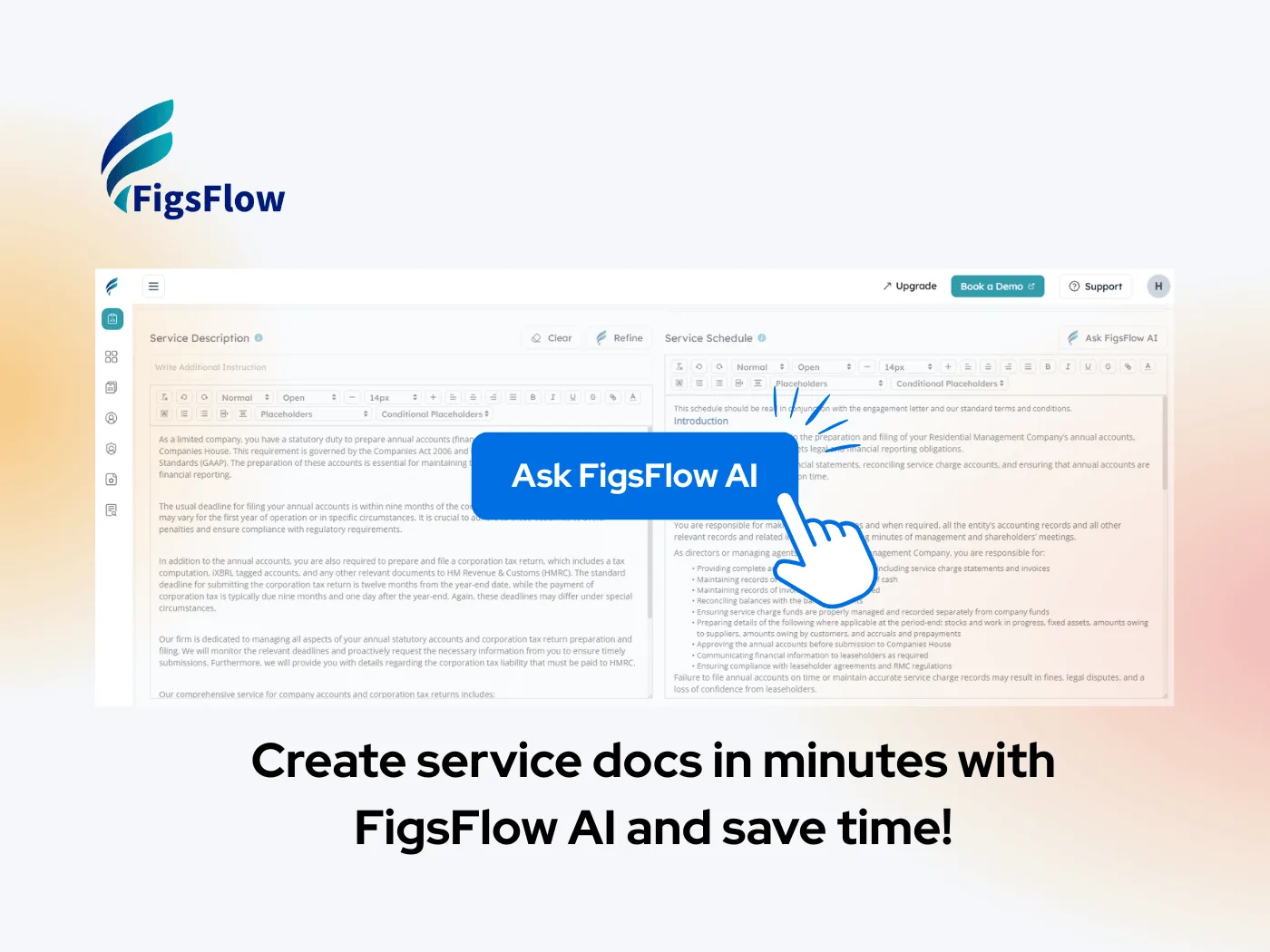
Your Service Documentation Writes Itself: Introducing FigsFlow AI
New FigsFlow AI creates service documentation instantly. Professional schedules and descriptions ready in seconds for accountants.

There's a particular kind of frustration that comes with adding a new service to your practice. You know exactly how to deliver the work — whether it's a 409A valuation or nexus analysis — but explaining it in a client proposal? That's where you get stuck staring at a blank screen.
FigsFlow AI solves this problem. Completely.
Why Documentation Becomes the Bottleneck
Here's what happens in most practices: you spot an opportunity. Maybe several clients need R&D tax credit studies. Or you're getting requests for bookkeeping from venture-backed startups. The market's there, you've got the expertise, so you decide to formally offer it.
Then comes the documentation phase. You need to write it up properly: what's included, what the deliverables look like, how the engagement flows, what clients can expect. It needs to sound professional but not stuffy. Detailed but not overwhelming.
So you open a document and nothing comes easily. You spend Tuesday evening writing, rewriting, and second-guessing every paragraph. By the time you're done, you've burned three hours on something that isn't even billable.
Now multiply that across every specialized service, every client variation, every niche market you serve. Suddenly you're spending entire afternoons each month just writing about the work instead of doing it.
How FigsFlow AI Changes This
The concept is straightforward: give FigsFlow AI your basic service parameters (name, pricing details, tax treatment, duration, billing cycle), and it instantly produces the two documents you need.
- A service description written for clients that clearly communicates what you're offering and why it matters.
- A service schedule that maps out the entire engagement with deliverables, responsibilities, and timing.
What makes this different from just "AI writing" is what happens next. You're not locked into whatever it generates. The AI produces quality first draft content, then you step in. Adjust a section to better reflect how you actually work. Change the tone slightly. Add that one detail that matters to your specific clients.
The heavy lifting is done. You're just adding the finishing touches.
A Real Example
Imagine you're formally launching audit defense services because IRS examinations have picked up in your client base:
- Step one: Basic setup — You fill in service name, set the fee structure, tax rate, engagement period, billing frequency. Same information you'd track anyway.
- Step two: Instant generation — FigsFlow AI produces complete documentation: a client-facing description explaining audit representation and support, plus a detailed schedule covering initial assessment, information gathering, IRS correspondence, representation at examinations, and resolution documentation.
- Step three: Your refinements — You scan through it, adjust a few phrases to match how you explain things, maybe add a note about your specific communication protocol during audits.
- Step four: Client ready — Done. The documentation goes into your proposal template and engagement letter. Everything looks polished and professional because it is.
Total time invested? Maybe five minutes. And most of that is you making it distinctly yours.
Why This Works for US Practices
FigsFlow AI isn't generic business AI repurposed for accounting. It understands US practice dynamics. It knows that "corporate tax return" means different things depending on entity type. It can articulate the difference between bookkeeping, controllership, and fractional CFO services. It writes about quarterly estimates, beneficial ownership reporting, and state tax compliance in language that makes sense to both practitioners and clients.
Solo practitioner expanding your service menu? Multi-partner firm standardizing how different teams describe similar services? The tool adapts either way.
Start Using It Now
FigsFlow AI is available immediately. If you're already using FigsFlow, it's sitting in your dashboard waiting. If you're new to the platform, you can test it out along with everything else FigsFlow does.