
The best time tracking and billing software for accountants in 2026 includes Karbon, Financial Cents, FreshBooks, Xero, Uku, QuickBooks, Clockify, TMetric, and Zoho Invoice. Between them, they cover everything an accounting firm needs to log billable hours, automate invoicing, collect payments, and understand which clients and engagements are actually profitable.
But let’s be real. Not all nine are the right fit for your firm. Budget, team size, billing model, and workflow all push the decision in very different directions.
So which one should you go for? That is exactly what this guide covers. Use the comparison table below for a fast shortlist, then read the detailed breakdowns to find the one built for how your firm actually operates.
9 Time Tracking & Billing Software for Accountants at a Glance
The table below gives you a quick snapshot of the best time tracking and billing software for accountants before diving into the full breakdowns. Each tool has been assessed across four criteria:
- time tracking capability
- billing and invoicing capability
- accounting firm fit
- value for money.
Use it to narrow down your shortlist before reading the detailed overviews below.
| Time Tracking & Billing Software for Accountants | Best For | Pricing | Score /30 |
|---|---|---|---|
| Karbon | All-in-one practice management with fully integrated time and billing | From $59/user/mo | 28/30 |
| Financial Cents | Purpose-built time tracking and billing for accounting and CPA firms | From $19/mo (solo); $49/user/mo (team) | 26/30 |
| FreshBooks | Solo accountants wanting time tracking, billing, and accounting in one place | From $6.90/mo; 30-day trial | 23/30 |
| Xero | Accounting firms already in the Xero ecosystem wanting connected billing | From $29/mo; 30-day trial | 22/30 |
| Uku | Automated billing directly from time tracking, built for accounting firms | Free (solo); from $38/user/mo | 21/30 |
| QuickBooks | Firms committed to the QuickBooks ecosystem wanting time-to-invoice sync | From $10/mo base + $8/user/mo; 30-day trial | 19/30 |
| Clockify | Budget-conscious firms wanting a free time tracker with basic invoicing | Free plan; from $5.49/seat/mo | 16/30 |
| TMetric | Small teams wanting affordable time tracking with project-based billing | Free (2 seats); from $5.83/seat/mo | 14/30 |
| Zoho Invoice | Independent accountants wanting free invoicing with basic time tracking | Free forever | 11/30 |
Time Tracking & Billing Software for Accountants (Detailed Overview)
Now that you have the snapshot, here is where each platform earns or loses its place on your shortlist. The entries below go deeper on features, pricing, real user experience, and fit, giving you everything you need to choose the right time tracking and billing software for accountants with confidence.
Watch This Space
Most time tracking and billing software for accountants was built for agencies or general businesses and retrofitted for the profession. The gaps show.
FigsFlow is being built differently. Developed by people who have spent years working inside accounting practices, it is being designed around the actual bottlenecks of the profession from the ground up. Time tracking, automated billing, compliance, proposals, and full practice management.
It is not here yet. But it is coming. Keep an eye on FigsFlow.
Karbon
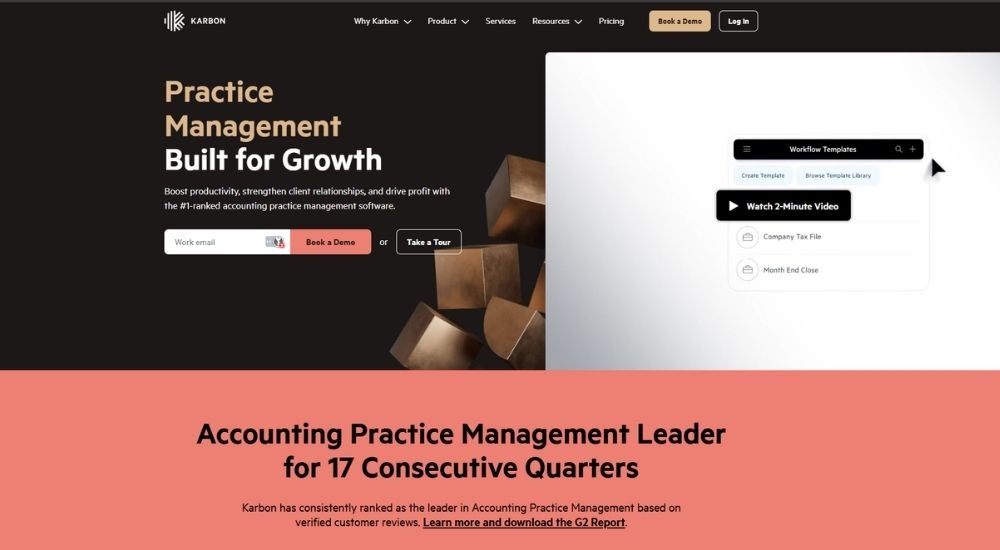
Karbon is the top-ranked accounting practice management software on G2, trusted by over 30,000 accounting professionals globally, including firms such as BDO, Baker Tilly, and Armanino. It combines time tracking, budget management, billing, payments, workflow automation, and client communication in one platform built exclusively for accounting firms. For practices evaluating time tracking and billing software for accountants that want their entire firm operation running from one place, Karbon is one of the most complete options on this list. No free trial is available, but a demo can be booked directly.
Quick Facts
- Cost: Team plan starts at $59 per user per month paid annually, or $79 per user per month paid monthly. Business plan at $89 per user per month paid annually, or $99 per user per month paid monthly. Enterprise pricing available on request. Payment processing fees apply separately.
- Ratings: 4.8/5 (based on G2)
- Who’s For: Small to large accounting firms wanting a single platform connecting time tracking, billing, workflow management, client communication, and capacity planning
- Best At: Connecting time tracking directly to billing and payments, real-time budget visibility, WIP and realization reporting, and workflow automation built for accounting practices
Key Features of Karbon
- Tracks billable hours with a built-in timer and auto-suggested time entries based on team behavior, reducing missed time and manual errors
- Generates invoices from tracked time with flexible billing options, including time and materials, fixed fee, and recurring billing linked to work schedules
- Collects payments by card or direct debit with auto-payment options, and tracks aged receivables and unpaid invoices from a dedicated dashboard
- Monitors budgets in real time, showing whether engagements are trending over or under estimate, with capacity planning across the full team
- Produces WIP, realization, and receivables reports automatically, with API access for custom reporting and integration with tools including Xero, QuickBooks, and Zapier
Pros & Cons of Karbon
Karbon sits at the premium end of this list for a reason. The depth of what it connects, from a single email all the way through to a paid invoice, is genuinely difficult to match.
- Number one-ranked accounting practice management software on G2
- Time tracking, billing, and payments included on all plans
- Auto-suggested time entries reduce missed billable hours
- Real-time budget and capacity visibility across the firm
- Integrates with 49 verified tools, including Xero and QuickBooks
- No free trial available, demo required to get started
- Steep learning curve when transitioning from multiple tools
- Higher price point than most other options on this list
Accounting teams that use Karbon daily describe it less as a piece of software and more as the operating system the firm runs on. The ability to link a client email to a timeline, assign a task, track the time spent, and generate an invoice without leaving the platform removes the context-switching that quietly drains productivity across busy periods. For any firm seriously evaluating time tracking and billing software for accountants at the higher end of the market, that connected workflow is the central argument for Karbon over anything else.
Having internal conversations, client emails, and documents all connected to the right project in one place changed how the whole team works. The triage and timeline features make it much easier to keep multiple engagements moving without losing track of where anything stands.
Teams that have been through implementations at other platforms and then moved to Karbon consistently note that the onboarding support sets a different standard. The learning curve is real, but the payoff reported by long-term users of time tracking and billing software for accountants at this level of integration is consistently described as worth the investment.
The implementation was smoother than expected, and whenever something came up, the support felt genuinely invested in making the platform work for our specific setup. Turning an email into a prioritized task in a single click, with no copying between windows, is the kind of small thing that adds up significantly across a full week.
Financial Cents
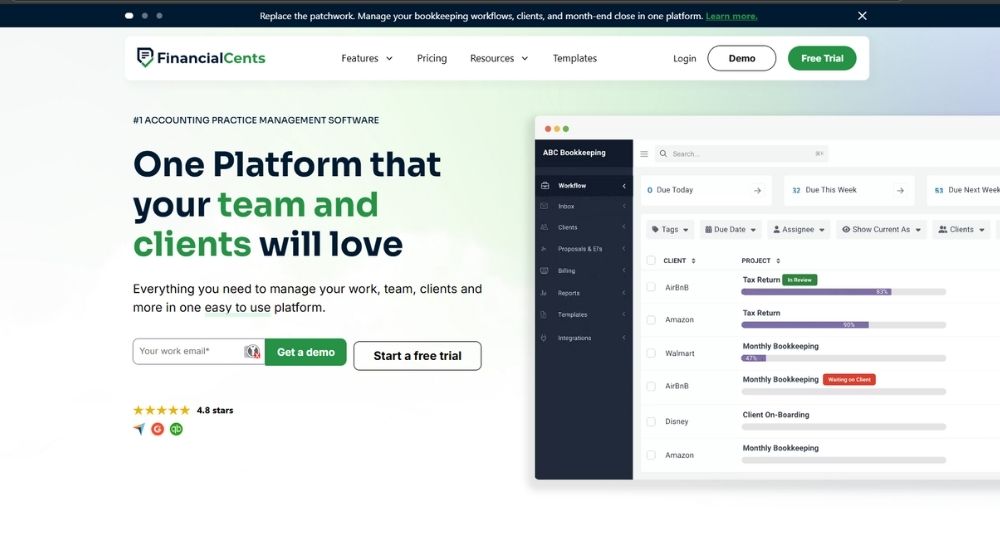
Financial Cents is accounting practice management software built exclusively for accountants, bookkeepers, and CPAs, and used by over 10,000 firms. It combines time tracking, client invoicing, automated billing, workflow management, and a client portal in a single platform designed around how accounting firms actually operate. For practices evaluating time tracking and billing software for accountants that want their client work and their billing in the same system, Financial Cents is one of the most purpose-built options on this list. A 14-day free trial is available with no credit card required.
Quick Facts
- Cost: Solo plan starts at $19 per month for single users. Team plan at $49 per user per month, billed annually. Scale plan at $69 per user per month, billed annually. Enterprise pricing available on request. Month-end close is an optional add-on at $5 per client per month. 14-day free trial available.
- Ratings: 4.7/5 (based on G2)
- Who’s For: Solo accountants, bookkeeping firms, CPA practices, and tax firms wanting an all-in-one platform connecting time tracking, invoicing, workflow, and client communication
- Best At: Billing directly from tracked time, automated payment collection, QuickBooks Online two-way sync, and workflow management built specifically for accounting practices
Key Features of Financial Cents
- Tracks billable and non-billable hours using a start-stop timer or manual entry, with the ability to run multiple simultaneous timers across different clients and projects
- Generates invoices directly from tracked time entries and collects payments via card or ACH with automated recurring billing and payment reminders
- Syncs invoices, client records, and payment data two-way with QuickBooks Online, eliminating duplicate data entry between platforms
- Provides profitability reports, realization reports, and accounts receivable aging to show which clients and services are driving the firm’s revenue
- Sends automated client task reminders and document requests through a branded client portal, reducing manual follow-up across active engagements
Pros & Cons of Financial Cents
Financial Cents earns its place near the top of this category because it was never adapted from another tool. Every feature in the platform was designed with accounting firm workflows in mind from the start.
- Purpose-built for accounting and bookkeeping firms
- Time tracking connects directly to invoicing and billing
- Native two-way QuickBooks Online sync included
- Automated payment collection and recurring invoices built in
- 200-plus workflow templates included across all plans
- Month-end close is a paid add-on rather than included
- Mobile experience significantly weaker than desktop
- Pricing can feel steep for very small or solo practices
Accountants who have been through the process of testing multiple tools before landing on Financial Cents tend to point to the QuickBooks integration as the initial selling point, but describe the broader workflow as what actually keeps them using it long-term. As a complete solution functioning as time tracking and billing software for accountants, the combination of automated client reminders, time-to-invoice flow, and capacity visibility gives firms a level of control over their workload that standalone time trackers simply cannot match.
The automated client reminders alone changed how busy season runs. Having a clear view of every stage of every client engagement, alongside what each client still needs to provide, removed the mental load of tracking it all manually. The QuickBooks integration was the reason for signing up, but the workflow is the reason for staying.
Long-term users are particularly vocal about the reliability of the platform and how the development team responds to feature requests. For any accountant evaluating time tracking and billing software for accountants who have previously been burned by buggy software or slow update cycles, that track record matters more than most features on a spec sheet.
After several years of daily use, the platform has earned genuine trust. Task tracking, document requests, and client communication all run smoothly together. The team behind it asks for customer input and actually acts on it, which is not something you can say about most practice management tools.
FreshBooks
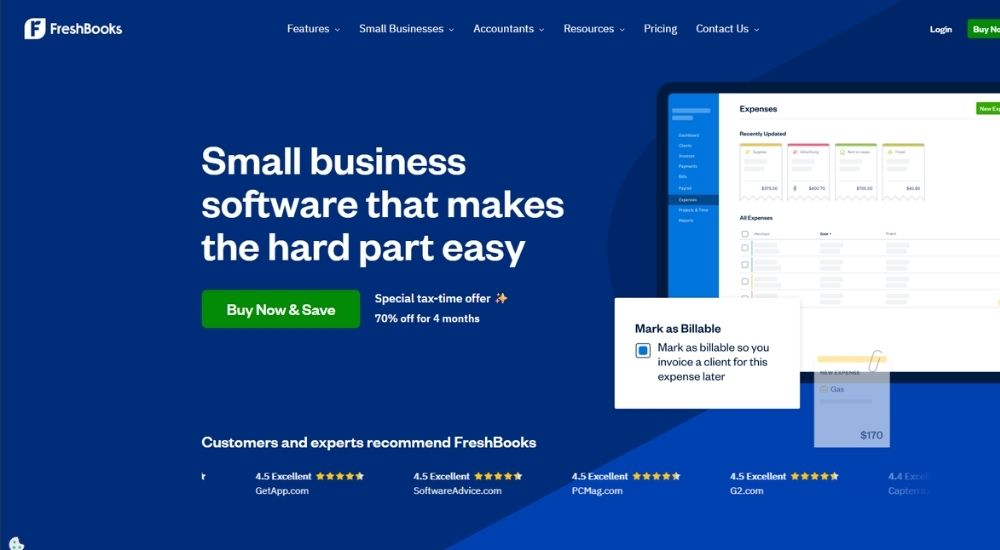
FreshBooks is an accounting and billing platform built for small businesses and professional services firms, with accountants listed directly among its core audiences. It brings time tracking, invoicing, expense management, and double-entry accounting together in one workspace. For firms evaluating time tracking and billing software for accountants that need more than just a timer, FreshBooks covers the full billing cycle. A 30-day free trial is available.
Quick Facts
- Cost: Lite plan starts at $6.90 per month. Plus plan starts at $12.90 per month. Premium plan starts at $21.00 per month. Select plan pricing available on request. Team members added at $11 per user per month across all plans. 30-day free trial available.
- Ratings: 4.5/5
- Who’s For: Small to mid-sized accounting firms and independent accountants wanting time tracking, invoicing, and accounting tools in one platform
- Best At: Billable time tracking linked directly to client invoicing, recurring billing automation, and project profitability reporting
Key Features of FreshBooks
- Tracks billable hours using a timer, mobile app, or Chrome browser extension, and converts logged time into client invoices with a single click
- Automates recurring invoices, late payment reminders, and scheduled late fees to reduce manual follow-up across client accounts
- Accepts payments via credit and debit cards, ACH bank transfer, Apple Pay, Google Pay, and Buy Now Pay Later from within the invoice
- Monitors project budgets, tracks profitability per engagement, and gives a clear view of team time across multiple clients simultaneously
- Generates double-entry accounting reports, tax-time summaries, and bank reconciliation tools from the Plus plan upward
Key Features of FreshBooks
FreshBooks makes the strongest case for accounting professionals who want their time tracking and their billing to live in the same place, without needing two separate tools to get from a logged hour to a paid invoice.
- Timer links directly to client invoices
- Recurring invoices automated on all plans
- Double-entry accounting from the Plus tier
- 30-day money-back guarantee included
- Award-winning customer support on all plans
- Lite plan capped at 5 billable clients
- Reporting customization limited across tiers
- Payment processing fees add up quickly
For accounting professionals who have lost billable hours to disconnected tools, the link between time logging and invoicing is where FreshBooks earns its place as time tracking and billing software for accountants. Users who manage multiple clients simultaneously highlight the organization piece as much as the speed.
The timekeeping function tracks hours spent on each project and drops that time directly onto the invoice without any manual calculation involved. Managing multiple clients with multiple active projects stays organized, and the whole billing process moves faster because the numbers are already there when it is time to send.
Others point to how the mobile experience changes the way billable hours get captured, particularly on fast-moving engagements where time logged later is time at risk of being underreported or forgotten entirely.
On a time-sensitive project, logging hours from a phone as each task was completed meant those hours showed up on the invoice automatically. The visual payment calendar was another layer of clarity, showing at a glance which clients had paid, which had not, and who needed a follow-up without having to search for the answer.
Xero
Xero is cloud-based accounting software used by small businesses and accounting professionals worldwide, with a dedicated product tier built specifically for accountants and bookkeepers. Its Xero Projects feature allows firms to log time, track job costs, and feed that data directly into client invoices. For practices evaluating time tracking and billing software for accountants that want a single platform handling the full accounting and billing workflow, Xero covers significant ground. A 30-day free trial is available.
Quick Facts
- Cost: Starter plan starts at $29 per month. Standard plan at $50 per month. Premium plan at $75 per month. Xero Projects is an optional add-on for $7 per month across all plans. 30-day free trial available.
- Ratings: 4.4/5 (based on G2)
- Who’s For: Small to mid-sized accounting firms wanting a full-featured cloud accounting platform with integrated time tracking, invoicing, and bank reconciliation
- Best At: Automated invoicing, bank reconciliation, project time tracking, and connecting with a broad ecosystem of third-party accounting tools
Key Features of Xero
- Tracks billable hours against projects using a start-stop timer or manual entry, then populates client invoices automatically with accurate figures
- Creates customized online invoices with Pay Now buttons and accepts payments via Stripe, GoCardless, PayPal, and direct debit
- Automates recurring invoices, payment reminders, and bank reconciliation to reduce manual admin across client accounts
- Connects to 21,000-plus global financial institutions for daily bank feeds and automated transaction matching
- Integrates with over 1,000 third-party apps, including practice management, payroll, CRM, and expense tools via the Xero App Store
Pros & Cons of Xero
Xero earns its place on this list because it does not separate accounting from billing. The two sit in the same system, which removes a layer of friction that standalone time tracking tools inevitably create.
- Time tracking feeds directly into invoicing within one platform
- Automated bank reconciliation reduces month-end admin significantly
- Over 1,000 app integrations via the Xero App Store
- Dedicated accountant and bookkeeper product tier
- 30-day free trial with access to all features
- Xero Projects time tracking is an additional paid add-on
- Reporting customization is limited without third-party tools
- No immediate phone support, help is email and ticket-based
Accountants who move their full workflow into Xero consistently point to how much the automation changes the experience of month-end close. For a chartered accountant running multiple client files, the cleanliness of the interface and the reliability of bank feed matching during reconciliation are what make it a practical daily tool rather than just a capable one.
The bank feeds and reconciliation run smoothly, and the match suggestions genuinely speed things up at month-end. The interface is clean enough that navigating between client files stays manageable even when you are not on the platform every day.
The invoicing side draws similar praise from users who have built their billing workflow around Xero. Setting up repeating invoices for retainer clients, then using the dashboard to track what is outstanding across multiple accounts, is where it operates most naturally as time tracking and billing software for accountants who want their billing and their books in the same place.
Repeating invoices for monthly retainers run automatically, and the dashboard shows what is coming in and what is overdue at a glance. Having invoicing, reconciliation, and reporting all sitting together means there is no need to move between systems just to understand where a client account stands.
Uku
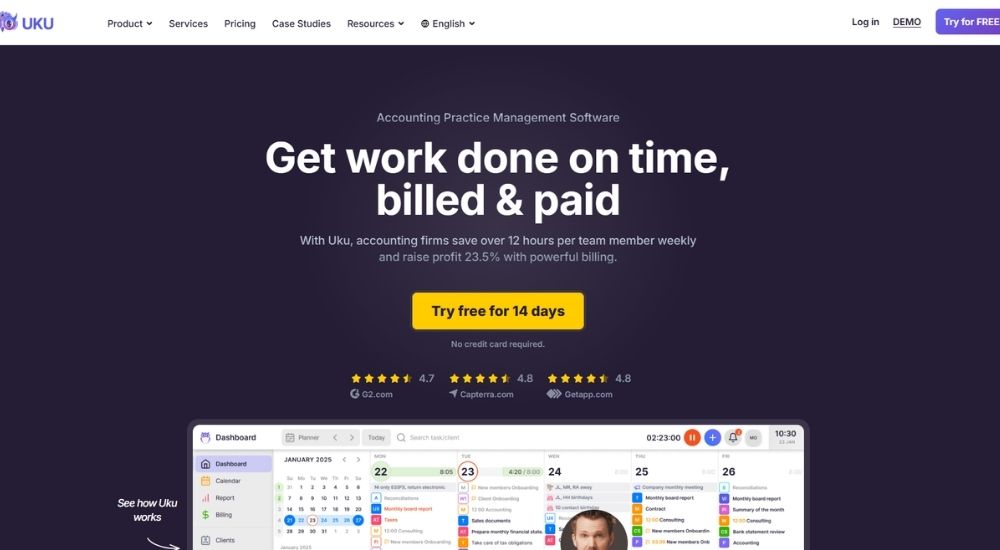
Uku is accounting practice management software built from the ground up for accountants and bookkeepers, trusted by thousands of firms worldwide. It combines time tracking, automated invoicing, workflow management, client portals, and reporting in a single platform designed specifically for how accounting firms operate. Firms evaluating time tracking and billing software for accountants that want everything purpose-built rather than adapted will find Uku one of the most focused options on this list. A 14-day free trial is available.
Quick Facts
- Cost: Solo plan is free for 1 member and up to 25 clients. Team plan starts at $38 per member per month. Elite plan at $48 per member per month. Enterprise at $88 per member per month. 14-day free trial available on all paid plans.
- Ratings: 4.7/5 (based on G2)
- Who’s For: Accounting firms of all sizes wanting a purpose-built platform that connects time tracking directly to automated client billing and practice management
- Best At: Automated invoice generation from tracked time, flexible billing contracts, and workflow management built specifically for accounting firms
Key Features of Uku
- Tracks billable hours using a timer, manual entry, or bulk time entry across multiple tasks and clients simultaneously
- Generates invoices automatically from tracked time data using fixed, hourly, or service-based billing contracts assigned to each client
- Alerts the team when client budgets are approaching their limit so firms can adjust scope before agreements are exceeded
- Exports invoices directly to QuickBooks, Xero, and e-conomic, and sends them to clients from within the platform in one step
- Produces analytical time reports filtered by client, employee, or task to identify where time is spent and which clients to reprice
Pros & Cons of Uku
Uku stands out on this list for one reason most other platforms cannot claim: it was built for accounting firms specifically, not adapted from a general-purpose tool.
- Purpose-built for accounting and bookkeeping firms
- Automated billing cuts invoicing from hours to under 30 minutes
- Free Solo plan available for independent practitioners
- Native QuickBooks, Xero, and e-conomic integrations
- 90 minutes of free onboarding support included on signup
- Recurring task scheduling has a learning curve
- Mobile app less functional than the desktop version
- Team and billing features locked behind paid plans
Accounting firm owners who need complete visibility across their team’s time highlight how Uku changes the way they understand where their capacity is actually going. The ability to see which work is most time-consuming, and then use that data to adjust how the firm prices its services, is precisely what makes it a strong candidate as time tracking and billing software for accountants serious about profitability.
It shows exactly where the team's time goes across every client and task, which makes it much easier to spot which parts of the workflow are eating the most hours. Being able to hand tasks between team members without losing context, and having checklists and comments attached to each task, removes a lot of the friction that usually slows firms down."
Others point to the flexibility of the time entry system as a day-to-day benefit that compounds over time, particularly for practitioners who move between clients quickly and cannot always start a timer at the exact right moment. That adaptability is one of the reasons Uku continues to earn strong reviews as time tracking and billing software for accountants managing a high volume of recurring client work.
The ability to go back and adjust a time entry after the fact makes the whole process far less stressful. Client management, workflow, and time tracking all sit in the same place, and the flexibility of being able to edit entries rather than lose them keeps the records accurate without adding extra admin.
QuickBooks
QuickBooks is among the most widely recognized platforms in the accounting profession, used by businesses of every size across the United States. Its time tracking product, QuickBooks Time, logs hours and syncs directly to QuickBooks Online for invoicing and payroll. For firms already in the Intuit ecosystem, it functions as time tracking and billing software for accountants without requiring a platform switch. A 30-day free trial is available on QuickBooks Time plans.
Quick Facts
- Cost: QuickBooks Time Premium starts at a $10 per-month base fee plus $8 per user per month. QuickBooks Time Elite starts at a $20 per-month base fee plus $10 per user per month. QuickBooks Online plans start at $19 per month. 30-day free trial available on Time plans.
- Ratings: 4.4/5 (based on G2)
- Who’s For: Accounting firms already using QuickBooks Online who want time tracking and billing connected within one platform
- Best At: Syncing tracked hours to client invoicing and payroll inside the QuickBooks ecosystem
Key Features of QuickBooks
- Tracks billable hours across clients and projects through online, mobile, and browser-based interfaces
- Syncs time data directly to QuickBooks Online to streamline client invoicing and payroll processing
- Creates customized invoices with Pay Now buttons and tracks sent, viewed, and paid status in real time
- Automates recurring billing schedules and sends follow-up reminders for outstanding invoices
- Generates reports on job costs, project estimates versus actuals, and team productivity across engagements
Pros & Cons of QuickBooks
For accounting firms already operating inside the QuickBooks ecosystem, the direct connection between tracked time and client billing is the clearest argument for staying put rather than switching to a separate tool.
- Time data syncs directly to invoicing and payroll
- Recurring billing and automated payment reminders built in
- Mobile app available on iOS and Android
- 30-day free trial on QuickBooks Time plans
- Broad integration library across payroll, payments, and productivity tools
- Requires an active QuickBooks Online subscription to use QuickBooks Time
- Subscription costs rise quickly as users and features are added
- GPS tracking and geofencing features are largely irrelevant for office-based accounting firms
For accounting professionals, the platform’s consistent appeal is how much of the financial workflow it consolidates in one place. One user who works across invoicing, expense tracking, and reconciliations daily put it this way.
As time tracking and billing software for accountants, QuickBooks does a lot of the heavy lifting. Invoicing, expense tracking, bank reconciliations, and reporting all sit in one workspace, and the cloud setup means you can access everything you need from wherever you are. The bank feed automation alone cuts out a significant amount of manual data entry.
Others point specifically to the real-time reporting as the feature that earns its keep across a range of firm sizes. That said, pricing is the most consistent frustration among users who have grown into the platform.
The automation built into this time tracking and billing software for accountants is genuinely useful. Auto categorization, recurring transactions, and real-time profit and loss reporting reduce the manual workload in a meaningful way. The main downside is how quickly the cost climbs once you start adding users or unlocking advanced features. The entry price rarely reflects what a growing firm will actually end up paying.
Clockify
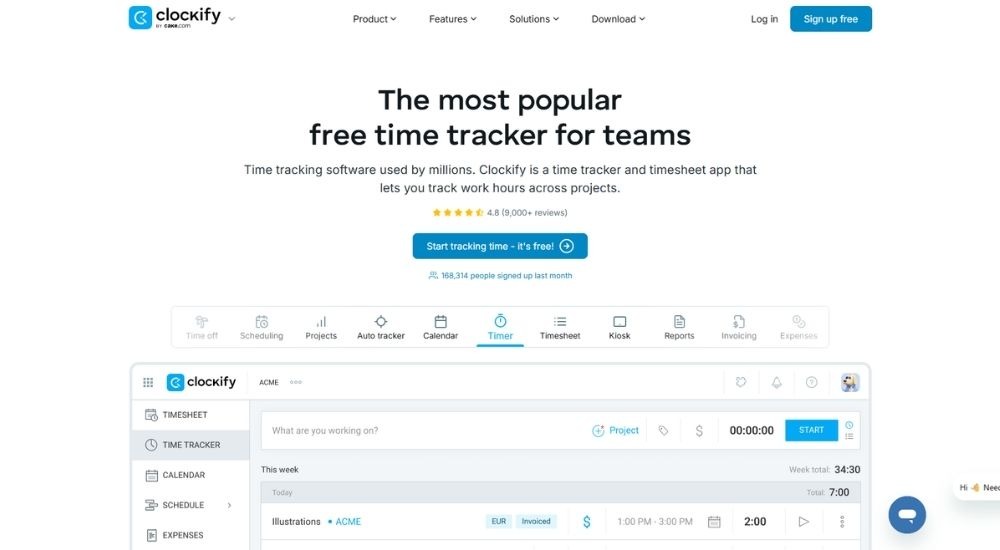
Clockify is a free time tracker used by over 7 million users worldwide across freelancers, agencies, and professional services firms. As time tracking and billing software for accountants, it covers billable hour logging, invoicing, project budgeting, and exportable reports in one platform. A free plan is available for unlimited users, with paid plans starting at $5.49 per seat per month.
Quick Facts
- Cost: Free plan available for unlimited users. Standard plan starts at $5.49 per seat per month billed annually, or $6.99 billed monthly. Pro plan at $7.99 per seat per month, billed annually. Enterprise at $11.99 per seat per month, billed annually.
- Ratings: 4.5/5 (based on G2)
- Who’s For: Accounting firms and independent accountants wanting a low-cost, flexible time tracker with invoicing and QuickBooks integration
- Best At: Billable hour tracking, invoice creation from tracked time, and project budget monitoring
Key Features of Clockify
- Logs billable hours in real time using a timer, or manually via weekly timesheets
- Creates invoices directly from tracked billable time and records client payments within the platform
- Monitors project budgets and compares estimated hours against actual time worked across engagements
- Integrates with QuickBooks, Asana, Jira, Google Workspace, and 90+ other tools
- Generates exportable reports in PDF, CSV, and Excel across clients, projects, and team members
Pros & Cons of Clockify
Clockify earns its place on this list by combining a genuinely usable free tier with invoicing and billing features that most free tools simply do not include.
- Free plan supports unlimited users
- Invoicing built in from the Standard tier
- QuickBooks integration on the Standard plan upward
- Exportable reports in PDF, CSV, and Excel
- Available across web, mobile, and desktop
- Invoicing locked behind the paid Standard plan
- Mobile app can experience syncing issues
- Reporting customization limited on lower tiers
Firms managing multiple client engagements simultaneously tend to highlight billable accuracy as the standout benefit when using the platform day to day.
As time tracking and billing software for accountants handling several clients at once, Clockify keeps the billable hours accurate across every project and team member. The budget visibility is particularly useful, giving a clear picture of where each engagement stands without having to dig through separate reports.
Others point to how quickly the platform becomes embedded in daily operations once it is set up, with the billing workflow feeling more like a natural extension of how the team already works.
What sold us on this as time tracking and billing software for accountants was how little friction there was from day one. Setting up clients and projects took minutes, and the reporting fed directly into our billing and invoicing process. The whole team was using it throughout the workday within the first week, and the need to involve support never came up.
TMetric
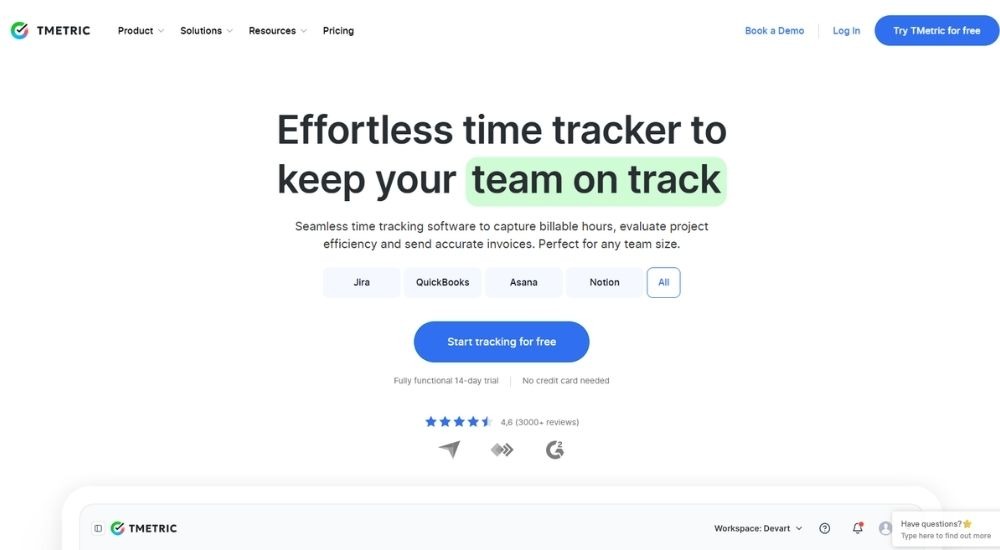
TMetric is a time tracking and billing platform trusted by over 10,000 companies worldwide, with accountants listed among its core target industries. It combines billable hour tracking, client invoicing, project budgeting, and expense management in one workspace. For practices evaluating time tracking and billing software for accountants, TMetric covers the full billing cycle from logging hours to sending invoices. A 14-day free trial is available.
Quick Facts
- Cost: Free plan available for up to 2 seats. Professional plan starts at $5.83 per seat per month billed annually, or $7 billed monthly. Business plan at $7.50 per seat per month billed annually, or $9 billed monthly. Enterprise pricing available on request. 14-day free trial available on paid plans.
- Ratings: 4.6/5 (based on G2)
- Who’s For: Accounting firms and independent accountants wanting a straightforward platform that connects time tracking directly to client billing and project budgets
- Best At: Billable hour tracking, client invoicing, project budget monitoring, and expense management
Key Features of TMetric
- Tracks billable hours using a real-time timer, manual entry, or browser extension across 50-plus integrated tools
- Generates branded client invoices directly from tracked time, with billing by project, client, or task type
- Sets flexible billable rates by client, project, or work type and updates rates without breaking historical data
- Monitors project budgets against tracked time and sends alerts before engagements run over the estimate
- Exports time reports, expense summaries, and invoices in PDF, CSV, and Excel for billing and payroll purposes
Pros & Cons of TMetric
TMetric makes a strong case for accounting firms that want time tracking, invoicing, and budget oversight in one place without paying enterprise prices to get there.
- Free plan available for up to 2 seats
- Invoicing and billable rates included from the Professional tier
- QuickBooks sync is available on the Business plan
- Project budget alerts built into the platform
- 24/7 customer support with 99% first contact resolution
- QuickBooks integration locked behind the Business tier
- Mobile app functionality is limited compared to the desktop version
- Dashboard customization options are limited on the current plans
For accounting teams where every billable minute counts, the speed of the logging process is what users highlight most when describing how time tracking and billing software for accountants fits into their daily routine.
The whole team can log hours in a few clicks, and those hours flow straight into client billing reports. It keeps scope creep in check and gives us a much more grounded starting point when we are setting budgets at the beginning of a new engagement.
That benefit compounds over time. The longer a firm uses the platform, the more useful the historical data becomes, and several users specifically point to how the reporting function reshapes the way they plan and price future work. For any accounting practice that is serious about adopting time tracking and billing software for accountants that pays for itself in planning accuracy alone, that pattern is worth noting.
Over time, the reports became one of the most valuable parts of the platform. Looking back at how long specific tasks actually took gave us a much more accurate basis for quoting future projects. The efficiency gains were gradual, but they built up in a way that changed how we approach estimates entirely.
Zoho Invoice
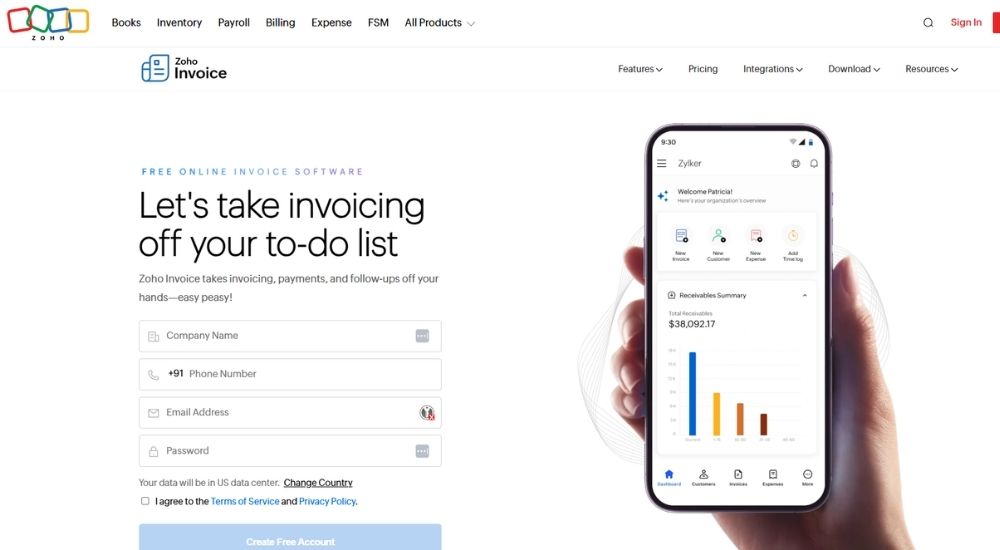
Zoho Invoice is a completely free invoicing and billing platform from Zoho, designed for small businesses, consultancies, and professional services firms. It combines project-based time tracking, client invoicing, expense management, and automated payment reminders in one workspace. As time tracking and billing software for accountants working with domestic clients, its permanently free pricing and professional output make it a genuinely compelling option. No paid plan exists.
Quick Facts
- Cost: Free forever. No paid tiers. No credit card required.
- Ratings: 4.7/5 (based on G2)
- Who’s For: Independent accountants and small accounting firms wanting a free, professional billing platform with built-in time tracking and project management
- Best At: Client invoicing, automated payment reminders, project-based time tracking, and expense management at zero cost
Key Features of Zoho Invoice
- Logs billable hours against projects and converts tracked time directly into client invoices with a single click
- Creates customized, tax-compliant invoices using branded templates and sends them via email or as a PDF
- Automates recurring invoices and payment reminders to reduce manual follow-up on outstanding balances
- Tracks expenses by category, captures receipts from mobile, and converts billable expenses into invoices
- Provides a self-service client portal where customers can view invoices, approve quotes, and make payments directly
Pros & Cons of Zoho Invoice
Zoho Invoice makes the strongest argument on this list for independent accountants and lean practices that want professional billing without a monthly subscription eating into their margins.
- Completely free with no usage limits
- Time tracking converts directly to client invoices
- Automated recurring invoices and payment reminders
- Client portal included at no cost
- 30-plus built-in reports on receivables and billing activity
- Multi-currency billing has been removed and pushed to the paid Zoho Billing product
- No direct QuickBooks or Xero integration
- Template customization options are limited
The combination of zero cost and a clean invoicing workflow is what keeps practices coming back to Zoho Invoice once they have set it up. For accountants evaluating time tracking and billing software for accountants on a tight budget, the fact that recurring invoices, payment reminders, and time-to-invoice conversion are all included without paying anything tends to settle the decision quickly.
Creating and sending invoices is straightforward from the first day. Recurring invoices run automatically, the AR balance stays accurate without manual input, and the overall setup took minutes rather than hours. For a firm that does not need complexity, it handles the billing process without getting in the way.
Long-term users of the platform point to consistency as the quality that keeps them from switching, even when newer tools come to market. For any accountant considering time tracking and billing software for accountants that simply needs to work reliably every month without adding cost, that track record carries real weight.
The documents look professional, whether you are on the free version or not, and that has never changed across five years of use. It does exactly what it is meant to do, and there has never been a reason to look elsewhere.
How to Select the Best Time Tracking & Billing Software
The decision comes down to one honest question: Do you need a standalone tool that tracks time and sends invoices, or do you need time tracking and billing built directly into how your firm operates day to day? Those are two different things, and most firms that end up switching platforms did so because they confused them the first time around.
Once you know which camp you are in, narrow your shortlist using these filters:
Billing Model Support
Hourly, fixed fee, retainer, or a mix. Not every platform handles all three cleanly. Confirm this before anything else.
Integration Depth
A native two-way sync with QuickBooks or Xero is meaningfully different from a one-way export. Verify exactly how the data flows before committing.
Team Size Fit
Capacity planning, timesheet approvals, and team-level reporting only matter at a certain scale. Do not pay for features your firm does not need yet.
True Cost Per User
Entry pricing across this category is rarely what a growing firm ends up paying. Check what tier unlocks the features you actually need and price from there.
Accounting firms that are already running their workflows inside a practice management platform will get far more value from time tracking and billing that lives in the same system. Firms that bill simply and want something up and running fast are better served by a lighter, lower-cost tool.
Either way, the right platform will feel obvious within a week of using it with real work. The wrong one will feel like something your team works around rather than with. Shortlist two or three, run the trials, and let daily use make the decision.
Conclusion
There is no single platform that works best for every accounting firm. A sole practitioner has completely different needs from a growing CPA firm juggling multiple service lines and a team of ten. What matters is finding time tracking and billing software for accountants that removes friction from your workflow rather than adding to it.
The nine platforms in this guide cover a wide range of approaches, from free invoicing tools to purpose-built practice management systems with billing embedded at every step. What they all share is this: any one of them, properly adopted, will give your firm better visibility into profitability, tighter control over budgets, and faster payment collection than disconnected tools ever could.
Take the shortlist, run the trials, and choose the time tracking and billing software for accountants your team will actually open every morning.