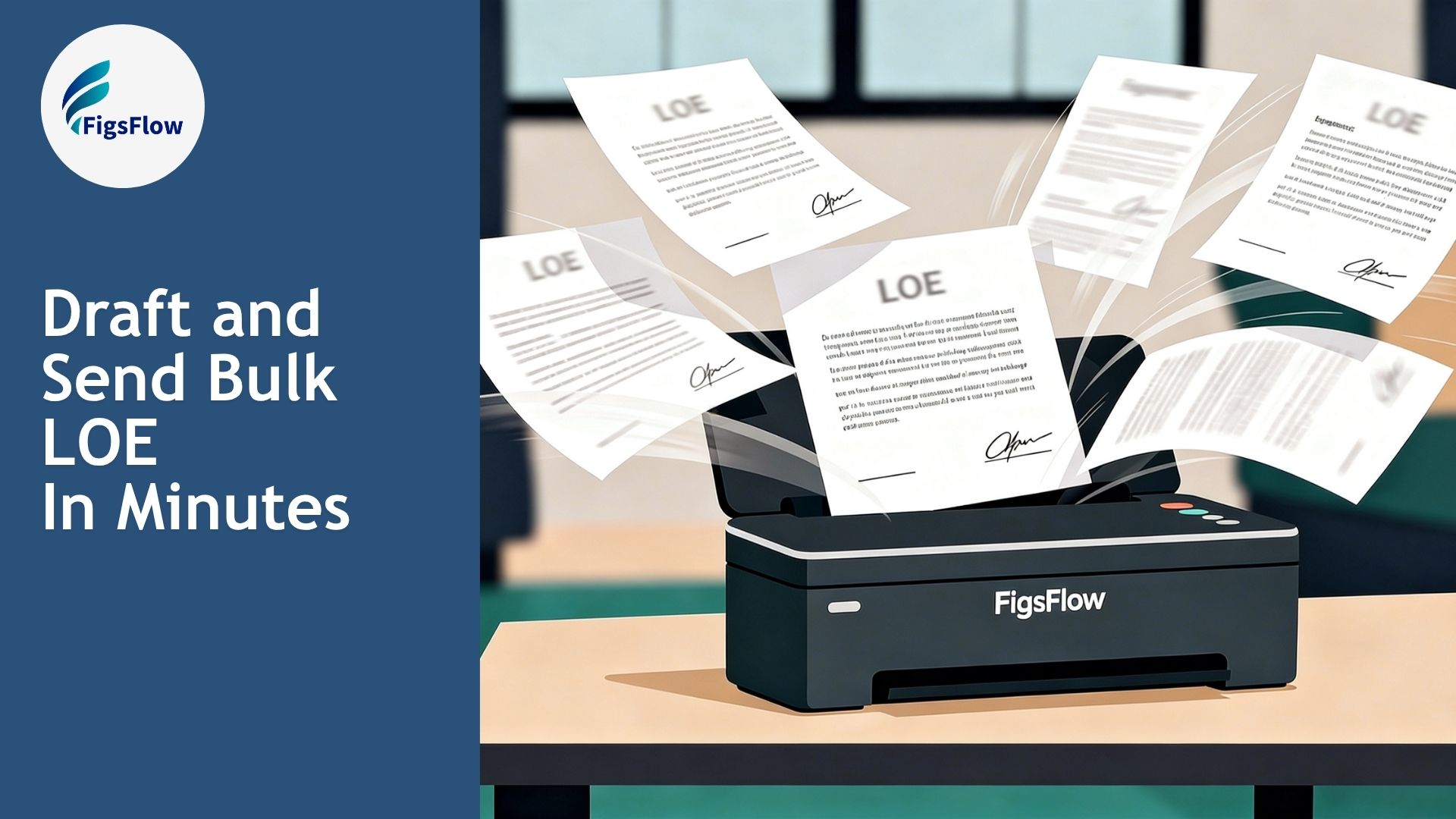

Bulk LOE is now live in FigsFlow.
If you work with a large client base, you have probably spent more time than you should sending the same engagement letter, one client at a time. Bulk LOE changes that.
Here is what it does and when to use it.
The Problem With One LOE at a Time
For most engagements, drafting one at a time makes sense. Fees differ, scope differs, and each letter needs to reflect that.
But some services are nearly identical across clients. A CGT return on a straightforward residential property disposal. Self-assessment for landlords with two or three rental properties. A dormant company accounts filing for a batch of inactive entities. Same scope, same terms, same fee. Only the name changes.
Yet you still draft each one separately.
How Bulk LOE Changes That
Bulk LOE removes that repetition.
You select the clients, choose the service, and FigsFlow generates a separately addressed engagement letter for each one in a single workflow. One review, one send, and every client gets engaged.
The terms and content apply across the whole batch. Each letter is still addressed personally to its recipient.
How to Send Engagement Letters in Bulk
Select the clients who share the same engagement and click Generate Bulk LOE. Then, add the service and any associated services applicable to the batch, and proceed to preview.
That is it. The same LOE goes to every client in the batch, with no limit on how many you include. Each letter is addressed personally to its recipient.
When to Use Bulk LOE
Bulk LOE works when the engagement is effectively the same across a group of clients. Same service, same scope, same terms, same fee. The only variable is who the letter is addressed to.
Typical scenarios include:
- Re-engaging an existing client cohort at the start of a new tax year
- Onboarding a group of clients on the same service
- Filing the same return for multiple clients under identical conditions
If any client in the batch has a different fee, different scope, or different terms, the standard individual LOE workflow applies.
What Happens After You Send Bulk LOE
Each client receives their own individually addressed letter of engagement and an e-signature request. The reminder schedule you set runs automatically, chasing each client until they sign.
You track every letter in the batch from one screen. Who has signed, who has not, and when the last reminder went out.
Conclusion
Bulk LOE is built for the engagements that should never have taken this long in the first place. Same service, same terms, same fee across a group of clients. Now it takes one workflow instead of ten.
It is available in FigsFlow today at no additional cost.