
Engagement Letter Templates
Month-End Close Workflow (Auto-Send Client Request) Engagement Letter Template
Streamline your month-end close process with a smart, editable engagement letter template that includes auto-send client requests, designed for accountants.
- Aligned with ECTEA 2023
- Editable Word format
- Built for ACSP compliance
Template Content Overview
Last updated: July 2025
Month-End Close Workflow (Auto-Send Client Request)
Purpose:
To standardize and simplify your firm’s month-end close process, ensuring all client data is collected efficiently through automated requests and the books are closed accurately and on time.
1️⃣ Automate Client Data Requests
☐ Set up automated tasks to request month-end documents (bank, credit card, loan statements) from clients.
☐ Confirm all required statements and documents have been received.
☐ Send reminders automatically if documents are not received on time.
2️⃣ Core Bookkeeping & Data Entry
☐ Ensure all weekly bookkeeping is complete and posted.
☐ Record any final supplier bills or customer invoices for the month.
☐ Match payments and receipts to related invoices.
3️⃣ Reconcile Accounts
☐ Reconcile all bank, credit card, and loan accounts to statements.
☐ Investigate and clear any unreconciled transactions.
☐ Confirm balances match the statements received.
4️⃣ Month-End Adjustments
☐ Post any required adjusting entries (e.g., depreciation, accruals, prepayments).
☐ Check for consistency with prior months and budgets.
☐ Review financials for errors or unusual balances.
5️⃣ Review & Close
☐ Prepare draft financial reports (P&L, Balance Sheet, Aged Payables/Receivables).
☐ Conduct a final internal review and resolve any issues.
☐ Close the books for the month in your accounting system.
☐ Send finalized reports to the client along with a summary of key points.
6️⃣ Follow Up & Plan Ahead
☐ Note any items to follow up with the client in the next cycle.
☐ Schedule the next month’s auto-send request tasks.
☐ Mark the job as complete in your practice management system.
Key Features
Everything This Template Covers
Designed to help businesses efficiently manage month-end close
- Automates client request submissions for faster data collection
- Ensures timely and accurate financial reporting
- Defines roles and responsibilities for both clients and accounting teams
- Fully customisable to fit your business's accounting needs and workflow
- Easy to implement, helping you stay organised and meet reporting deadlines
Created for Regulated Practice
Created for Month-End Close Workflow
This template is designed to automate client data requests during the month-end close process, trusted by accountants and financial teams to ensure a smoother, more efficient workflow.
- ACCA
- CIOT
- CIMA
- ICAEW
- ATT
- AAT
- & Many More
Quick Answers
FAQs to Keep You Moving
Got questions? We’ve got answers.
Explore our FAQs to learn how FigsFlow simplifies your workflows and boosts efficiency.
What is this template for?
This template streamlines the month-end close process by automating client request submissions and ensuring timely, accurate financial reporting.
Who can use this template?
This template is ideal for accountants, financial teams, and businesses managing month-end close tasks with client data collection.
Can I customise the template?
Yes, it’s fully customisable to suit the unique needs of your business and accounting workflow
How quickly can I implement this template?
The template is quick to set up and integrates seamlessly with your existing month-end close and client data request processes.
Frequently Used by Teams Like Yours
Top Templates Chosen by Experts
These top-performing templates are trusted by users – refined, reliable, and ready to use.
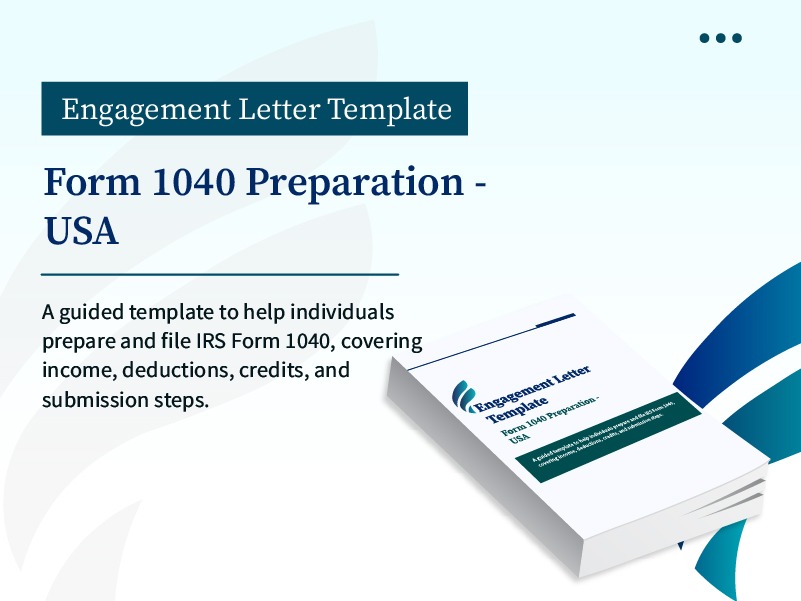
Form 1040 Preparation
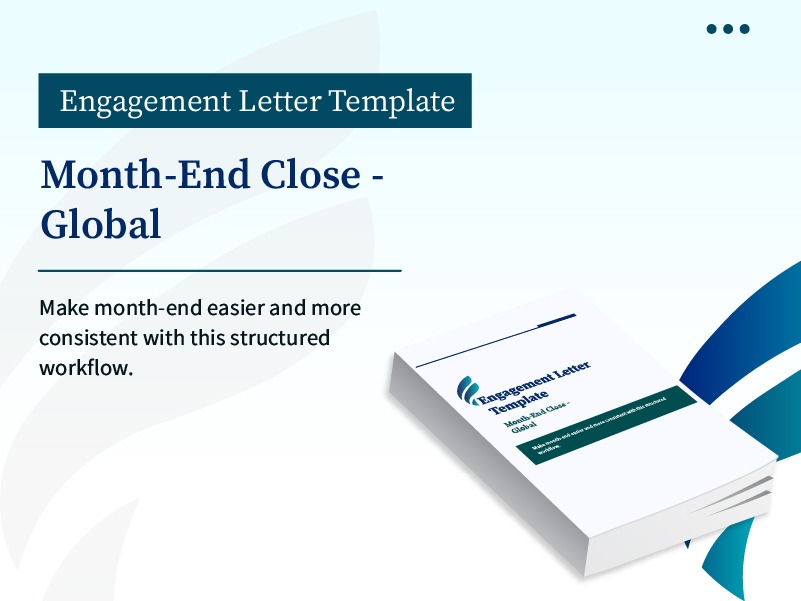
Month End Close Global Engagement Letter Template
![[Core] Month-End Close (Client Information Available)](https://figsflow.com/wp-content/uploads/2025/09/17.jpg)
[Core] Month-End Close (Client Information Available) Engagement Letter Template
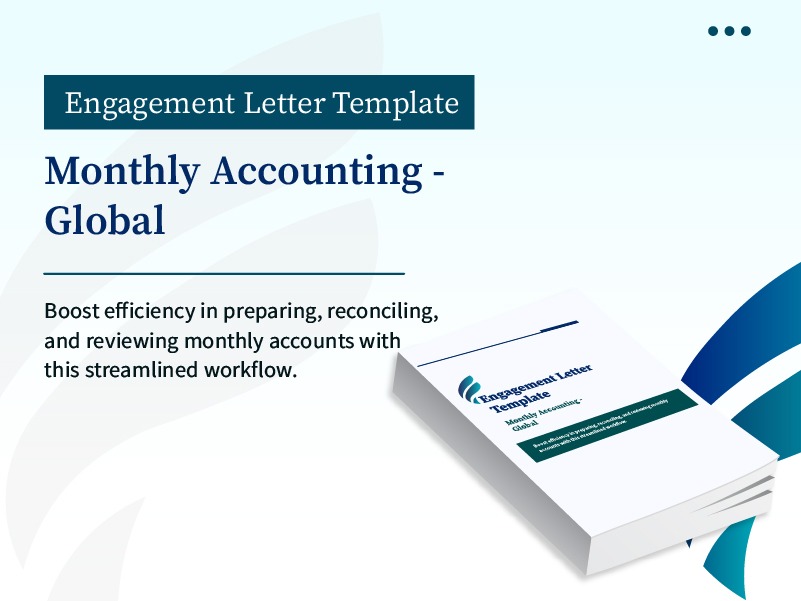
Monthly Accounting- Global Engagement Letter Template
R&D Tax Credit Calculation & Forms Engagement Letter Template
SOC 2 Compliance-Logical Access & Network Security Workflow Engagement Letter Template
Simply Streamline Month-End Close with Auto-Send Client Requests
Streamline month-end close with an editable template designed for accurate reporting and auto-sending client requests for timely information.
![[Core] Month-End Close (Auto-Send Client Requests)](https://figsflow.com/wp-content/uploads/2025/09/14.jpg)