
The best CRM software for accountants are HubSpot, FibreCRM, Workbooks, Capsule CRM, Pixie, Accelo, Insightly, Senta, and Sage CRM. These platforms handle everything from chasing client documents and managing relationships to tracking pipelines, automating onboarding, and keeping compliance obligations in check. Honestly, you could go with any of them and not regret it.
But the one that is genuinely right for your firm is a different question. It comes down to how your practice operates, what your compliance obligations look like, and how quickly your team can realistically get up and running.
That is exactly what this guide is for. Nine platforms reviewed in full, covering pricing, features, and real user experience, so you can stop researching and start deciding.
CRM Software for Accountants (At a Glance)
The table below gives you a quick snapshot of the best CRM software for accountants before diving into the full breakdowns. Each tool has been assessed across four criteria:
- Accounting and compliance fit
- Client and pipeline management
- Integrations and ease of use
- Value for money
Use it to narrow down your shortlist before reading the detailed overviews below.
| CRM Software for Accountants | Best For | Pricing | Overall Score |
|---|---|---|---|
| FibreCRM | UK accounting firms needing compliance-first onboarding | From £38.50/user/mo; enterprise on request | 25 |
| Workbooks | UK practices wanting purpose-configured CRM with AI tools | From £30/user/mo; 30-day free trial | 24 |
| HubSpot CRM | Firms seeking a scalable CRM with broad automation | Free plan; Professional from £40/seat/mo | 23 |
| Capsule CRM | Small to mid-sized firms wanting a clean, intuitive CRM | Free plan; Starter from $18/user/mo | 22 |
| Pixie | Small UK practices wanting an affordable, purpose-built tool | From £49/mo flat fee; unlimited users | 21 |
| Accelo | Firms managing complex client lifecycles end-to-end | Custom pricing on request | 20 |
| Insightly CRM | Firms wanting combined CRM and project delivery in one platform | From $29/user/mo | 19 |
| Senta | Small UK practices wanting focused workflow and client tools | From £23.20/user/mo (annual) | 18 |
| Sage CRM | Firms already embedded in the Sage product ecosystem | Cloud from $39/user/mo | 16 |
CRM Software for Accountants (Detailed Overview)
Now that you have the at-a-glance table to guide your shortlist, use the following section to make your final decision. Each CRM software for accountants reviewed below goes deeper into pricing, features, and real user experience, so you can move forward with confidence.
FibreCRM
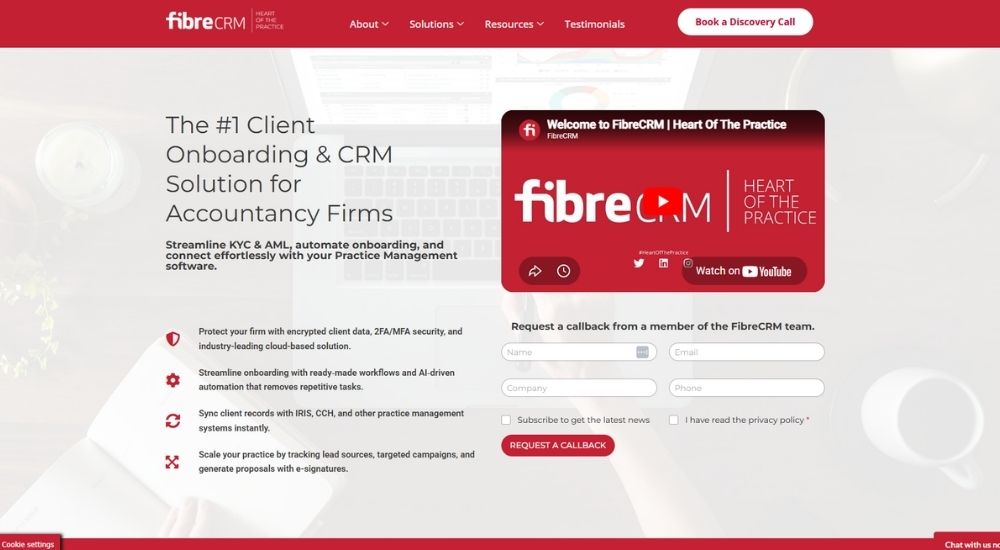
While most CRMs on this list serve accounting firms among many other industries, FibreCRM was designed entirely around how accountancy practices operate. From KYC and AML checks to engagement letter generation and practice management synchronisation, it functions as a dedicated CRM software for accountants that addresses the compliance and client lifecycle demands unique to the profession, and is trusted by Top 100 firms across the UK.
Quick Facts
- Best For: UK accounting firms wanting a purpose-built CRM with compliance and onboarding workflows
- Pricing: Practice CRM from £38.50/user/month (billed annually, based on 100-user installation); Enterprise pricing on request
- Ratings: Not available on G2
- Best At: End-to-end client onboarding, including KYC, AML, engagement letters, and practice management sync
Key Features of FibreCRM
- Manage the complete client onboarding journey as a CRM software for accountants, from initial proposal and electronically signed engagement letters through to KYC risk assessment and partner sign-off
- Synchronise client records automatically with IRIS and CCH practice management systems, eliminating manual rekeying of data across platforms
- Integrate AML checks directly via Creditsafe and SmartSearch, with prebuilt risk assessment forms and approval workflows built into the onboarding process
- Track business development pipeline using a Doer Seller methodology, with keep in touch strategies, upsell reporting, and referrer management across the firm
- Connect with Xero, QuickBooks, Campaign Monitor, Mailchimp, and HubSpot to join up financial, marketing, and CRM data in one unified platform
Pros & Cons of FibreCRM
There are few CRM platforms anywhere that understand the regulatory and operational realities of running an accountancy practice as thoroughly as FibreCRM does.
- Built exclusively for accounting and CPA firms
- Native integration with IRIS, CCH, Xero, and QuickBooks
- Full AML and KYC compliance workflows built in
- Preconfigured onboarding system included as standard
- AI-enhanced automations, including email archiving and meeting transcripts
- No publicly available G2 or independent review data
- Pricing based on a 100-user minimum installation model, which may not suit very small practices
- Enterprise features and custom integrations require separate scoping and pricing
Firms that have embedded FibreCRM into their operations describe a meaningful shift in how confident they feel about compliance and client management.
Now I actually have a system that flags things for me, does the heavy lifting, and handles the work automatically. I can tick every box I need to and sleep at night knowing that our onboarding experience, for the team, the clients, and for regulatory purposes, has genuinely been solved.
Partners and directors at larger practices point to the platform’s collaborative development model as a differentiator that sets it apart from off-the-shelf alternatives.
Working with the team was a genuinely collaborative experience from day one. It was never just a case of being handed a product. We had a dedicated team focused on our needs, and the platform has continued to develop in line with how we work.
For UK accounting practices that want a CRM software for accountants built specifically around their compliance obligations, onboarding processes, and business development goals, FibreCRM sits in a category of its own.
Workbooks
Workbooks was built with accounting firms in mind. Headquartered in Reading and ISO 27001 certified, it offers a dedicated CRM software for accountants that goes well beyond contact management, covering client onboarding, KYC checks, engagement letter generation, pipeline tracking, and direct integration with the accounting software UK practices already use.
Quick Facts
- Best For: UK accounting and professional services firms wanting a purpose-configured CRM
- Pricing: 30-day free trial; CRM from £30/user/month; Business from £64/user/month (billed annually)
- Ratings: 4.2/5 (based on G2 573 reviews)
- Best At: Accounting-specific workflows, including onboarding, KYC, and pipeline reporting
Key Features of Workbooks
- Manage the complete business development pipeline as a CRM software for accountants, with pre-configured records for tracking opportunities, services, pricing, and gross margin in one place
- Automate client onboarding workflows, including engagement letter generation, KYC due diligence checks, and stage-assigned responsibilities
- Synchronise invoice data and connect directly with Xero, QuickBooks, FreshBooks, and practice management software to eliminate data silos
- Build customisable dashboards and reports that give partners and managers real-time visibility into the pipeline, forecasts, and client profitability
- Access AI agents, including Scribe for automatic meeting transcription, Sales Coach for next-step recommendations, and Research for prospect intelligence
Pros & Cons of Workbooks
Rated the number one CRM for midsize businesses by TechRadar Pro in 2025, Workbooks occupies a distinctive position in this list as a platform built specifically to serve the kind of relationship and compliance workflows that accounting firms deal with every day.
- Dedicated accounting CRM with built-in onboarding and KYC workflows
- UK-based support team with same-day or next-day response
- Integrates directly with Xero, QuickBooks, and FreshBooks
- Highly customisable dashboards, records, and reporting
- ISO 27001 certified with strong data security standards
- Steeper learning curve if processes are not clearly defined before setup
- Interface can feel less modern compared to newer CRM platforms
- Pricing rises meaningfully when adding extensions and modules
Users who have come to Workbooks after trying other platforms tend to describe a meaningful shift in how their operations feel day to day.
After going through a few CRMs that looked great on paper but fell apart in practice, this one was the first where everything genuinely connected. The CRM, projects, and business automation all live together, and being able to track a client from the first contact right through to the final payment without jumping between tools has made a real difference to how productive we feel.
The UK-based support team is a recurring theme in positive feedback, and for accounting firms where responsiveness matters, it comes up consistently.
What stands out is the support team. Whether it's a quick call or an email, you always get a response the same day or the next morning at the latest. The training is thorough, and the online resources mean the learning doesn't just stop after the initial sessions are done.
For UK accounting practices looking for a CRM software for accountants that understands the compliance, onboarding, and business development realities of the profession, Workbooks makes a compelling and distinctly relevant case.
HubSpot CRM
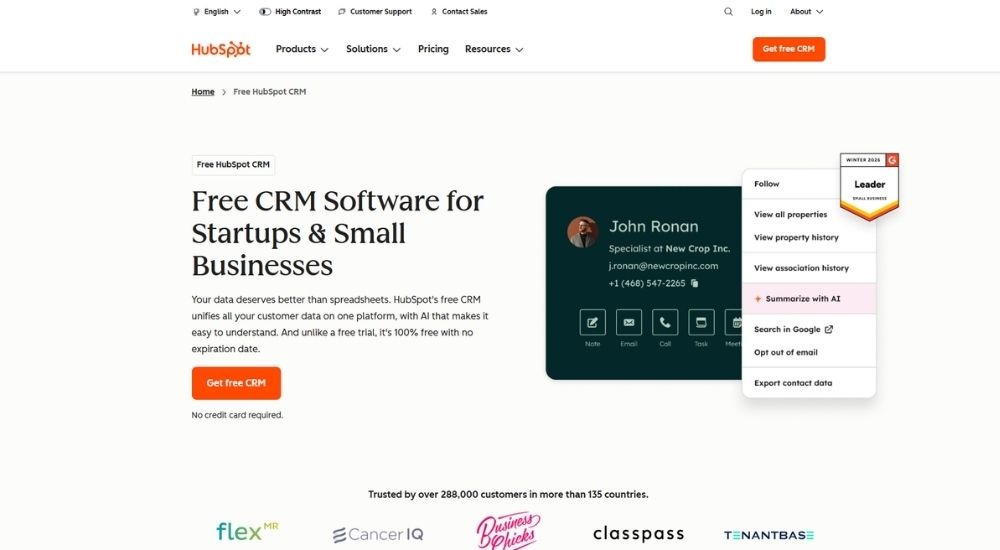
HubSpot is one of the most recognised names in customer relationship management globally, trusted by over 288,000 businesses across more than 135 countries. For accounting firms in search of CRM software for accountants that scales alongside them, HubSpot delivers an impressive blend of contact management, pipeline tools, AI assistance, and workflow automation, all accessible from a permanent free plan.
Quick Facts
- Best For: Accounting firms seeking a scalable, feature-rich CRM
- Pricing: Free plan available; Professional from £40/mo per seat; Enterprise from £70/mo per seat
- Ratings: 4.4/5 (based on G2 35,000+ reviews)
- Best At: AI-assisted client management and pipeline automation
Key Features of HubSpot CRM
- Build a centralised CRM software for accountants workflow by unifying client records, contact history, and logged activity in a single platform
- Track client opportunities through customisable pipeline stages with deal management and revenue forecasting
- Automate routine follow-up communications using AI-powered email templates and workflow triggers
- Connect to over 2,000 business applications via the HubSpot Marketplace, including popular accounting and productivity tools
- Surface client insights and prepare for client meetings using the built-in Breeze AI Assistant
Pros & Cons of HubSpot CRM
With broad appeal and a genuinely useful entry point, HubSpot gives accounting practices a lot to work with straight out of the box.
- Permanent free plan with no expiry date
- Scales seamlessly from free through to enterprise tier
- 2,000+ integrations, including popular accounting applications
- Breeze AI Assistant supports client research and meeting preparation
- Robust reporting dashboards available across all plans
- Not purpose-built for accounting practice workflows
- Significant cost increase when moving to the Professional tier
- Advanced customisation and team features reserved for higher-tier plans
Verified users across a wide range of business types speak positively about what HubSpot delivers as a CRM software for accountants in practice.
The automation and scheduling features have taken a huge amount of manual effort off my plate. The structure it gives our outreach is clear, and honestly, it holds up really well against other platforms we have tried, both on usability and value.
Those who work across the full suite point to the flexibility of the workflow builder as a particular strength.
Building workflows from scratch or using templates is genuinely straightforward. We have been able to scale quickly, and customising deals, contacts, and dashboards to match how we actually work was never complicated.
For UK practices approaching the search for CRM software for accountants with scalability in mind, HubSpot offers a rare combination of breadth, accessibility, and room to grow.
Capsule CRM
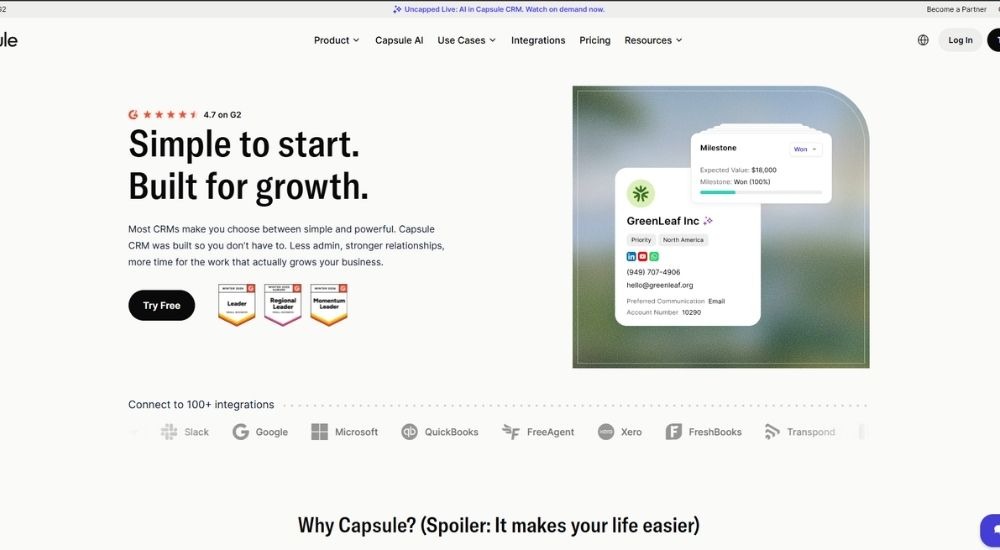
Where most CRMs demand either simplicity or depth, Capsule CRM makes a strong case for both. Registered in England and built with small and growing businesses in mind, it gives accounting firms a clean, fast, and genuinely practical CRM software for accountants that connects natively with Xero, QuickBooks, Sage, and FreeAgent without the complexity that often comes with more enterprise-level platforms.
Quick Facts
- Best For: Small to mid-sized accounting firms seeking a clean, easy-to-use CRM
- Pricing: Free plan available (up to 2 users); Starter from $18/user/month; Growth from $36/user/month; Advanced from $54/user/month (billed annually)
- Ratings: 4.7/5 (based on G2 477 reviews)
- Best At: Intuitive contact and pipeline management for growing firms
Key Features of Capsule CRM
- Manage the complete client relationship as a CRM software for accountants, with full contact history, activity logs, and communication all visible in one place
- Track leads and opportunities through drag-and-drop pipeline boards with clear stage visibility and sales forecasting
- Automate routine workflows, including task creation, email notifications, and pipeline stage changes, to reduce manual admin
- Integrate directly with Xero, QuickBooks, Sage, FreeAgent, Gmail, and Outlook to keep financial and communication data connected
- Use AI Summaries to instantly pull together recent client activity before calls or meetings, without manually reviewing notes
Pros & Cons of Capsule CRM
Few platforms at this price point manage to feel this polished from day one, which is a large part of why Capsule CRM has built such a loyal following among smaller service businesses.
- Free plan available with no time limit
- Native integrations with Xero, QuickBooks, and Sage
- Exceptionally fast and intuitive to set up
- AI Summaries support quick client meeting preparation
- Highly rated customer support team
- Advanced automation rules are limited on lower-tier plans
- Reporting depth may not suit larger or more complex firms
- Some direct integrations require third-party tools such as Zapier
Small business users who have switched to Capsule from more bloated alternatives tend to reflect on the decision positively.
We tested quite a few systems before landing here. Most were either too bare-bones or completely overwhelming. This one found the right balance. The interface is clean, the global search is brilliant, the pipeline tools give us real visibility, and getting new people up to speed has never been an issue.
Teams using Capsule as their CRM software for accountants day to day often highlight just how much time the task and reminder system saves across the week.
What really makes the difference for us is being able to log leads, track progress, and update outcomes without it feeling like extra work. The managers use it for reporting, and the rest of us use it every single day. It replaced spreadsheets and sticky notes overnight.
For UK accounting practices that want something clean, capable, and genuinely easy to live with, Capsule CRM delivers a level of day-to-day usability that few tools at this price can match.
Pixie
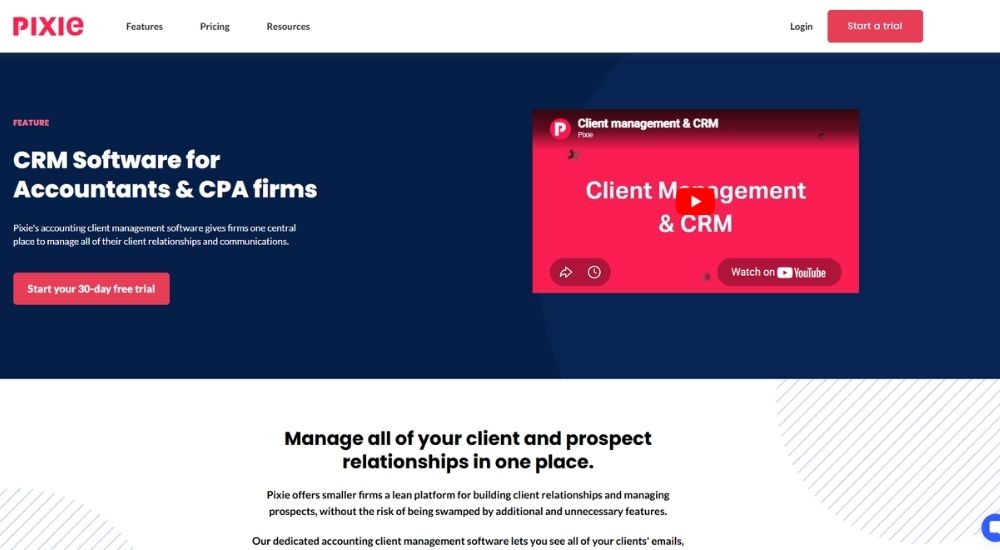
Smaller accounting firms often find themselves paying for CRM features they will never use. Pixie takes a different view. Registered in London and built exclusively for accounting and bookkeeping practices, it offers a clean, focused platform that covers client records, task management, workflow automation, and document handling in a single place. For firms looking for a practical CRM software for accountants without the overhead of enterprise complexity, Pixie is worth a close look.
Quick Facts
- Best For: Small to mid-sized UK accounting and bookkeeping firms
- Pricing: From £49/month for up to 50 clients; £99/month for 51 to 250 clients; £149/month for 251 to 500 clients. Unlimited users on all plans
- Ratings: 4.6/5 (based on G2 12 reviews)
- Best At: Lean, practical client and workflow management for smaller accountancy practices
Key Features of Pixie
- Centralise client records as a CRM software for accountants with a unified view of emails, files, tasks, deadlines, and custom fields, all held in one place per client
- Integrate directly with Companies House to import client data, including contact details and key statutory dates, without manual entry
- Automate recurring compliance jobs with workflow templates, auto reminders, and bulk actions that allow tasks and emails to be triggered across multiple clients simultaneously
- Manage document signing and secure file sharing from within the platform, with GDPR compliant storage and no need for a separate client portal
- Build and embed standard operating procedures directly into task templates, making staff training and process consistency straightforward across the firm
Pros & Cons of Pixie
What Pixie lacks in enterprise scale, it more than compensates for in clarity and focus, offering accounting practices a refreshingly uncluttered approach to day-to-day client management.
- Flat fee per client tier with unlimited team members
- Built exclusively for accounting and bookkeeping firms
- Companies House integration included as standard
- Flexible custom fields adaptable to any firm's requirements
- Straightforward setup with starter workflow templates included
- Reporting depth is limited and may require workarounds for more complex needs
- Support is ticket-based with no real-time assistance option
- Platform updates have occasionally introduced disruption to existing functionality
Firms that have found the right fit with Pixie tend to describe the experience in straightforward, practical terms.
We log into Pixie every morning rather than Outlook now. The email integration works well, the workflow flexibility is there when we need it, and the daily reminders for outstanding tasks mean nothing gets missed. It has genuinely made the way we manage client communication much smoother.
Smaller lean practices in particular highlight how well the platform fits their model without forcing them to work around features designed for much larger teams.
For a firm like ours that is not managing thousands of clients, having bespoke tasks and a strong focus on advisory delivery is exactly what we need. Compliance jobs repeat automatically, the team stays accountable, and there is a lot still coming on the product roadmap.
For UK accounting practices searching for a CRM software for accountants that is practical, well-priced, and purpose-built for the profession without unnecessary complexity, Pixie offers a compelling and focused option.
Accelo
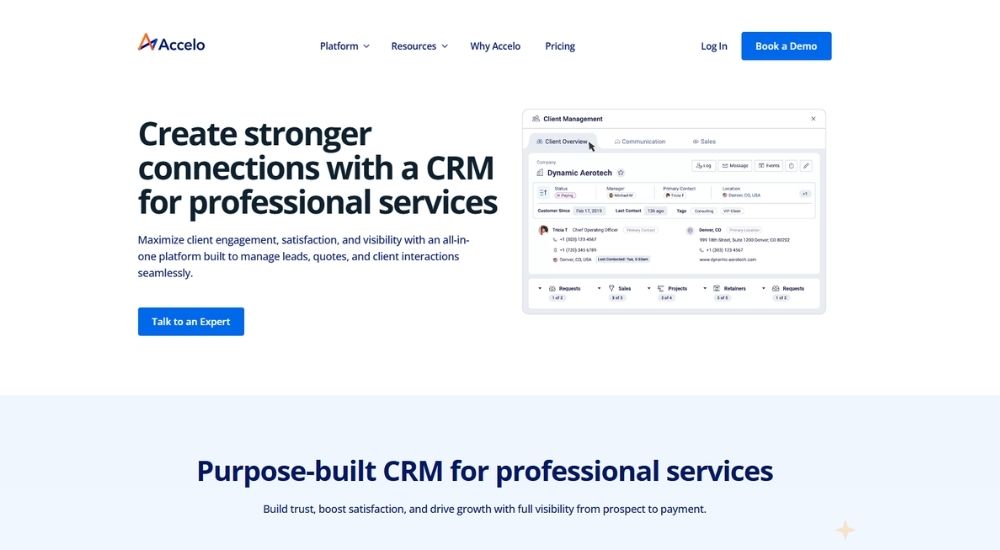
Built from the ground up for professional services firms, Accelo takes a different approach to CRM software for accountants by connecting every stage of the client lifecycle in a single platform, from the initial lead through to invoicing and payment. Accounting firms that need visibility across client relationships, project delivery, and financial performance will find Accelo covers considerably more ground than a traditional contact management tool.
Quick Facts
- Best For: Accounting firms managing complex client lifecycles
- Pricing: Custom pricing on request across Professional, Business, and Advanced plans
- Ratings: 4.4/5 (based on G2 556 reviews)
- Best At: End-to-end quote-to-cash client and project management
Key Features of Accelo
- Manage the full client journey as a CRM software for accountants, covering leads, quotes, projects, retainers, and billing in one unified system
- Gain a 360-degree view of each client relationship, including invoiced work, overdue balances, and profitability across engagements
- Sync Gmail or Outlook to centralise all client communications and maintain a complete, searchable activity stream
- Automate workflow handoffs between sales, delivery, and billing teams to reduce manual coordination and speed up project onboarding
- Connect with Xero, QuickBooks, and other accounting tools to keep financial data consistent across your practice
Pros & Cons of Accelo
Accelo rewards firms that are prepared to invest time in setup, offering a level of operational depth that simpler CRMs rarely match.
- Covers the full quote-to-cash client lifecycle
- Native integrations with Xero and QuickBooks
- Centralises client communications, tasks, and billing
- Strong reporting and financial visibility across projects
- Highly configurable to match firm-specific workflows
- Steep learning curve, particularly during initial setup
- Pricing is not transparent without contacting sales
- Less suited to smaller practices with simpler needs
Accounting and professional services users who have embedded Accelo into their day-to-day operations tend to speak highly of what it brings together in one place.
Keeping clients, projects, and tasks all organised in one system has made a real difference to how our team works together. Being able to delegate, log time, and get a proper view of the whole operation, including how Xero handles the financial side, means we are not constantly chasing updates.
Firms that have gone through the initial onboarding period consistently point to the breadth of the platform as its defining strength for managing CRM software for accountants alongside wider practice operations.
Having our CRM, help desk, project management, and billing all sitting in the same tool has been excellent for scaling. The timesheet audit features are particularly useful, and being able to track every client interaction through to billing makes the whole process much cleaner.
For accounting practices that have outgrown standalone contact tools and need a system that connects client relationships to actual profitability, Accelo makes a compelling case.
Inisghtly CRM
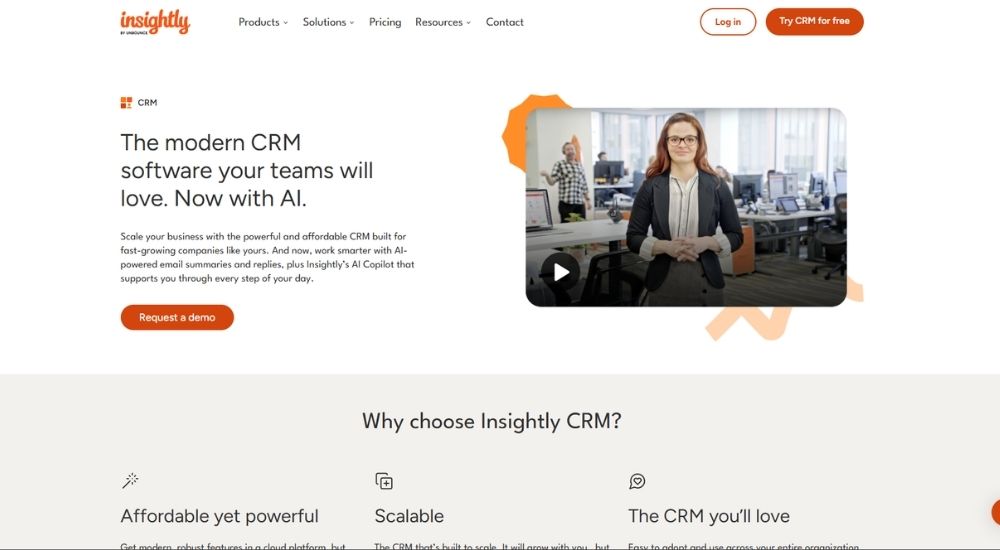
Insightly takes the position that a CRM should do more than store contacts — it should carry the client relationship all the way from initial lead through to project delivery. For accounting firms that want a single platform to handle pipeline management, task coordination, and post-engagement work without switching between tools, Insightly offers a genuinely unified approach to CRM software for accountants that scales without demanding enterprise-level investment.
Quick Facts
- Best For: Accounting firms wanting combined CRM and project management in one platform
- Pricing: Plus from $29/user/month; Professional from $49/user/month; Enterprise from $99/user/month (billed annually)
- Ratings: 4.2/5 (based on G2 932 reviews)
- Best At: Connecting sales pipeline management with post-sale project delivery
Key Features of Insightly CRM
- Track the full client journey as a CRM software for accountants, converting won opportunities directly into projects with all associated records, tasks, and communication carried across
- Manage leads, contacts, and opportunities through customisable pipelines with real-time visibility into deal progress and risk
- Automate workflows, including email triggers, task creation, record updates, and onboarding stages, to reduce manual administration
- Connect with QuickBooks, Xero, Sage, NetSuite, Google Workspace, and Outlook via AppConnect, with over 500 app integrations available
- Access AI-powered Copilot for conversational record lookup, email drafting, and smart summaries of past client interactions
Pros & Cons of Insightly CRM
Insightly sits in an interesting space — ambitious enough to bridge CRM and project delivery, yet priced well below the enterprise platforms it often competes with.
- Combines CRM and project management in a single platform
- Integrates with QuickBooks, Xero, Sage, and NetSuite
- Highly customisable fields, dashboards, reports, and page layouts
- AI Copilot available on Professional and Enterprise plans
- SOC 2 Type II certified with GDPR compliance
- Steeper initial learning curve than simpler CRM tools
- Advanced automation and reporting locked behind higher-tier plans
- Support responsiveness has drawn mixed feedback from some users
Teams that take the time to configure Insightly to their workflows tend to be among its most enthusiastic advocates.
What genuinely sold us was being able to track a client from the very first lead right through to delivery, all in one place. The interface is clean, the email and calendar integration works well, and we haven't felt the need to bolt on another tool to manage the work that comes after a deal is won.
Users who have gone through onboarding with the help of an Insightly representative describe a noticeably faster path to comfort with the platform.
There is a lot of customisation available, which did feel a bit overwhelming at first. Once a rep came in and walked us through it, though, we were up and running within the week. By that point, I was already more at ease than I had been with the CRM we used before.
For accounting firms that want their CRM software for accountants to extend beyond contact management into client delivery and project oversight, Insightly makes a well-rounded case at a competitive price point.
Senta
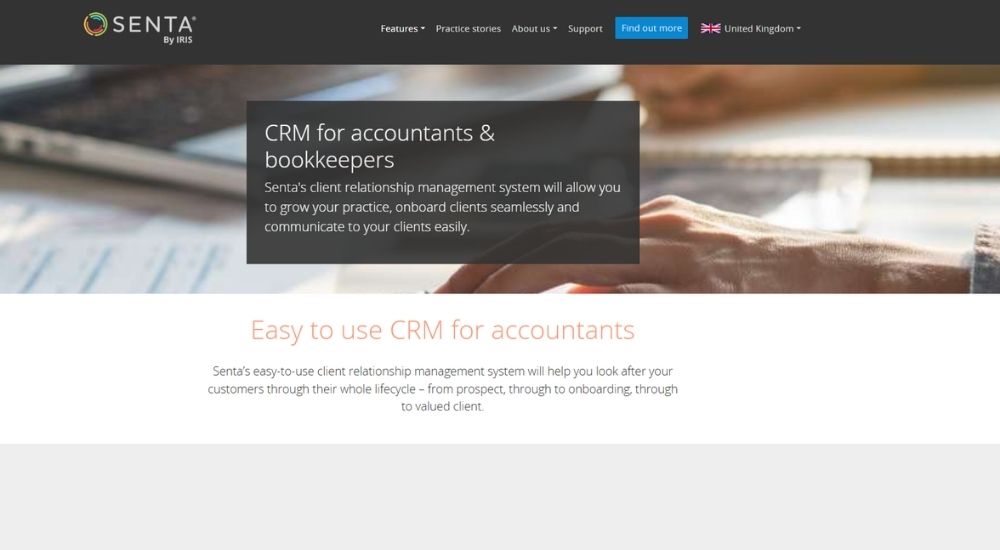
Senta was built with one audience in mind: accountants and bookkeepers who want a clean, cloud-based platform that handles client relationships, workflow, communications, and compliance without the overhead of a full enterprise system. For smaller UK practices looking for a focused CRM software for accountants that connects naturally with the tools they already use, Senta offers a practical and well-considered starting point.
Quick Facts
- Best For: Small UK accounting and bookkeeping practices
- Pricing: From £29/user/month (monthly); from £23.20/user/month (annual, billed in advance). Client access is included free
- Ratings: 3.8/5 (based on G2 4 reviews)
- Best At: Cloud-based CRM and workflow automation for lean accountancy practices
Key Features of Senta
- Manage the full client lifecycle as a CRM software for accountants, with a complete history of communications, forms, tasks, and deadlines visible in one centralised record
- Integrate directly with Companies House to automatically pull in client information, including compliance dates, eliminating manual data entry at onboarding
- Connect with Xero, QuickBooks, FreeAgent, and GoProposal, with thousands of additional app connections available via Zapier
- Automate client communications using scheduled email and SMS templates with personalised placeholders, including automated chasing for information and sign-off
- Provide clients with a built-in secure document portal and unlimited eSigning, removing the need for a separate document management system
Pros & Cons of Senta
Senta occupies a distinctive space in this list: a genuinely affordable, no-extras pricing model that gives practices everything from workflow to communications without charging per module or per client.
- Simple per-user pricing with no hidden module charges
- Client access and support included at no additional cost
- Built-in secure document portal and unlimited eSigning
- Companies House integration included as standard
- Pre-loaded with jobs, workflows, and email templates
- Very limited independent review data currently available
- Notification system and dashboard design have been flagged as areas needing improvement
- Less feature depth than more established practice management platforms
Practices that have taken the time to configure Senta properly tend to find it genuinely transformative for day-to-day administration.
The search function is fast and powerful, the custom client views with sorting and filtering are excellent for analysis, and being able to send emails and text messages automatically from within the platform has saved our administrative team a significant amount of time. There are a lot of small but genuinely useful features that add up to real hours saved when the system is properly set up.
Those who use it for client management speak to how naturally it fits the rhythm of running a smaller practice.
The CRM configuration is easy, the user interface is clean, and it integrates well with GoProposal and Practice Ignition. If you are based in the UK, it is designed around the way UK firms actually work.
For UK accounting practices that want a focused, fairly priced CRM software for accountants with strong workflow and communication tools built in, Senta is a straightforward and well-suited option, provided the practice takes time to configure it to their needs from the outset.
Sage CRM
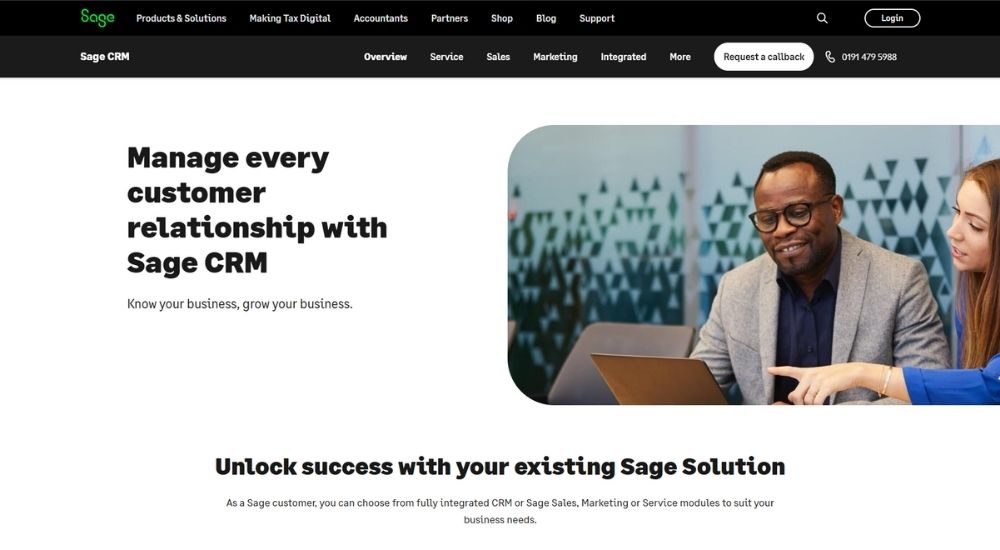
For accounting firms already running on Sage accounting or business management software, adding Sage CRM is less a new investment and more a logical extension of what they already have. Rather than introducing a separate platform, it brings sales, marketing, customer service, and back-office finance data together under one roof, giving teams a joined-up view of every client relationship without the friction of switching between systems.
Quick Facts
- Best For: Accounting firms already operating within the Sage product ecosystem
- Pricing: Cloud from $39/user/month; on-premise pricing available on request
- Ratings: 3.8/5 (based on G2 139 reviews)
- Best At: Unified client data management for existing Sage accounting users
Key Features of Sage CRM
- Centralise all client information as a CRM software for accountants, with full visibility of interactions, sales activity, support cases, and communication history in one consolidated view
- Integrate directly with Sage accounting and business management solutions to keep sales and finance working from the same real-time data
- Automate sales workflows, including lead management, quote creation, opportunity progression, and revenue forecasting, to reduce manual admin
- Build and run targeted email marketing campaigns using MailChimp integration, with tracking and reporting connected back into the CRM
- Generate customisable KPI dashboards and performance reports across sales, service, and marketing to support informed business decisions
Pros & Cons of Sage CRM
Sage CRM earns its place on this list primarily through the strength of what it unlocks for firms already embedded in the Sage world, where the real value lies in connection rather than standalone capability.
- Deep integration with Sage accounting and ERP products
- Straightforward to navigate with data accessible across multiple views
- Covers sales, marketing, and customer service in one platform
- Available as both cloud and on-premise deployment
- Backed by Sage's established UK support and training infrastructure
- Interface feels dated compared to newer CRM platforms
- Marketing automation is basic relative to dedicated tools
- Advanced customisation and workflow configuration often require technical support
Users who rely on Sage CRM day to day point consistently to the value of having client data, sales activity, and back-office finance in a single connected place.
What makes the difference for us is that sales and accounting are finally working from the same information. There is no jumping between systems to understand a client, and the whole team has instant access to the full history of interactions, purchases, and support requests.
Those who have used multiple CRM platforms over the years tend to position Sage CRM favourably when assessed on reliability and everyday usability rather than feature depth. Lorem ipsum dolor sit amet, consectetur adipiscing elit. Ut elit tellus, luctus nec ullamcorper mattis, pulvinar dapibus leo.
It is straightforward to navigate, and information is easy to find through different settings and views. Compared to other platforms I have used over the past five years, this one holds up well when it comes to day-to-day functionality and getting the right data in front of the right people quickly.
For UK accounting practices that are already in the Sage ecosystem and want a CRM software for accountants that connects naturally to the tools they already use, Sage CRM offers a coherent and commercially sensible choice.
How to Select the Best CRM Software for Accountants
The most important question to ask first is whether you need a CRM built specifically for accounting firms or a general platform you can adapt. Purpose-built tools come pre-configured for the way practices operate. General CRMs offer more flexibility but require more setup to get there.
From there, consider your compliance obligations. Firms handling KYC, AML, and client onboarding regularly will need a platform with those workflows built in rather than bolted on.
Firm size matters too. Some platforms are designed for lean practices with small client lists. Others are built to scale across large teams with complex operations. Choosing one that matches where your firm is now and where it is heading will save a costly switch further down the line.
Think about your existing software stack. If your practice already runs on a specific accounting or practice management system, choosing a CRM that integrates natively will reduce friction and avoid double entry.
Finally, look at how pricing is structured. Per user, per client tier, and flat fee models each suit different firm profiles. Run the numbers based on your actual headcount and client volume before committing.
Conclusion
Every accounting firm is different. The size of your team, the tools you already use, your compliance obligations, and your growth plans all shape what the right CRM software for accountants looks like for you specifically.
Start by identifying what your firm actually needs day to day. Use the at-a-glance table and the detailed overviews above to build a shortlist of two or three platforms that seem like the closest fit. From there, book a demo with each one.
Because here is the truth. No feature list, review score, or comparison table can tell you what will work best inside your practice. Only you can judge that. The way a platform feels to use, how your team responds to it, and whether it genuinely fits your workflow are things you can only know by trying it yourself.
Go with the one that feels right. You will know.