
Let me guess. This isn’t the first time you’ve fallen down a rabbit hole trying to figure out Companies House identity verification. The rules changed, deadlines are looming, and every website seems determined to confuse you more than help.
Good news: this guide will cut through the noise. We’ll show you exactly what you need to do, who needs to do it, and how to get verified with GOV.UK One Login in under 20 minutes.
Let’s get you sorted.
Key Points Summarised for Busy Readers
- Companies House Identity Verification ensures that individuals involved with UK companies are properly identified to prevent fraud
- All company directors and PSCs must verify their identity, regardless of company size or structure
- Verification is free through GOV.UK One Login takes under 20 minutes, requiring a valid UK passport or driving licence, a smartphone, and a computer
- Your Companies House Personal Code links to all your company roles and remains valid unless re-verification is requested
- Directors must complete verification before filing the next confirmation statement after 5 March 2026, and new appointments require verification at the time of appointment
What is Companies House Identity Verification?
Companies House Identity Verification is a process that ensures individuals running, owning, or controlling UK companies are who they say they are. This verification system was introduced to close a gap in UK company law that previously allowed individuals to register directorships with false details and little scrutiny.
The process generates a unique 11-digit Companies House Personal Code that serves as a digital signature linking an individual to all their company roles. Once verified, this personal code works across multiple directorships, PSC appointments, and LLP memberships.
Who’s Required to Verify Identity with Companies House?
All company directors, regardless of the size or structure of the company, must complete identity verification. This includes executive directors, non-executive directors, and directors of overseas entities registered in the UK. Individuals with Significant Control (PSC) must also verify their identity. A PSC is anyone who holds more than 25% of shares or voting rights, or someone who has the power to appoint or remove the majority of directors.
In addition to directors, LLP designated members, general partners of limited partnerships, and managing officers of other company structures are required to verify their identity. If you hold both a director and PSC role, you only need to verify once. The personal code you receive will cover all of your appointments.
Ways to Verify Your Identity
There are two ways to verify your identity with Companies House. This includes:
- GOV.UK One Login (Free and Recommended)
- Authorised Corporate Service Provider (ACSP)
In this blog post, we’ll go through the process of verifying your identity via GOV.UK One Login.
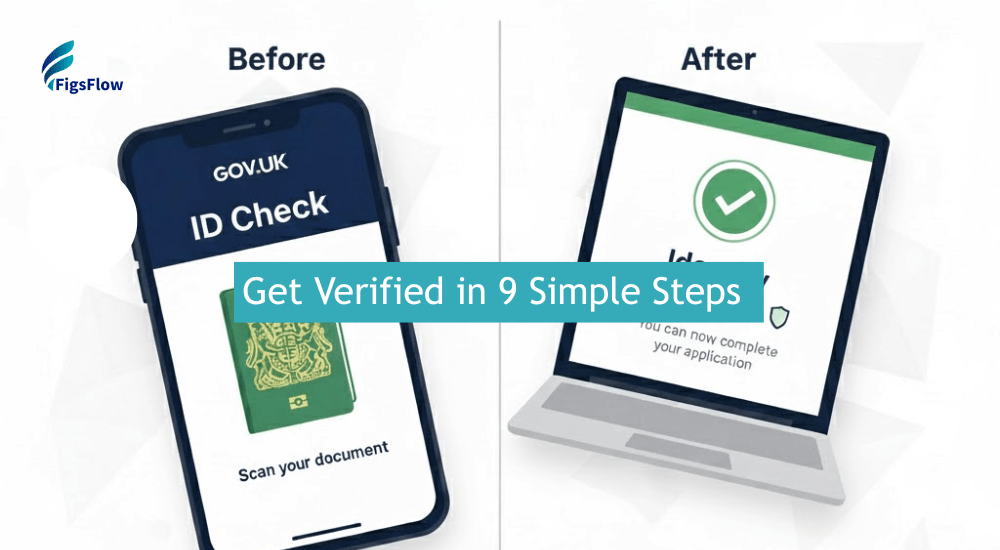
Step-By-Step Guide to Verify Identity via GOV.UK One Login
To verify your identity via GOV.UK One Login, you’ll need:
- A valid UK passport or photocard driving licence
- A smartphone and a computer or tablet
- Your email address and the year you moved to your current address
Ensure you have 15–20 minutes of uninterrupted time to complete the process. The system may time out after periods of inactivity.
Heads up: The process might look lengthy, but it can be completed in under 15 minutes.
Step 1: Start the Verification Process
Visit GOV.UK and search for “Verify your identity for Companies House,” or go directly to the guidance page. Click “Verify your identity” to begin.
Step 2: Create Your GOV.UK One Login Account
Enter your email, verify it with the code sent to your inbox, and set up a password. Enable two-factor authentication via text or an authenticator app.
Step 3: Answer Screening Questions
Answer a few simple questions about your ID and residency. Based on your answers, the system will suggest a verification method (ID Check app, security questions, or Post Office verification).
Step 4: Download the GOV.UK ID Check App
Scan the QR code on your computer screen with your phone to download the GOV. UK ID Check app. Keep the browser window open throughout the process.
Step 5: Scan Your Passport or Driving Licence
Follow the app instructions to photograph your passport’s photo page or both sides of your driving licence. If using a passport, ensure the NFC chip scans properly by removing any phone case.
Step 6: Complete Facial Recognition
Take a selfie with good lighting for facial recognition matching. The app will compare it to your ID photo and verify your identity.
Step 7: Return to Your Computer
Go back to the browser on your computer to confirm that your identity has been successfully verified.
Step 8: Enter Your UK Address
Enter your postcode and select your exact address from the dropdown. Provide the year you moved in to confirm your residency.
Step 9: Receive Your Companies House Personal Code
Once complete, your unique 11-digit Companies House Personal Code will appear on screen and be sent to your email. Store this code securely as you’ll need it for future filings.
What Happens After Verification
Once you’ve completed the identity verification with Companies House, you will receive a unique personal code confirming that your identity has been successfully verified. This code ties your verified identity to your company roles on the Companies House register.
The personal code you receive will be used for your identity confirmation. If you verified directly with Companies House using GOV.UK One Login, you can access this code within your Companies House account.
Alternatively, if you went through an authorised corporate service provider (ACSP), you will receive the code via email.
As of 18 November 2025, your personal code is required for all company-related activities. You must:
- Link your verified identity to each company role you hold
- Provide your personal code within 14 days of being appointed as a director or added as a PSC
- Share your personal code with a trusted filer if someone else is handling your company updates.
Additional Resources
- Ways to Help Clients Prepare for Companies House Identity Verification Requirements: How to Help Clients Prepare for Companies House Identity Verification – FigsFlow
- Step-by-Step Guide to Verify Identity through ACSP: Identity Verification Through ACSP Is Now a Business Essential
- Directors’ Identity Verification Engagement Letter Templates: Identity Verification Engagement Letter Templates – Accountants
- ACSP: How Can Accountants Prove & Verify Clients’ Identity: Understand How to Prove Identities Under ACSP | FigsFlow
- Everything You Need to Know About ACSP: What Do Accountants Need to Know About ACSP Registration | FigsFlow
Conclusion
Identity verification is mandatory for all UK company directors and PSCs. The GOV.The UK One Login route is free, quick, and provides immediate results. Your Companies House Personal Code works across all appointments and doesn’t expire unless re-verification is required.
Directors must complete verification before filing their next confirmation statement after 5 March 2026, and new appointments require verification at the point of appointment.
Start your verification today at GOV.UK to stay compliant and avoid filing restrictions.
Need Help with the Process?
Frequently Asked Questions (FAQs)
You can have your identity verified through an Authorised Corporate Service Provider (ACSP), such as an accountant or solicitor. The ACSP must be registered with Companies House to act as your authorised agent. This service is available from anywhere, allowing global directors to get verified.
A Companies House ID is a unique 11-digit personal code issued once your identity is verified. This code is tied to you as an individual, not your company, and is used to link all your company roles.
To verify your identity with the UK government, you can either enter details from your photo ID on GOV.UK, or visit a participating Post Office for in-branch verification. The Post Office will scan your ID and take a photo of you for verification.
The three primary methods for identity verification are document verification, biometric recognition (such as facial scans), and data-based verification (using personal data from trusted sources).
Proof of identity can be verified by professionals such as solicitors (including notaries), chartered accountants, or doctors who are authorised to certify documents.