
The best accounting automation software for firms in the US includes Xero, QuickBooks Online, FreshBooks, Sage 50cloud, FreeAgent, Accounting Seed, and Maxima. These platforms are built to automate the core accounting workflows that drain your team’s time, from bank reconciliation and invoice generation to payroll, expense categorization, financial reporting, and month-end close, cutting down on manual entry, reducing errors, and freeing your staff to focus on higher-value work.
That said, you cannot demo them all, let alone implement more than one. And you should not have to.
This guide does the heavy lifting for you, narrowing the field down to the two or three platforms that match your firm’s specific bottlenecks, budget, and team capacity, with enough detail on each to take the next step with confidence.
Accounting Automation Software (At a Glance)
The table below gives you a quick snapshot of every tool reviewed in this guide before the full breakdowns begin. Each platform has been scored out of 30 based on:
- How much it actually automates
- How easy it is to set up and use
- How its pricing stacks up against what you get
- How well it connects with the tools your practice already runs on
Use the scores and the Best For column to identify your strongest candidates, then read the detailed entries below to confirm the right fit.
| Accounting Automation Software | Best For | Pricing | Score /30 |
|---|---|---|---|
| Xero | Small businesses and accounting professionals wanting broad automation with minimal setup | From $29/mo; 30-day trial | 26/30 |
| QuickBooks Online | Small to mid-sized businesses needing the most widely supported accounting automation ecosystem | From $30/mo; 30-day trial | 25/30 |
| Maxima | Enterprise finance teams automating complex, high-volume month-end close cycles with AI agents | Custom pricing | 24/30 |
| FreshBooks | Freelancers and small businesses wanting invoicing, time tracking, and expense automation in one place | From $23/mo; 30-day trial | 23/30 |
| FreeAgent | Freelancers and sole traders wanting background bookkeeping automation without accounting expertise | From $22/mo; 30-day trial | 21/30 |
| Accounting Seed | Salesforce-powered businesses needing CRM and accounting automation unified in one system | Custom pricing | 20/30 |
| Sage 50cloud | Established businesses needing desktop-grade accounting automation with inventory and job costing depth | From $124.42/mo; 30-day test drive | 17/30 |
Accounting Automation Software (Detailed Overview)
The entries below break down each platform in full, covering what it automates, where it stops short, who it is built for, and what real users say about it in practice.
Read straight through or jump to the tools that made your shortlist.
Xero
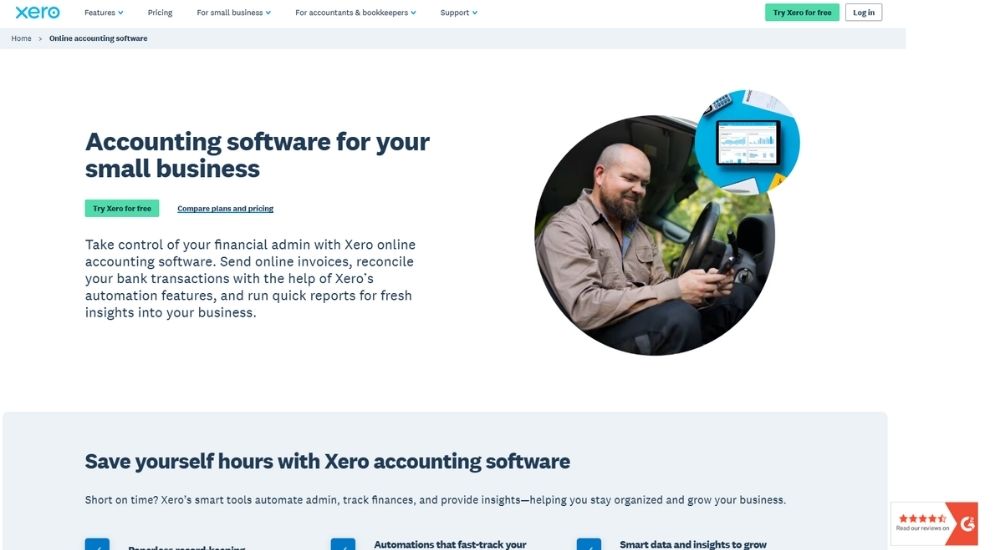
Xero is a cloud-based accounting automation software platform built for small businesses and accounting professionals who need to cut down on manual financial admin. It automates bank reconciliation, invoicing, expense capture, and tax calculations from a single dashboard, and connects to over 1,000 third-party apps to extend what it can do across your practice.
Quick Facts
- Cost: Starts at $29 per month (Starter plan). Free 30-day trial available
- Ratings: 4.4/5 (based on G2)
- Who’s For: Small businesses, freelancers, and accounting professionals managing day-to-day financial operations
- Best At: Automating bank reconciliation and invoicing workflows with minimal manual input
What Xero Automates (& Doesn't)
Bank Reconciliation ✅ Invoice Generation ✅ Payment Reminders ✅ Expense Capture ✅ Sales Tax Calculation ✅ Basic Payroll ✅ Financial Reporting ✅ Engagement Letters ❌ Client Communications ❌ Practice Management ❌ Time Tracking ❌
Key Features of Xero
- Pulls bank transactions automatically via feeds from 21,000+ global financial institutions
- Reconciles transactions using AI-powered matching and custom bank rules
- Sends invoices with integrated “Pay Now” buttons and automated payment reminders
- Captures bills and receipts through Hubdoc for fully paperless record-keeping
- Calculates and applies sales tax automatically across invoices, quotes, and purchase orders
Pros & Cons of Xero
For practices that want accounting automation software without a steep technical setup, Xero consistently sits near the top of the shortlist.
- Clean, intuitive interface throughout
- Strong AI-powered reconciliation suggestions
- 1,000+ third-party app integrations
- Scales across Starter, Standard, and Premium plans
- Free 30-day trial with no commitment
- Payroll features are basic on entry plans
- Reporting customization is limited out of the box
- AI bill automation inconsistent for some users
Accountants and bookkeepers who use it regularly tend to highlight reconciliation as the standout feature.
Bank feeds and reconciliation run pretty smoothly most of the time, and the match suggestions are actually useful for speeding things up during month-end close.
Those coming from spreadsheets or manual processes report a noticeable shift in how much time they recover week to week.
I've connected Stripe and PayPal so clients can pay directly from the invoice, which has definitely sped up payments. The bank feed pulls in transactions daily, and I usually spend a few minutes matching payments and categorizing expenses.
For firms evaluating accounting automation software at the entry to mid-market level, Xero offers a strong and well-supported starting point.
QuickBooks Online
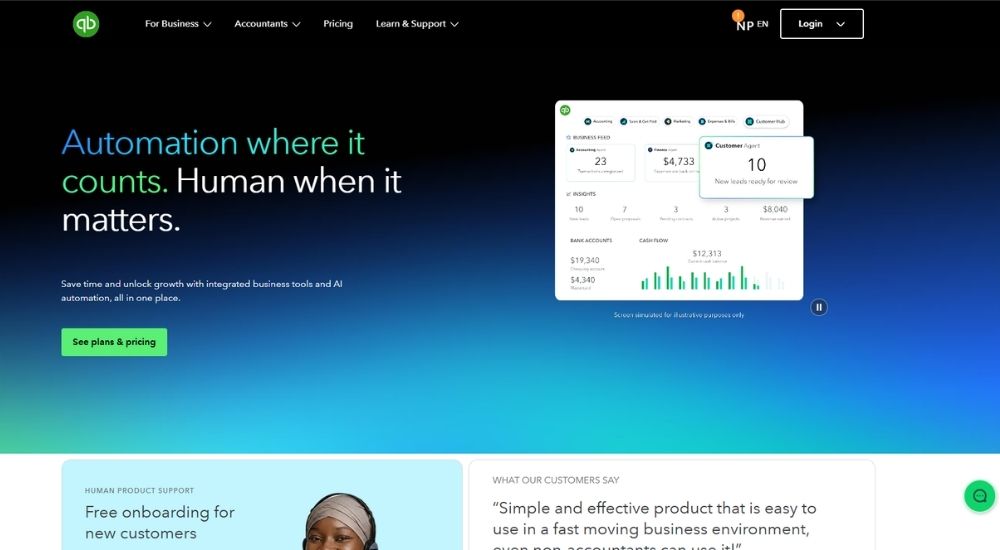
QuickBooks Online is one of the most widely adopted accounting automation software platforms globally, trusted by millions of small and medium-sized businesses. Built by Intuit, it brings invoicing, bank reconciliation, expense tracking, payroll, and financial reporting into a single cloud-based system, with AI-powered features that reduce manual data entry and keep books accurate between closes.
Quick Facts
- Cost: Starts at $29 per month (Simple Start plan). Free 30-day trial available
- Ratings: 4.4/5 (based on G2)
- Who’s For: Small to mid-sized businesses and accounting professionals managing day-to-day financial operations
- Best At: Automating recurring transactions, bank reconciliation, and accounts receivable workflows across the full billing cycle
What It Automates (& Doesn't)
Bank Reconciliation ✅ Invoice Generation ✅ Payment Reminders ✅ Expense Categorization ✅ Payroll Processing ✅ Financial Reporting ✅ Accounts Payable ✅ Sales Tax Calculation ✅ Engagement Letters ❌ Practice Management ❌ Client Communications ❌ Time Tracking ❌
Key Features of QuickBooks Online
- Syncs bank feeds automatically and categorizes transactions using AI-powered matching rules
- Generates and sends recurring invoices on a set schedule with integrated payment options
- Automates overdue payment reminders to reduce time spent chasing outstanding balances
- Delivers scheduled financial reports directly to designated inboxes without manual exports
- Connects with hundreds of third-party apps, including Gusto, Stripe, Shopify, and Dext
Pros & Cons of QuickBooks Online
What gets reported most consistently about QuickBooks Online is how much ground it covers as accounting automation software without requiring any technical setup to get started.
- Intuitive interface, minimal onboarding needed
- AI categorization cuts manual data entry significantly
- Strong recurring transactions and billing automation
- 500+ app integrations across payroll, payments, and more
- Cloud access across all devices and locations
- Subscription costs rise quickly at higher tiers
- Report customization limited to entry plans
- Customer support quality inconsistent across plans
The automation capabilities draw particular praise from accountants and bookkeepers who run high volumes of transactions each month.
Features like bank feeds and auto categorization save a lot of time by cutting down on manual data entry. The real-time financial reporting supports faster, more informed decision-making.
Those coming from spreadsheet-based processes tend to find the shift more significant than they expected, with day-to-day accounting tasks that previously required manual effort running on their own.
It makes day-to-day tasks like invoicing, expense tracking, bank reconciliations, and reporting efficient and easy to manage. The reports are customizable, and it integrates well with other tools.
For practices looking for accounting automation software that handles the financial heavy lifting reliably across a wide range of business sizes, QuickBooks Online remains one of the strongest options on the market.
Maxima
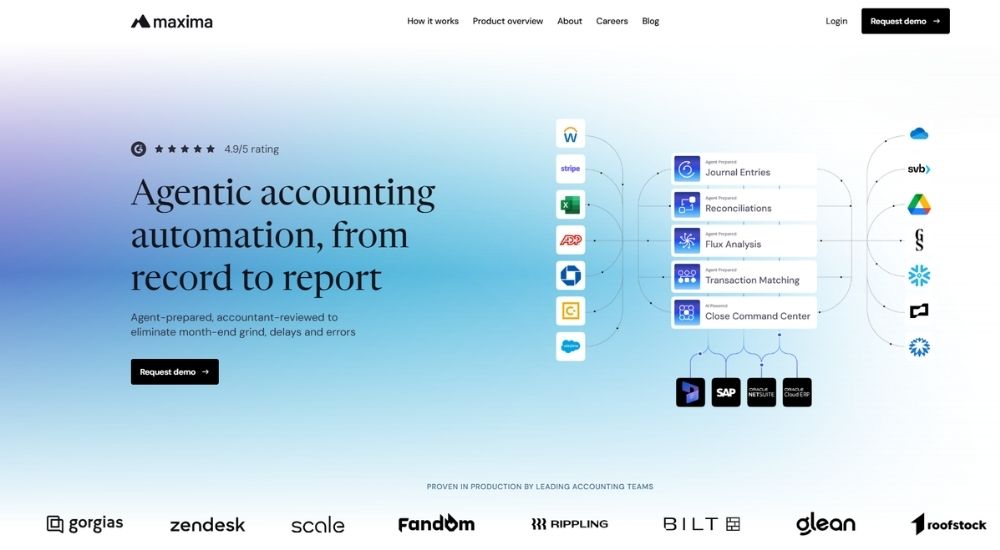
Maxima is an AI-native accounting automation software platform built for enterprise finance teams that need to close faster, reduce manual close work, and maintain audit-ready accuracy at scale. Rather than coordinating the work humans already do, its AI agents actively prepare journal entries, reconciliations, transaction matches, and variance explanations, posting directly to the general ledger with full evidence and audit trails, leaving the accounting team to review and approve rather than build from scratch each month.
Quick Facts
- Cost: Custom pricing. Contact Maxima for a quote.
- Ratings: 4.8/5 (based on G2)
- Who’s For: Mid-market to enterprise accounting teams running complex close cycles across multiple entities, currencies, and source systems
- Best At: AI-agent-driven journal entry automation, account reconciliation, and month-end close compression for high-volume, compliance-demanding finance operations
What It Automates (& Doesn't)
Journal Entry Preparation ✅ Account Reconciliation ✅ Transaction Matching ✅ Flux Analysis ✅ Close Orchestration ✅ Payroll Journal Entries ✅ Bank Reconciliation ✅ Variance Explanations ✅ Invoicing ❌ Accounts Payable ❌ Expense Categorization ❌ Payroll Processing ❌
Key Features of Maxima
- Generates journal entries continuously using no-code logic templates that pull from bank feeds, billing systems, payroll platforms, and ERPs
- Reconciles GL and subledger balances automatically, flagging only exceptions above materiality thresholds for human review
- Matches transactions one-to-one, one-to-many, and many-to-many across GL data with AI grouping and 24/7 ingestion
- Draft variance narratives for flux analysis with transaction-level drill-down by vendor, department, entity, or account
- Integrates natively with NetSuite, Workday, Rippling, Stripe, and 100+ banks and apps, posting back to the ERP as the system of record
Pros & Cons of Maxima
Enterprise accounting teams running Maxima report a meaningful shift in what the close process actually demands of them each month. The platform’s position as accounting automation software for complex, high-volume operations is its clearest differentiator.
- AI agents prepare the work, humans review and approve
- SOC 1 and SOC 2 certified with full audit trails and segregation of duties
- Up to 80% reduction in days to close reported by production users
- Handles multi-entity, multi-currency, and 10M+ daily transactions per workflow
- Exceptionally responsive support with same-day issue resolution
- Early-stage company with occasional rough edges on newer modules
- Not designed for small businesses or general accounting workflows
- Custom pricing with no self-serve option
Finance teams that have moved complex manual workflows onto the platform describe the cumulative impact across a full close cycle.
Maxima has been transformational for our close process. The platform has materially reduced the number of days it takes us to close, while maintaining an extremely high level of accuracy across a wide range of close workflows that many other vendors simply don't support.
The experience reported by accounting teams at scale is consistent: the platform does the work, not just coordinates it.
Unlike checklists out there, which just keep tabs on the work we manually do, Maxima's AI actually does the work. Agents drive full accuracy, the work is auditable, and its AI finds anomalies before auditors arrive.
For enterprise accounting teams that have outgrown legacy close tools and need accounting automation software that operates at the pace and complexity their business actually runs at, Maxima represents a substantively different approach to the problem.
FreshBooks
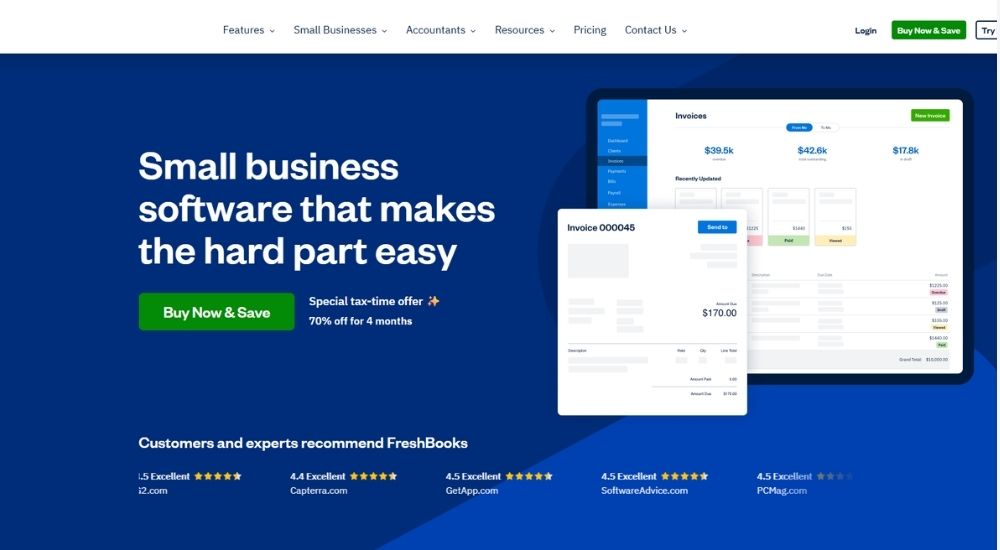
FreshBooks is a cloud-based accounting automation software designed for freelancers, self-employed professionals, and small businesses that need to spend less time on financial admin and more time on client work. It uses machine learning to categorize expenses, automate recurring invoices, and surface cash flow insights, with a non-accountant-friendly interface that keeps the setup and daily use straightforward from day one.
Quick Facts
- Cost: Starts at $23 per month (Lite plan). Free 30-day trial available
- Ratings: 4.5/5 (based on G2)
- Who’s For: Freelancers, consultants, and small businesses managing invoicing, expenses, and project-based billing
- Best At: Automating invoicing, time tracking, and expense capture for client-focused businesses without dedicated accounting staff
What It Automates (& Doesn't)
Invoice Generation ✅ Payment Reminders ✅ Expense Categorization ✅ Bank Reconciliation ✅ Recurring Invoices ✅ Time Tracking ✅ Financial Reporting ✅ Payroll Processing ✅ Accounts Payable ✅ Engagement Letters ❌ Tax Filing ❌ Practice Management ❌
Key Features of FreshBooks
- Categorizes expenses automatically using machine learning that adapts to past transaction patterns
- Generates and sends recurring invoices on a set schedule with automated late payment reminders
- Captures receipt data from photos taken in the mobile app, creating expenses without manual entry
- Logs billable hours directly against projects and transfers them to invoices automatically
- Connects with Stripe, PayPal, Gusto, and 5,000+ apps via Zapier to extend automation across payment and payroll workflows
Pros & Cons of FreshBooks
The clearest signal from those who use FreshBooks as their primary accounting automation software is how much ground it covers without requiring any accounting knowledge to operate.
- Minimal setup with guided onboarding
- Time tracking links directly to invoices automatically
- ML-powered expense categorization improves over time
- Strong customer support with human access across plans
- Payroll available as a built-in add-on
- Reporting customization limited on lower plans
- Client caps on Lite and Plus plans require upgrades
- Payment transaction fees on the higher end
The time and billing side draws particular praise from those running project-based work.
It keeps invoicing really simple. The time tracking feature is amazing, as it can log hours directly into projects and link them to an invoice with ease.
Those coming from spreadsheets or more complex platforms consistently note that FreshBooks lowers the day-to-day burden of running accounting automation software without sacrificing the features that actually matter.
It helps me make the most of my time by having this platform that enters the data and does most of the work automatically, without having to go through multiple steps. It has made accounting less boring, with more precise organization of all the numbers.
For small businesses and independent professionals who want capable accounting automation without the overhead of enterprise-level tools, FreshBooks is one of the more complete options in its class.
FreeAgent
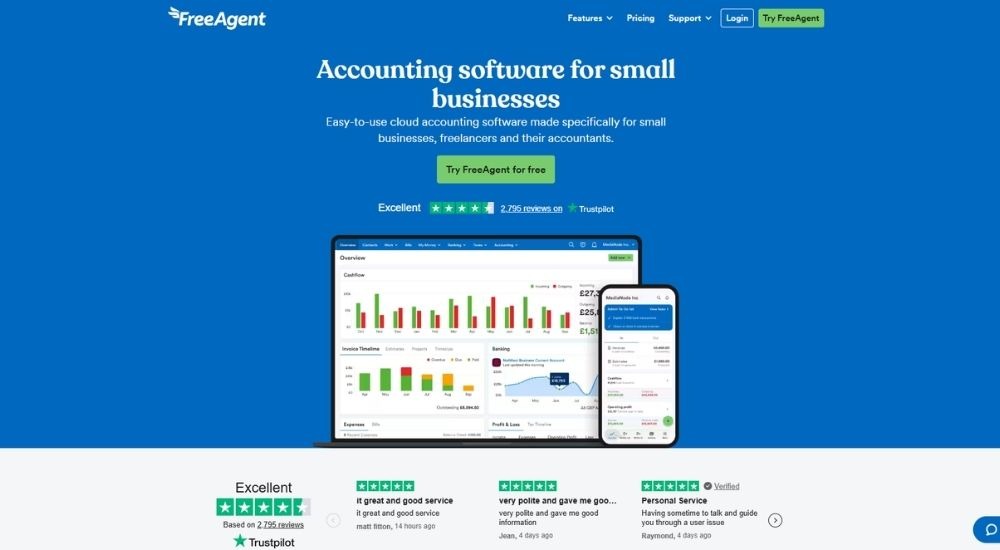
FreeAgent is a cloud-based accounting automation software originally built for the UK market and now available to US small businesses and freelancers. It automates the financial admin that eats into billable time, from bank transaction categorization and recurring invoices to payroll, expense tracking, and tax deadline monitoring, all from a single dashboard that builds your accounts in the background as you work.
Quick Facts
- Cost: Starts at $22 per month (Universal plan, billed monthly). Free 30-day trial available, no credit card required.
- Ratings: 4.3/5 (based on G2)
- Who’s For: Freelancers, sole traders, and small businesses with up to ten employees looking for straightforward financial automation without accounting expertise
- Best At: Automated bookkeeping, invoice chasing, and real-time tax timeline visibility for small business owners
What It Automates (& Doesn't)
Bank Transaction Categorization ✅ Invoice Generation ✅ Payment Reminders ✅ Recurring Invoices ✅ Expense Tracking ✅ Payroll Processing ✅ Financial Reporting ✅ Cash Flow Forecasting ✅ Tax Deadline Tracking ✅ Accounts Payable ❌ Inventory Management ❌ Practice Management ❌
Key Features of FreeAgent
- Imports bank transactions automatically via bank feeds and learns categorization patterns over time
- Sends automated payment reminders on overdue invoices without manual follow-up
- Displays a real-time Tax Timeline on the dashboard, showing upcoming liabilities as they build
- Runs payroll with automatic tax and deduction calculations, exportable for pension reporting
- Connects with Dext, Stripe, GoCardless, Shopify, Zapier, and other tools to extend automation across payment and receipt workflows
Pros & Cons of FreeAgent
Small business owners who make FreeAgent their primary accounting automation software tend to report the same thing: the daily admin largely disappears once it is set up.
- Automated bank learning reduces categorization effort over time
- Real-time tax dashboard removes end-of-year surprises
- Invoice automation and payment chasing built into every plan
- Clean, intuitive interface accessible without accounting knowledge
- Accountant access included at no additional cost
- Advanced features limited compared to enterprise-tier platforms
- Multi-currency handling can create reconciliation complications
- Support response times flagged as inconsistent by some users
The combination of invoice automation and always-on financial visibility is what keeps the platform’s core audience loyal.
The peace of mind that everything is logged and easily retrieved by myself or my accountant. Invoice automations save lots of time.
Those switching from market leaders often find the experience more suited to how small businesses actually operate day to day.
I've used Xero and QuickBooks, but FreeAgent is superior, especially for freelancers and consultants. It just makes sense. Easy to use, intuitive, and super fast.
For small businesses and independent professionals wanting accounting automation software that runs quietly in the background, FreeAgent keeps the overhead low without cutting corners on the fundamentals.
Accounting Seed
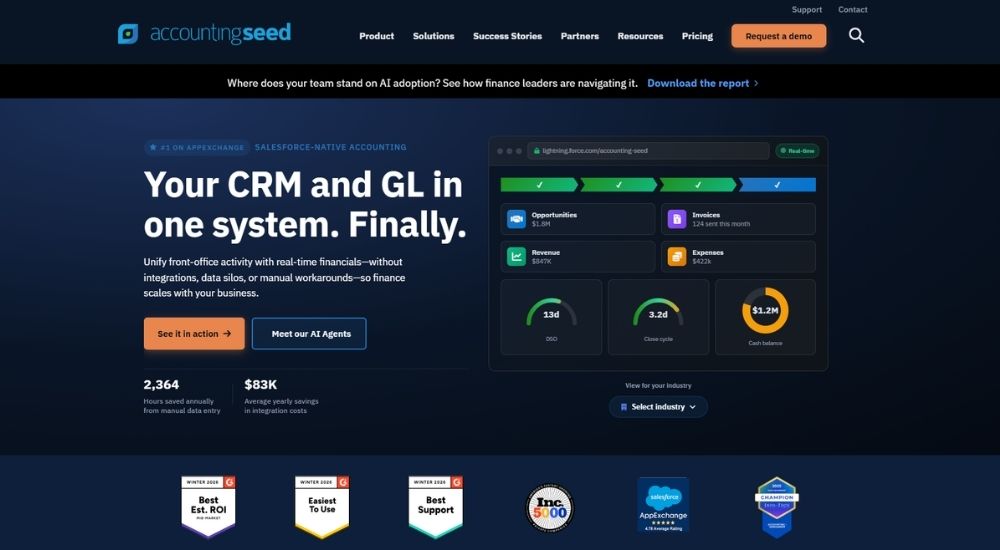
Accounting Seed is a Salesforce-native accounting automation software that connects CRM and financial operations in a single system. Built 100% on the Salesforce platform, it eliminates the data silos and manual reconciliation that come from running a separate accounting tool alongside your CRM, giving finance teams a real-time view from sales opportunity through to invoicing, payment, and close, without switching platforms or syncing data overnight.
Quick Facts
- Cost: Custom pricing. Contact Accounting Seed for a quote.
- Ratings: 4.2/5 (based on G2)
- Who’s For: Small to mid-sized businesses and growing companies already on Salesforce that need accounting tightly connected to their CRM and operational data
- Best At: Automating the full lead-to-ledger cycle within Salesforce, with AI-powered AP and AR automation and real-time financial reporting
What It Automates (& Doesn't)
AR Automation ✅ AP Automation ✅ Bank Reconciliation ✅ Invoice Generation ✅ Billing ✅ Revenue Recognition ✅ Financial Reporting ✅ Project Accounting ✅ Multi-Entity Consolidation ✅ Payroll Processing ❌ Expense Categorization ❌ Practice Management ❌
Key Features of Accounting Seed
- Runs natively inside Salesforce with no connectors, syncs, or third-party integrations required between CRM and GL
- Automates the full AP workflow using AI invoice capture that extracts, predicts, and codes vendor invoice details from PDFs, images, and spreadsheets
- Reconciles AR payments automatically from the point a customer pays through to posting in the general ledger
- Tracks project revenue, expenses, and time with automated client billing triggered on completion
- Deploys built-in AI agents for bill payment, collections, duplicate detection, and general ledger queries
Pros & Cons of Accounting Seed
For businesses already operating on Salesforce, the central argument for Accounting Seed as accounting automation software is simple: one system, one source of truth, no data translation between platforms.
- Fully native to Salesforce with no integration overhead
- Strong AR and AP automation with AI invoice capture
- Highly customizable workflows without custom development
- Real-time financial data connected directly to CRM activity
- Recognized as Inc. 5000 fastest-growing for six consecutive years
- Requires Salesforce knowledge to configure advanced features
- Steeper learning curve than standalone accounting tools
- Reporting setup can be complex for non-technical users
Teams that have been on the platform for multiple years describe a compounding advantage as the accounting data and CRM data become fully unified.
Accounting Seed integrates directly with Salesforce, which makes it convenient to manage financial data without needing a separate platform. It's easy to track projects, expenses, and revenue in real time.
The operational impact on close cycles is one of the most consistently cited outcomes across users of this accounting automation software.
What used to take two days in Excel takes two hours in Accounting Seed for bank reconciliations. Now my team can focus on staying on top of our expenses and make budget revisions. It's made them partners.
For organizations running their business on Salesforce, Accounting Seed offers a level of financial and operational integration that disconnected accounting tools simply cannot match.
Sage 50cloud
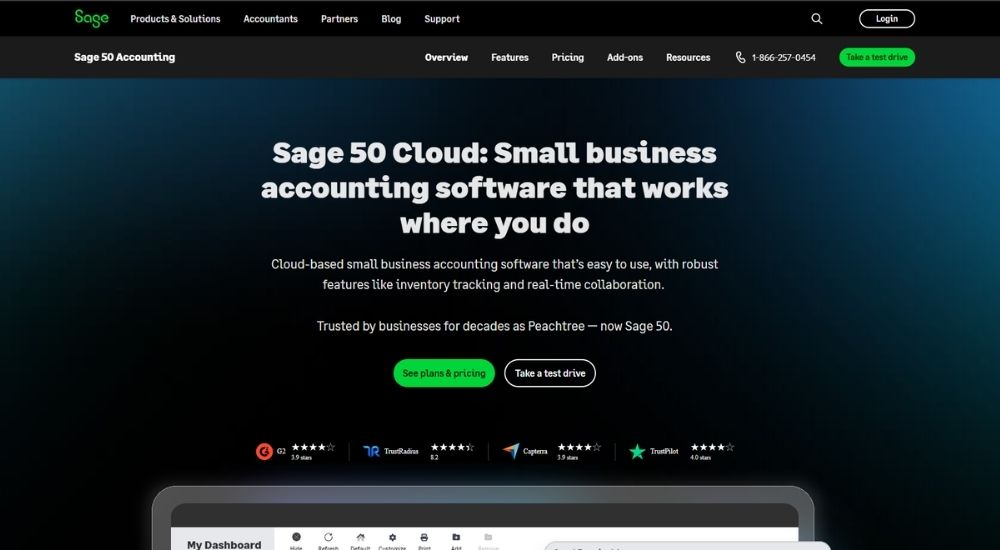
Sage 50cloud is a limited-to-mid-sized business accounting automation software that combines the depth of desktop accounting with cloud connectivity for remote access and real-time collaboration. Built on over 40 years of accounting heritage and formerly known as Peachtree, it covers the full financial stack from invoicing and bank reconciliation to inventory, job costing, and payroll, all within a single integrated system.
Quick Facts
- Cost: Starts at $124.42 per month (Pro Accounting, one user, billed annually). Free 30-day test drive available
- Ratings: 3.9/5 (based on G2)
- Who’s For: Small to mid-sized businesses needing structured, desktop-grade accounting with cloud access and multi-user collaboration
- Best At: Automated bank reconciliation, inventory management, and job costing for businesses with operational complexity
What It Automates (& Doesn't)
Bank Reconciliation ✅ Invoice Generation ✅ Accounts Payable ✅ Accounts Receivable ✅ Expense Tracking ✅ Payroll Processing ✅ Financial Reporting ✅ Inventory Management ✅ Purchase Orders ✅ AP Automation ❌ (requires third-party add-on) Engagement Letters ❌ Practice Management ❌
Key Features of Sage50cloud
- Reconciles bank transactions automatically by matching payments to invoices and statements
- Generates one-click financial, sales, and tax reports with drill-down transaction detail
- Tracks inventory levels in real time with automated purchase order management
- Manages job costing, project phases, and profitability tracking across engagements
- Integrates with Microsoft 365 for document sharing, custom reporting, and team collaboration
Pros & Cons of Sage50cloud
Sage 50cloud occupies a specific lane in the accounting automation software market: firms that want desktop-level reliability without giving up the flexibility of cloud access.
- Deep job costing and inventory features rarely matched at this tier
- Automated bank reconciliation with strong audit trail support
- Microsoft 365 integration for reporting and data sharing
- Role-based user permissions across all plan levels
- Proven platform with decades of accounting-specific development
- Interface feels dated compared to fully cloud-native platforms
- AP automation requires a third-party add-on for full functionality
- Customer support response times flagged as inconsistent
Those who work in it daily tend to value the structure and depth it provides as accounting automation software for more operationally complex businesses.
It combines the reliability of desktop software with the flexibility of cloud features, making it easy to manage finances securely from anywhere. It offers strong tools for inventory, payroll, and reporting, while integrating well with Microsoft 365.
Project-based teams in particular highlight capabilities that are harder to find elsewhere in this category.
We use Sage specifically for job costing. It's a feature we haven't found in other major accounting software.
For businesses that need accounting automation software with serious operational depth, particularly around inventory, job costing, and multi-user workflows, Sage 50cloud delivers where lighter platforms fall short.
How to Select the Best One for Your Practice
Before you commit to a platform, get clear on what is costing your firm the most time. The scenarios below will point you in the right direction.
- If your biggest bottleneck is bank reconciliation and day-to-day bookkeeping, and you want something your team can pick up without training, go with Xero or QuickBooks Online. Both cover the essentials reliably and have the widest support networks in the US
- If you are a freelancer or run a small service-based practice and need invoicing, time tracking, and expenses handled in one place without accounting expertise, FreshBooks or FreeAgent will cover everything you need at a price that makes sense
- If your firm runs on Salesforce and the main frustration is data living in two separate systems, Accounting Seed removes that problem entirely. It is the only option here that treats your CRM and your GL as the same thing
- If you need depth around inventory, job costing, or project-based accounting and prefer desktop-grade reliability with cloud access, Sage 50cloud is the strongest option in that lane, though the price reflects it
- If your team is handling high-volume, multi-entity close cycles and month-end is still consuming more time than it should, Maxima operates at a different level than everything else on this list. It is built for enterprise complexity, not general bookkeeping
- If budget is the primary constraint, start with FreeAgent or FreshBooks. Both offer free trials and transparent pricing, with enough automation to make a real difference without a significant upfront commitment
Conclusion
Accounting automation software will not fix every inefficiency in your practice overnight, but the right one will eliminate the manual work that should not be taking up your team’s time in the first place. Whether that is bank reconciliation eating into your month-end, invoices going out late, or a close cycle that runs longer than it should, there is a platform on this list built specifically for that problem.
The detailed entries above cover what each tool actually automates, where it falls short, and what real users say after living with it day to day. That is enough to make a confident shortlist.
From there, use the free trials. The time your team recovers in the first month will tell you more than any feature comparison could. Pick the platform that solves your most expensive bottleneck first, and go from there.
Frequently Asked Questions (FAQs)
Automated accounting systems include Xero, QuickBooks Online, FreshBooks, Sage 50cloud, FreeAgent, Accounting Seed, and Maxima. Each automates a different combination of tasks, including bank reconciliation, invoicing, expense categorization, payroll, and financial reporting, with the right choice depending on your firm’s size, budget, and specific bottlenecks.
AI-native accounting software is built around artificial intelligence from the ground up, rather than adding AI features onto a legacy system. Maxima is the clearest example on this list, using AI agents to prepare journal entries, reconciliations, and variance explanations autonomously, with humans reviewing and approving rather than building from scratch.
For small businesses, Xero and QuickBooks Online offer the strongest AI-powered automation at an accessible price point. FreshBooks is the better fit for freelancers and service-based businesses. All three use machine learning to categorize transactions, automate invoicing, and reduce manual data entry.
AP automation software eliminates manual accounts payable tasks like invoice entry, approval routing, and payment processing. QuickBooks Online, Accounting Seed, and Maxima all include AP automation capabilities, with Accounting Seed and Maxima offering the most advanced AI-driven invoice capture and coding for growing or enterprise-level firms.
No platform fully eliminates human involvement, but Maxima comes closest for enterprise close workflows, automating up to 98% of repetitive tasks. For small businesses, Xero and FreshBooks automate the majority of day-to-day bookkeeping, though human review remains essential for accuracy and compliance.