

Somewhere in your firm right now, there is a client email that hasn’t been replied to, a document that was requested twice and still hasn’t arrived, and a follow-up that someone meant to send last Tuesday. Nobody dropped the ball on purpose. The work just lives in too many places, and at some point, the system stops being a system.
This is the reality for most CPA firms still running on tools that were never built for how accounting work actually flows. The firms pulling ahead are not necessarily bigger or better staffed. They have simply built their client operations around a CRM for CPA firms that keeps communication, documents, deadlines, and billing connected in one place.
This guide covers twelve of the best CRM platforms available to CPA firms in the USA in 2026, with honest scores and in-depth reviews to help you find the right fit for your firm.
What Is CRM for CPA Firms?
At its most basic, CRM stands for Customer Relationship Management. But inside an accounting practice, it means something more specific.
A CRM for CPA firms is the connective tissue between your team, your clients, and the work itself. One place to store client profiles, track communication, send documents, collect e-signatures, manage deadlines, and issue invoices, without toggling between five different tools to do it.
The distinction worth understanding is between CRM and practice management software. A CRM manages relationships and pipelines. Practice management software goes further, handling workflows, compliance deadlines, billing, and client portals built around how accounting work actually runs. The best platforms for CPA firms today blur that line entirely, offering both in one place.
Why CPA Firms Need a CRM
The client experience at most CPA firms is only as good as the system behind it. When onboarding relies on back-and-forth emails, document collection happens over unencrypted attachments, and follow-ups depend on someone remembering to send them, the cracks start to show. Clients notice when communication feels disorganised, and in a profession built entirely on trust, that impression is hard to recover from.
Here is what a CRM for CPA firms directly solves:
Deadline Visibility
CPA work is one of the few industries where missing a date is not just an inconvenience but a liability. A CRM creates a live, firm-wide view of every task, every client, and every due date, so nothing falls through because it lives only in someone’s inbox.
Client Communication
Every email, document request, e-signature, and update sits inside one client profile. Anyone on the team can pick up a conversation without asking the client to repeat themselves.
Firm Scalability
Most firms do not struggle to find clients. They struggle to serve more of them without everything breaking down. The right CRM turns a process that only works when the right person is in the office into one that the whole team can own and repeat.
12 CRM for CPA Firms At a Glance
Before diving into the full reviews, here is a quick snapshot of all twelve platforms scored across the criteria that matter most to accounting firms.
The rankings are driven by:
- CPA-specific fit,
- client and document management,
- workflow automation, and
- pricing transparency.
Purpose-built platforms naturally score higher, not because general CRMs are poor software, but because they were not designed with tax deadlines, engagement letters, and accounting workflows at their core.
| Software | CPA-Specific Fit (/7.5) | Client & Doc Management (/7.5) | Workflow Automation & AI (/7.5) | Pricing & Accessibility (/7.5) | Total (/30) |
|---|---|---|---|---|---|
| Karbon | Purpose-built for accounting firms only | Shared inbox, docs, full client timeline | AI summaries, deadline automation, capacity tools | Transparent tiers, no free trial | 27 |
| TaxDome | IRS transcripts, tax organizers, e-signatures | Secure portal, SMS, chat, doc auto-tagging | Onboarding triggers, invoice reminders, and AI reporting | Annual billing only, no free trial | 26 |
| Financial Cents | QBO integration, month-end close, CPA-native | Passwordless portal, auto-document requests | Recurring workflows, deadline tracking, and task triggers | Affordable solo plan, free 14-day trial | 25 |
| Canopy | Tax-specific: prior-year checklists, AI intake | Branded portal, e-signatures, full client profiles | AI auto-fill, proposal-to-task conversion | Modular pricing, but an implementation fee applies | 24 |
| My CPA Dashboard | Built inside a CPA firm, paperless-first design | Encrypted portal, e-signatures, and doc sharing | Basic task/workflow tools, billing included | Flat per-firm pricing, unlimited users | 22 |
| Accelo | Noted CPA fit; broader professional services focus | 360° client view, Gmail/Outlook sync | Quote-to-project automation, AI scheduling | Custom pricing only, no free trial listed | 20 |
| Insightly | Not CPA-specific; project management strength | Pipeline + post-sale project delivery built in | AI Copilot on higher tiers, task automation | 14-day trial, no permanent free plan | 18 |
| Salesforce | Generic; customizable to accounting with effort | Single customer view across all touchpoints | Agentforce AI, deep automation on paid plans | Free 2-user plan, 30-day trial available | 17 |
| HubSpot CRM | Not CPA-built; adapts with integrations | Contact history, pipeline, mobile access | AI workflows, 2,000+ app integrations | Generous free plan, scales to Enterprise | 16 |
| Pipedrive | Not CPA-specific; sales pipeline focus | Kanban pipeline, QuickBooks sync available | AI deal prioritisation, email automation | 14-day trial, affordable entry at $14/seat | 15 |
| Zoho CRM | Generic; requires significant CPA customisation | 360° platform, 1,000+ app integrations | Zia AI on higher tiers, deep automation | Free 3-user plan, no contracts, affordable | 14 |
| Capsule CRM | Not CPA-built; lightweight contact manager | Kanban projects, QuickBooks/Xero integration | Basic automations, AI on Growth plan+ | Free 2-user plan, affordable starting at $18 | 12 |
CRM for CPA Firms: Detailed Overview
The reviews below follow the same order as the ranking above, starting with the strongest overall fit for accounting firms and working down. Each entry covers what the platform does well, who it is best suited for, and what to watch out for before committing.
The goal is not to declare one winner but to give you enough clarity to know which two or three are worth exploring further for your specific firm size and workflow.
Karbon
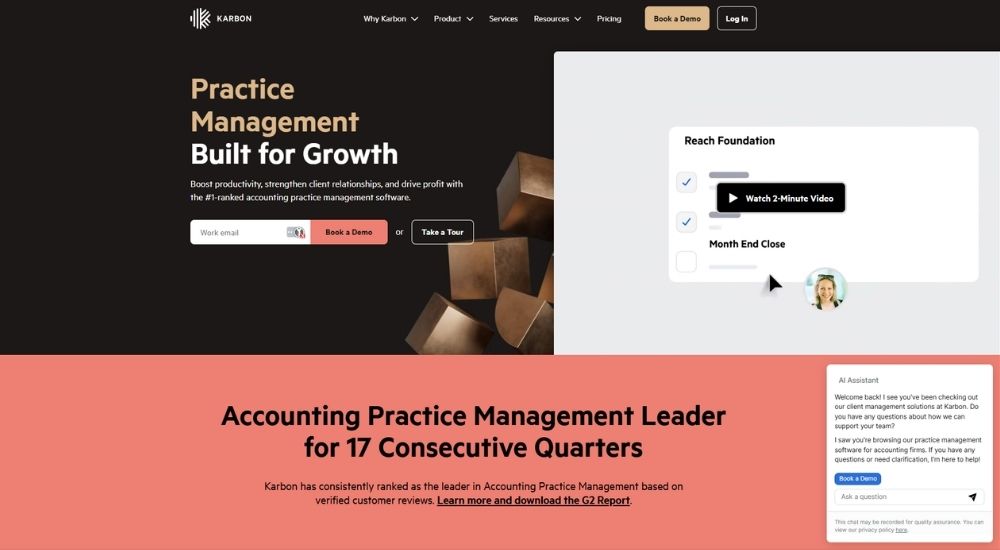
Karbon is the #1-ranked accounting practice management software on G2, trusted by 30,000+ accounting professionals globally. Built specifically for accounting firms, it combines client management, email, workflow automation, billing, and team collaboration in one connected platform. Accounting firms looking for a reliable CRM for CPA firms will find Karbon’s client management features, from shared inboxes to AI summaries, built entirely around how accountants work.
- Cost: Starts at $59/user/month (Team) and $89/user/month (Business), both billed annually. Enterprise pricing is custom
- Ratings: 4.8/5
- Who’s For: Small to large accounting firms looking for a deeply integrated practice management platform with strong client relationship tools
- Best At: Connecting client management, email, workflow, and billing in one platform built entirely around accounting firm operations
Key Features of Karbon
- Centralize all client emails, notes, tasks, and activity in one shared workspace so any team member can pick up where another left off
- Automate client reminders, document requests, and onboarding workflows so nothing gets missed and no manual chasing is required
- Use AI-powered client summaries to instantly get up to speed on any client relationship before responding to queries
- Track time, manage budgets, send invoices, process payments, and set up recurring billing directly within the platform
- Access firm-wide workflow dashboards, capacity planning, and advanced reporting to keep teams aligned and deadlines on track
Pros & Cons of Karbon
- Rated 4.8 on G2, 4.7 on Capterra, and GetApp, with 98% positive reviews on G2
- Firms using Karbon save an average of $34,688 per employee per year based on Karbon's own 2024 Firm Usage Research
- Trusted by major accounting firms, including BDO, Baker Tilly, and Armanino
- No free trial mentioned in source material
- Automatic client reminders, task automation, and integrations require the Business plan or higher
- A dedicated customer success manager is a paid add-on on the Business plan
TaxDome
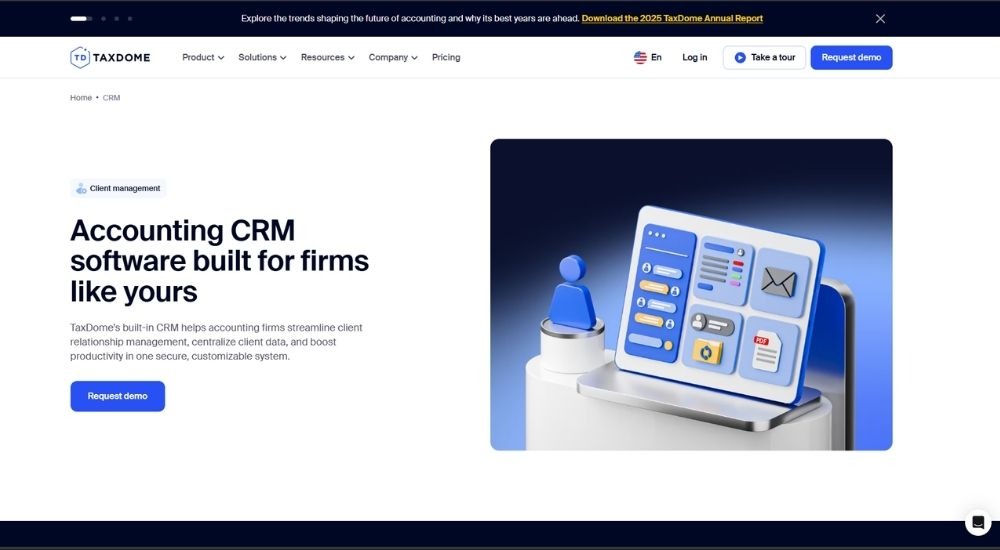
TaxDome is an end-to-end practice management platform built specifically for tax, accounting, and bookkeeping firms. Trusted by 15,000+ firms and over 3 million of their clients, it is a top-rated CRM for CPA firms that centralizes client management, document handling, workflows, billing, and communication in one secure platform. With a 4.7/5 rating across 7,600+ reviews, it is one of the most trusted names in accounting practice management.
- Cost: Starts at $800/seat/year (Essentials). Higher tiers available for growing and larger firms
- Ratings: 4.7/5
- Who’s For: Solo practitioners, small, mid-sized, and large accounting, tax, and bookkeeping firms at every stage of growth
- Best At: Running an entire accounting firm from one platform, from client onboarding through to payment collection
Key Features of TaxDome
- Centralize all client data, communication, documents, and tasks in one unified CRM built for accounting firms
- Automate client onboarding, workflow triggers, document tagging, and invoice reminders to eliminate repetitive manual work
- Communicate with clients via integrated email, two-way SMS, and secure chat, all tracked within each client profile
- Collect e-signatures, send proposals and engagement letters, and process payments directly within the platform
- Use AI-powered reporting and document auto-tagging to gain firm-wide visibility and reduce administrative chaos
Pros & Cons of TaxDome
- Purpose-built CRM for CPA firms with accounting-specific features like IRS transcript integration and tax organizers
- Rated 4.7/5 across 7,600+ reviews on Capterra, G2, and GetApp
- Supports firms of all sizes, from solo practitioners to multi-office teams with 50+ staff
- All plans require upfront annual billing with no mentioned free trial
- The Essentials plan is for solo users only and cannot add team members without upgrading
- Some advanced features like AI reporting, activity feeds, and bookkeeping integrations are locked behind higher-tier plans
Financial Cents
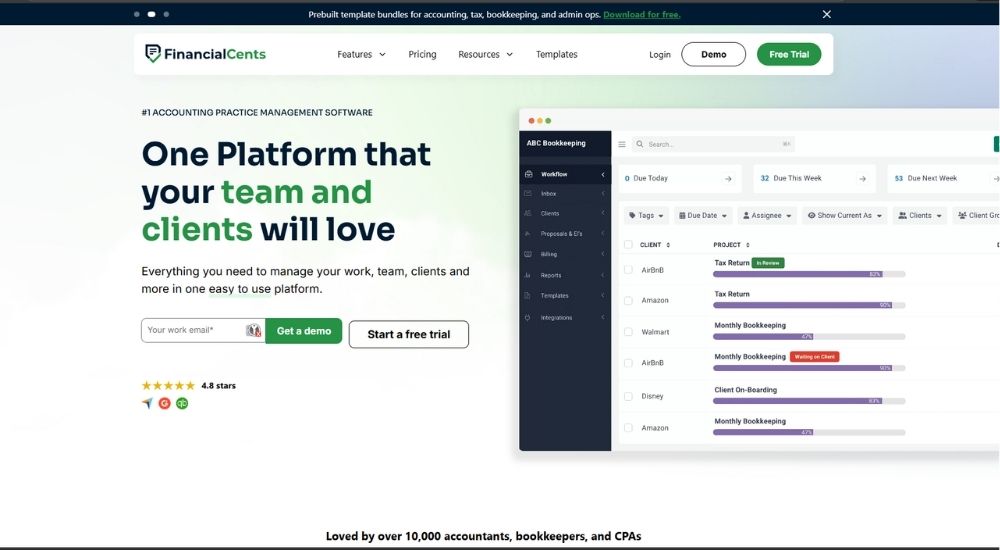
Financial Cents is a cloud-based accounting practice management software loved by over 10,000 accountants, bookkeepers, and CPAs. Built from the ground up as a CRM for CPA firms, it brings together client management, workflow automation, billing, document sharing, and team collaboration in one easy-to-use platform. Firms using it report saving an average of 56 hours per month and $19,200 per year.
- Cost: Starts at $19/month (Solo), $49/user/month (Team), and $69/user/month (Scale), all billed annually. Free 14-day trial available, no credit card required
- Ratings: 4.7/5
- Who’s For: Solo practitioners, small, and growing accounting, bookkeeping, and CPA firms looking for an affordable, easy-to-use practice management platform
- Best At: Centralizing client work, automating document collection, and keeping teams on top of deadlines
Key Features of Financial Cents
- Store all client information, including documents, notes, passwords, emails, and contact details, in one unified client profile
- Automatically request documents from clients and send follow-up reminders through a secure, passwordless client portal
- Manage recurring workflows, automate task creation, and track every deadline across the firm from a single dashboard
- Integrate with QuickBooks Online, SmartVault, Google Drive, OneDrive, Zapier, and more to keep client data synchronized
- Track time, send invoices, collect payments, and send proposals and engagement letters directly within the platform
Pros & Cons of Financial Cents
- Purpose-built CRM for CPA firms with accounting-specific features like month-end close management and QBO integration
- Rated 4.8 stars on Capterra and consistently recognized as a leader in accounting practice management
- Free 14-day trial with no credit card required
- Solo plan is limited to single users only and cannot add team members
- Advanced automations, branded portal, and profitability reports require the Scale plan or higher
- Month-end close is an additional add-on at $5/month per client, billed annually
Canopy
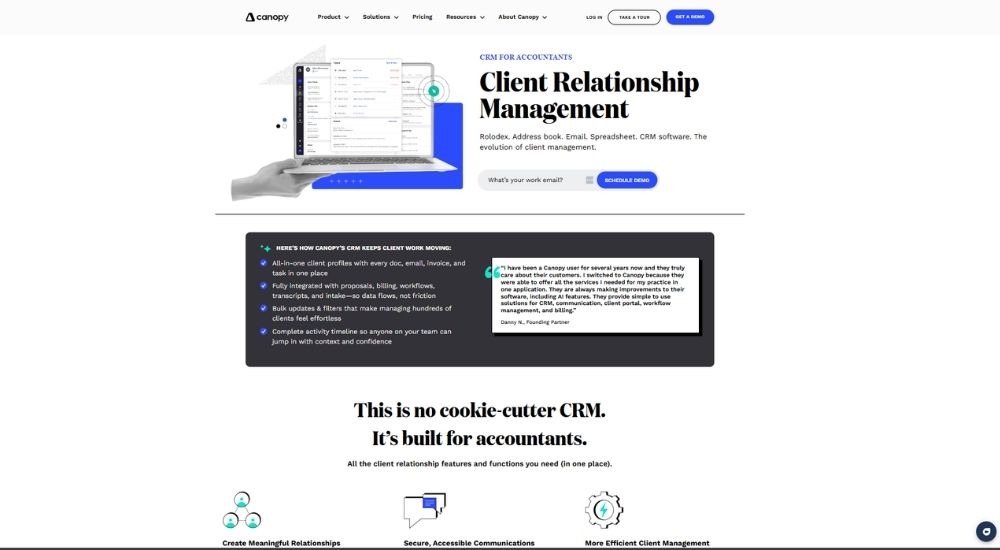
Canopy is an all-in-one practice management software built specifically for accounting, tax, and bookkeeping firms. Trusted by 15,000+ practitioners, it is one of the most purpose-built CRM for CPA firms available today, combining client management, document storage, workflow, billing, and AI tools in a single platform. From solo practices to growing firms, Canopy is designed entirely around how accountants work.
- Cost: Small firm plans start at $45/user/month (Starter) and $66/user/month (Essentials), billed annually. Growing firm plans start with the Client Engagement Platform at $150/month for unlimited users, with additional modules for Document Management ($36/user/month), Workflow ($32/user/month), and Time & Billing ($22/user/month)
- Ratings: 4.6/5
- Who’s For: Accounting, tax, and bookkeeping firms of all sizes looking for a complete, CPA-specific practice management platform
- Best At: Consolidating client management, document handling, workflow, and billing into one accounting-focused platform
Key Features of Canopy
- Manage all client relationships through a built-in CRM for CPA firms, with complete client profiles housing every document, email, invoice, and task in one place
- Automate client intake, generate checklists from prior-year returns, and auto-fill forms using AI to eliminate repetitive admin work
- Send branded proposals with eSignatures, track engagements, and convert accepted proposals directly into assigned tasks and workflows
- Exchange documents securely with clients through a branded client portal, available on web and mobile
- Track time, generate invoices, collect card and ACH payments, and monitor firm profitability from within the same platform
Pros & Cons of Canopy
- Purpose-built for CPA firms, not a general CRM adapted for accounting use
- Modular pricing lets firms pick only the features they need
- Trusted by 15,000+ practitioners with 30M+ files securely uploaded and stored
- Implementation fee applies on top of subscription costs for growing firm plans
- Smaller firms on Starter and Essentials plans cannot mix and match modules as freely as larger plan users
- Add-ons such as Tax Resolution, Smart Intake, and Transcripts carry additional per-user or per-credit costs
My CPA Dashboard
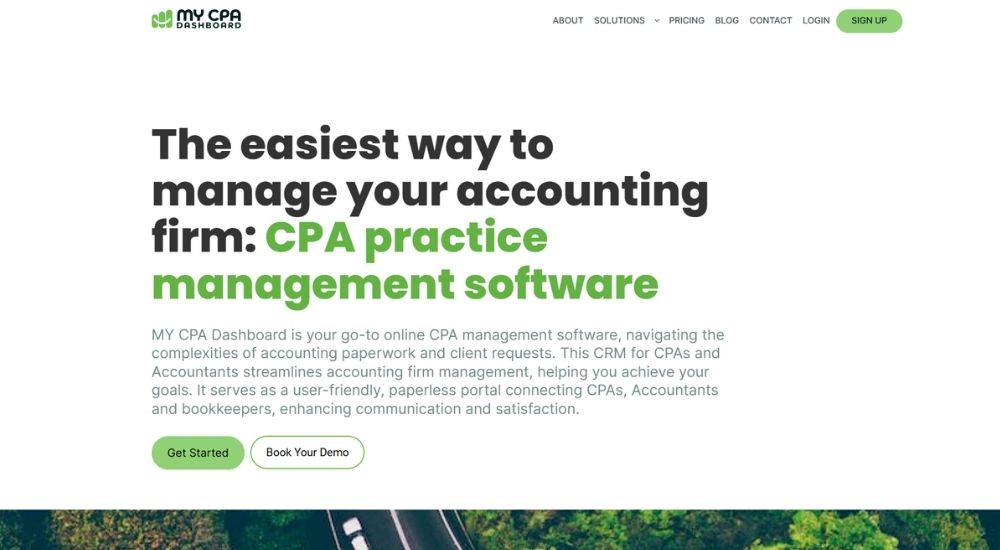
My CPA Dashboard is a CRM for CPA firms, accountants, bookkeepers, enrolled agents, and tax professionals looking to ditch inefficient workflows and paperwork. Born from real frustrations inside an accounting practice, it was built to simplify client communication, document collection, and task management in one secure, paperless portal. It serves small business accounting practices of all sizes, from solo bookkeepers to enterprise-level firms.
- Cost: Starts at $49/month (Starter, up to 25 business clients). Small $89/month (up to 50 business clients), Medium $239/month (up to 350 business clients), Enterprise $499/month (350+ business clients). All plans include unlimited users, admins, individual clients, and storage. Free trial available.
- Ratings: 5/5
- Who’s For: CPAs, accountants, bookkeepers, enrolled agents, registered agents, controllers, and tax professionals managing small to mid-sized practices
- Best At: Providing a simple, secure, paperless portal connecting CPA firms and their clients for document sharing, task management, and communication
Key Features of MY CPA Dashboard
- Manage all client communication, document requests, and workflows through a branded, secure client portal
- Store, share, and collect documents securely with encrypted online document storage and secure file sharing
- Collect e-signatures on engagement letters, forms, and other documents without leaving the platform
- Assign tasks and manage workflows to keep accounting processes organized and on track across the team
- Handle billing, payroll, and connected bank accounts with automated monthly bank statements built into the platform
Pros & Cons of MY CPA Dashboard
- Purpose-built CRM for CPA firms and accounting professionals, created from within the industry to solve real practice management problems
- Flat monthly pricing includes unlimited users, admins, and storage, making costs predictable as the team grows
- Free trial available with a 15-minute demo option to see the platform in action before committing
- Plans are capped by the number of business clients, so growing firms will need to upgrade as their client base expands
- Source material does not mention workflow automation, advanced reporting, or integrations with major accounting software like QuickBooks or Xero
- Limited third-party review data available to verify ratings and broader user sentiment
Accelo
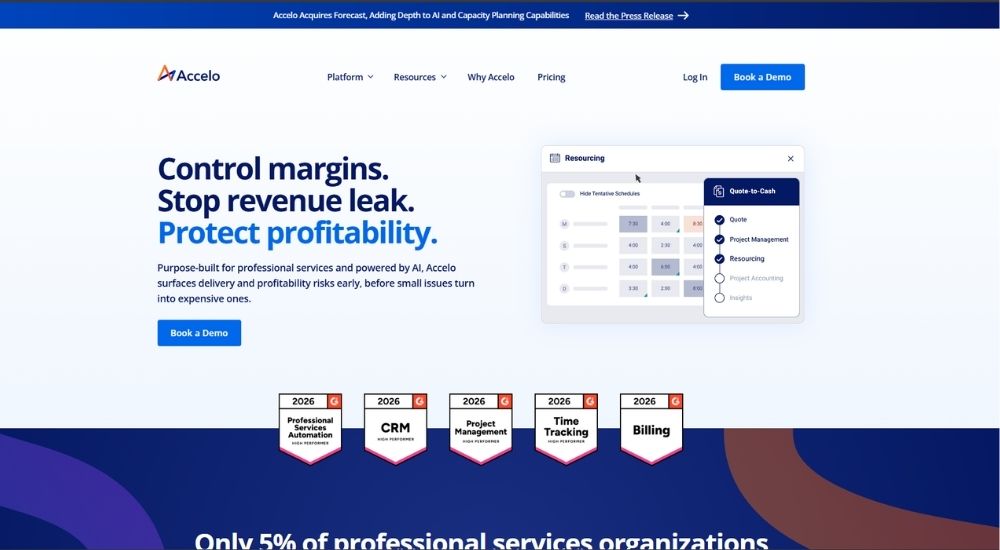
Accelo is a professional services automation platform built for service-based businesses, including accounting firms. Headquartered in Denver, CO, it connects client management, project delivery, resource planning, and financial operations into one unified platform. The source material explicitly notes Accelo as a top integrated CRM for CPA firms, making it a practical choice for accounting practices looking to manage clients and projects from one place.
- Cost: Custom pricing available across three plans (Professional, Business, and Advanced). Contact Accelo directly for a quote
- Ratings: 4.4/5
- Who’s For: Professional services firms, including accounting, consulting, agency, engineering, and IT businesses, looking for an all-in-one operations platform
- Best At: Connecting client management, project delivery, resource planning, and financial operations into one unified platform
Key Features of Accelo
- Gain a 360-degree view of every client relationship, tracking sales, projects, invoiced work, overdue balances, and profitability in one place
- Automate the quote-to-project handoff, converting accepted quotes into active projects with a single click
- Sync Gmail or Outlook emails and calendars to centralize all client communications in one shared stream
- Use AI-guided planning and scheduling to align team capacity, skills, and availability with incoming work before margins are impacted
- Track time, manage invoices, process payments, and monitor financial performance across all client engagements
Pros & Cons of Accelo
- Explicitly noted in source material as a top CRM for CPA firms alongside other professional service industries
- US-based company headquartered in Denver, CO, built for professional services firms
- Trusted by thousands of professional services teams worldwide with 1,000+ reviews across major platforms
- Pricing is not publicly listed and requires a direct conversation with the sales team
- May include more features than smaller CPA firms need, given its broad professional services focus
- No free trial mentioned in source material
Insightly CRM
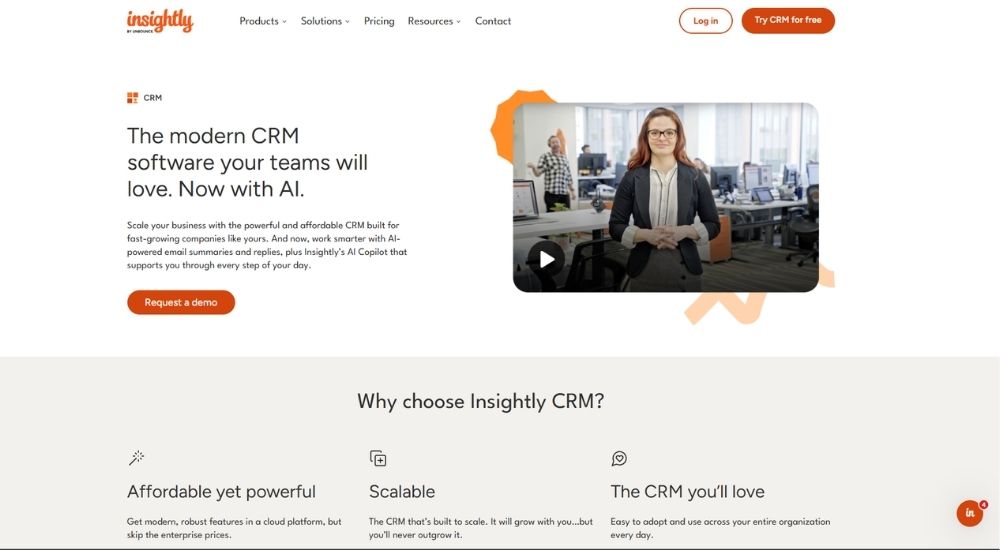
Insightly is a modern, affordable CRM built for fast-growing companies across nearly every industry. CPA firms looking for a flexible CRM for CPA firms can use Insightly to centralize client data, automate workflows, and manage post-sale projects from one unified platform. It combines sales pipeline management, marketing automation, and support ticketing with an easy-to-adopt interface and built-in AI tools.
- Cost: Starts at $29/user/month (Plus), $49/user/month (Professional), and $99/user/month (Enterprise), all billed annually. Free 14-day trial available, no credit card required
- Ratings: 4.2/5
- Who’s For: Fast-growing small to large businesses looking for an affordable, scalable, and modern CRM platform
- Best At: Combining sales pipeline management, project delivery, and workflow automation in one platform
Key Features of Insightly CRM
- Manage leads, contacts, and opportunities across fully customizable sales pipelines with real-time visibility
- Automate repetitive tasks, emails, reminders, and onboarding stages to free teams from low-value work
- Convert won deals directly into projects, preserving all records, tasks, and client details for seamless post-sale delivery
- Use Insightly AI Copilot and email summaries to keep data clean and focus on the leads that matter most
- Access real-time performance insights through customizable dashboards and reports across all teams
Pros & Cons of Insightly CRM
- Affordable pricing with a free 14-day trial and no credit card required
- Built-in project management makes it a practical CRM for CPA firms managing client engagements post-sale
- Support is included with every plan via phone or email
- No permanent free plan, only a 14-day trial
- AI Copilot is only available on Professional and Enterprise plans
- Advanced features like custom objects, validation rules, and sandboxes are locked behind the Enterprise tier
Salesforce CRM
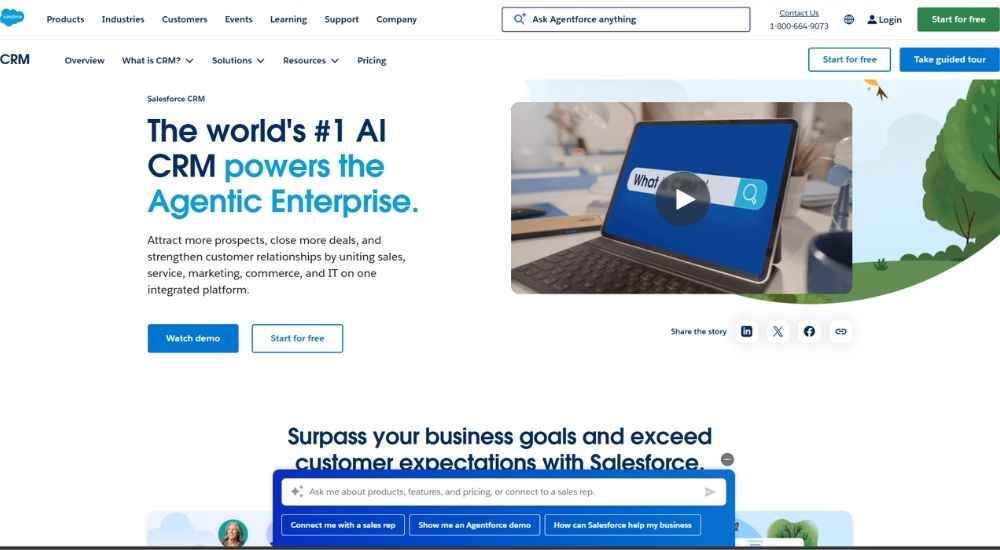
Salesforce CRM is the world’s #1 AI CRM, bringing together sales, service, marketing, commerce, and IT teams on one integrated platform. It delivers a single, shared view of every customer interaction to help businesses build relationships, boost productivity, and grow revenue. It offers solutions tailored to different industries and business sizes, from small businesses to large enterprises.
- Cost: Free Suite available for up to 2 users at $0/month. Starter Suite starts at $25/user/month. Pro Suite starts at $100/user/month (billed annually, contract required)
- Ratings: 4.4/5
- Who’s For: Businesses of all sizes across multiple industries seeking an AI-powered, integrated CRM
- Best At: Uniting sales, service, marketing, commerce, and IT around a single customer view
Key Features of Salesforce CRM
- Unite sales, service, marketing, commerce, and IT teams with a single, shared view of every customer
- Drive productivity and personalization with Agentforce, an agentic AI that works across the entire CRM
- Manage leads, accounts, contacts, and opportunities with built-in sales flows and lead routing
- Access CRM solutions built on over 25 years of experience, tailored to specific industries and business sizes
- Extend platform capabilities with third-party app integrations via AppExchange (Pro Suite and above)
Pros & Cons of Salesforce CRM
- Free Suite available for up to 2 users with no contract or credit card required
- Try paid plans free for 30 days — no credit card or installation needed
- Scales from small business to Enterprise on a single integrated platform
- Not purpose-built for CPA or accounting firms
- Pro Suite requires an annual contract
- Transaction fees apply to the Starter and Pro Suite plans
HubSpot CRM
HubSpot CRM is a flexible, all-in-one customer relationship management platform designed to unify client data, streamline sales pipelines, and automate routine tasks. It offers a permanently free tier with no expiration date, making it accessible for firms of any size. With built-in AI tools, 2,000+ integrations, and an intuitive interface, it requires no IT support to set up.
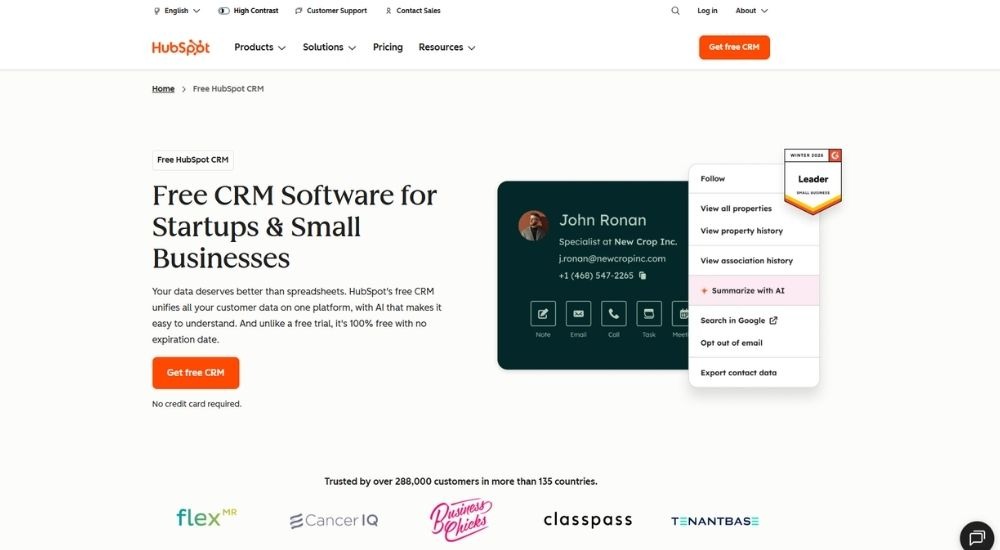
- Cost: Free plan available. Paid plans start at $9/month per seat (Starter), $50/month per seat (Professional), and $75/month per seat (Enterprise)
- Ratings: 4.4/5
- Who’s For: Startups, small businesses, and growing firms looking for a scalable, general-purpose CRM
- Best At: Unifying client data and sales pipeline management across teams
Key Features of HubSpot CRM
- Manage contacts, log activities, and view full communication history from a single record
- Visualize and manage deal pipelines to track client engagements and forecast revenue
- Automate routine tasks, emails, and follow-ups using AI-powered tools and workflows
- Connect with 2,000+ third-party business apps through the HubSpot Marketplace
- Access CRM data on the go via iOS and Android mobile apps
Pros & Cons of HubSpot CRM
- Free plan with no expiration date
- Easy setup — no IT support needed
- Scales from free to Enterprise without data migration
- Not purpose-built for CPA or accounting firms
- Advanced features are locked behind higher-tier paid plans
- HubSpot branding on free and Starter tier communications
Pipedrive
Pipedrive is a sales-focused CRM trusted by over 100,000 companies in 179 countries, built around activity-based selling to help teams close deals faster. Its intuitive pipeline management, built-in AI tools, and 500+ integrations make it a practical option for CPA firms that need a straightforward way to track prospects, automate follow-ups, and manage client relationships without a steep learning curve.
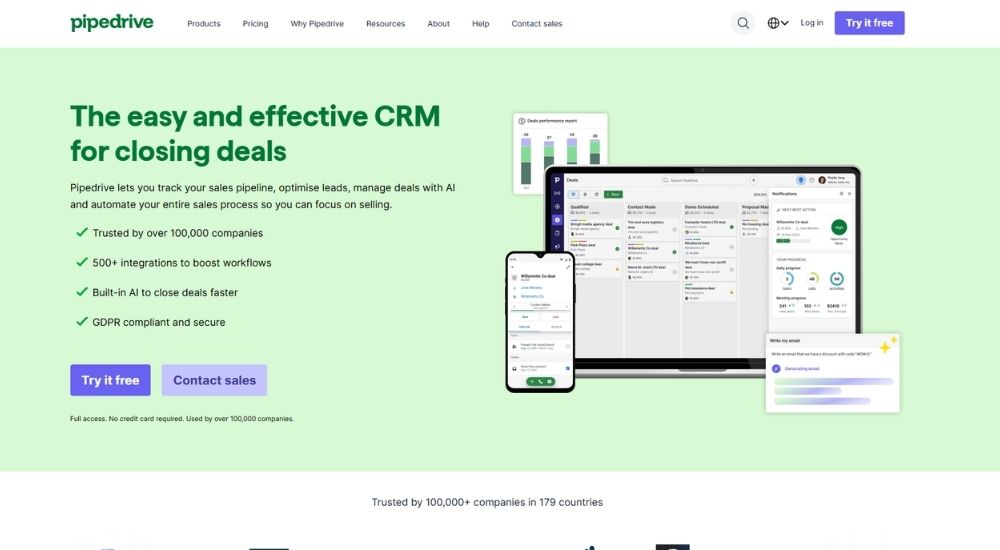
- Cost: Starts at $14/seat/month (Lite), $39/seat/month (Growth), $59/seat/month (Premium), and $79/seat/month (Ultimate), all billed annually. Free 14-day trial available, no credit card required
- Ratings: 4.3/5
- Who’s For: Sales teams and growing businesses looking for an intuitive, pipeline-driven CRM with strong automation and AI capabilities
- Best At: Visual pipeline management and automating the full sales process from lead to close
Key Features of Pipedrive CRM
- Visualize and manage every deal through a fully customizable kanban-style sales pipeline
- Automate lead nurturing, follow-up emails, and repetitive sales tasks to keep deals moving
- Use AI tools to prioritise deals, generate personalized emails, and instantly create sales reports
- Sync with 500+ third-party apps, including QuickBooks, Google, Slack, and PandaDoc
- Access full CRM functionality on the go with Android and iOS mobile apps
Pros & Cons of Pipedrive CRM
- Free 14-day trial with full access and no credit card required
- A real-world case study in the source shows an accounting firm using Pipedrive as a CRM for CPA firms, which uncovered $188K in revenue in just a few hours
- Available across 179 countries with GDPR-compliant security
- Not purpose-built for CPA firms and lacks accounting-specific features out of the box
- Key features like automations, email sync, and lead routing require higher-tier plans
- Add-ons such as LeadBooster, Campaigns, and Smart Docs carry additional costs on top of base pricing
Zoho CRM
Zoho CRM is an AI-powered platform trusted by 300,000+ businesses worldwide, designed to supercharge sales through intelligent automation and intuitive design. While not purpose-built for accounting, it can be adapted as a CRM for CPA firms looking for a flexible, affordable solution. It offers a free plan, no binding contracts, and integrates with 1,000+ apps.
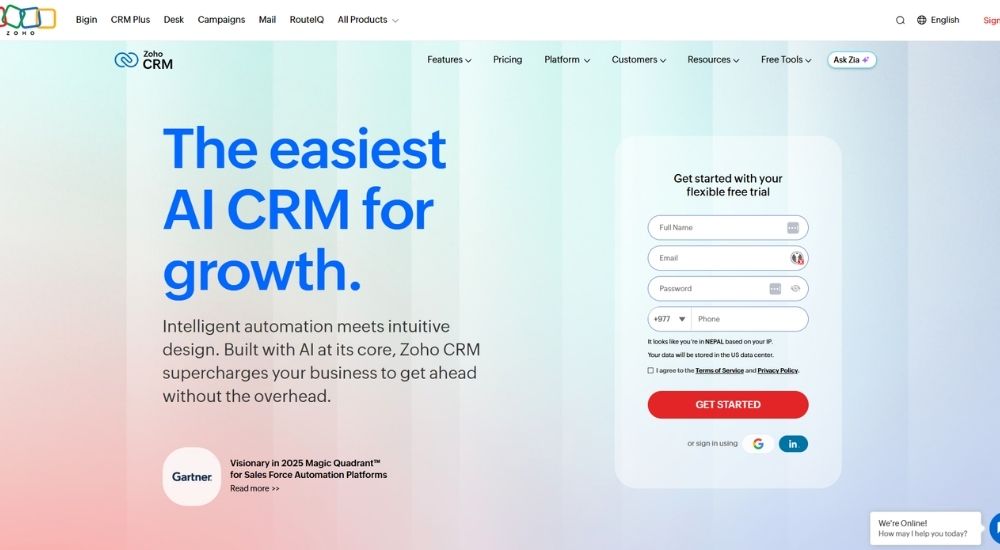
- Cost: Free plan available (up to 3 users). Paid plans start at $14/user/month (Standard), $23/user/month (Professional), $40/user/month (Enterprise), and $52/user/month (Ultimate), billed annually
- Ratings: 4.1/5
- Who’s For: Businesses of all sizes and industries looking for a scalable, customizable CRM with strong AI capabilities
- Best At: Sales automation, AI-driven insights, and deep customization for growing teams
Key Features of Zoho CRM
- Automate sales workflows, assignment rules, and cadences to keep client engagement on track
- Use Zia, Zoho’s built-in AI assistant, to rewrite emails, detect anomalies, and surface predictive insights
- Build dedicated team spaces so each department works with only the data they need
- Manage leads, contacts, deals, forecasting, and inventory from a single 360° platform
- Integrate with 1,000+ third-party applications via the Zoho Marketplace
Pros & Cons of Zoho CRM
- Free plan available for up to 3 users, forever
- No long-term contracts — pay monthly or annually and switch plans anytime
- 15-day free trial on paid plans, no credit card required
- Not purpose-built as a CRM for CPA firms — some customization will be needed
- Advanced features like an AI assistant and territory management are only available on higher tiers
- Ultimate plan pricing may be steep for smaller accounting practices
Capsule CRM
Capsule CRM is a simple, intuitive platform designed to help small businesses manage contacts, track sales, and deliver projects in one tidy place. It is not purpose-built for accounting, but CPA firms looking for a lightweight, affordable CRM for CPA firms may find it a practical starting point, especially those wanting to consolidate scattered spreadsheets and emails into one organized system without a steep learning curve.
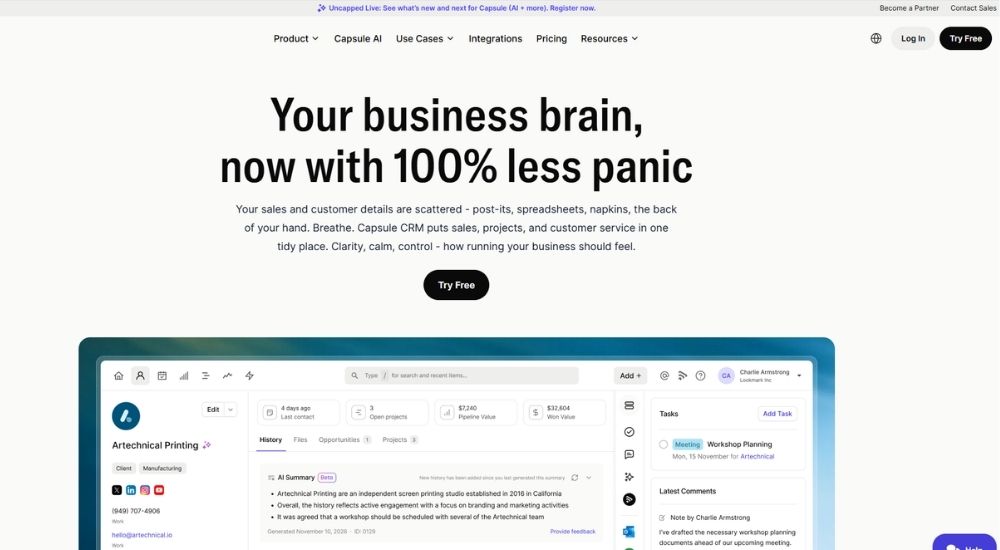
- Cost: Free plan available for up to 2 users. Paid plans start at $18/user/month (Starter), $36/user/month (Growth), and $54/user/month (Advanced), all billed annually. Free 14-day trial available, no card required
- Ratings: 4.7/5
- Who’s For: Small businesses and growing teams across all industries looking for a clean, easy-to-use CRM to manage contacts, sales, and project delivery
- Best At: Keeping contact management, sales pipelines, and project delivery organized in one simple and affordable platform
Key Features of Capsule CRM
- Organize all client contacts, communications, and sales activity in one centralized place, replacing scattered spreadsheets and post-its
- Track deals through customizable sales pipelines with clear visibility into where every opportunity stands
- Manage project delivery through kanban-style project boards, keeping client work on track after a deal is won
- Automate workflows, email notifications, and stage changes to reduce repetitive manual tasks across the team
- Integrate with QuickBooks, Xero, Gmail, Outlook, Zapier, and many more tools to keep business data connected
Pros & Cons of Capsule CRM
- Free plan available for up to 2 users with no expiration
- Rated 4.7 on G2 with 400+ reviews and recognized as a Small Business Leader
- Free 14-day trial on all paid plans with no card required
- Not a purpose-built CRM for CPA firms and lacks accounting-specific features like tax workflows, engagement letters, or document management
- Workflow automations, advanced reporting, and AI tools require the Growth plan or higher
- A UK-registered company, though pricing and plans are available in USD for US customers
Conclusion
There is no single best CRM for CPA firms because no two firms are in exactly the same place. A solo practitioner moving off spreadsheets for the first time has different needs than a growing firm trying to standardise workflows across multiple service lines. The right platform is the one that fits where your firm is today, while giving you room to grow into where you want to be.
The direction is clear, though. Purpose-built platforms will always serve accounting firms better than general CRMs adapted after the fact. The gap shows up not in feature lists but in the daily details, how a deadline is tracked, how a document is requested, and how a client is onboarded.
The good news is you do not have to take anyone’s word for it. Most platforms on this list offer a free trial, so the easiest next step is simply to pick the one that looks most promising and try it yourself.