

If you are looking for workflow management software for bookkeepers, you are in the right place.
We have searched, analysed, reviewed, and ranked seven of the best options available in 2026, all built with bookkeeping firms in mind. Every tool on this list has been assessed on its features, pricing, and how well it fits the way bookkeeping firms actually operate. No generic project management tools, no noise, and no filler.
Whether you are a solo bookkeeper or running a growing firm with a full team, there is something on this list for you. Let us get straight into it.
7 Workflow Management Software for Bookkeepers at a Glance
Choosing the right workflow management software for bookkeepers comes down to more than a feature list. We assessed each tool across four practical categories:
- workflow and automation,
- client management,
- UK practice fit, and
- value for money.
Each software is scored out of 30, so you can see at a glance which ones are worth your time.
| TaxDome Alternative | Workflow & Automation (10) | Client Management & Communication (8) | UK Practice Fit (7) | Value & Accessibility (5) | Overall Score (/30) |
|---|---|---|---|---|---|
| BrightManager | Automates recurring admin, task management, deadline tracking, and scheduling with subtask breakdowns (8) | Branded GDPR-compliant portal, e-signatures, document sharing, and full client timeline (7) | UK-registered, GDPR-compliant, GBP pricing, built for UK practice operations (7) | £409 flat annual fee up to 12 users; 30-day free trial; support included (5) | 27/30 |
| Karbon | Industry-leading automation, templates, schedulers, and task workflows across the firm (9) | Shared client timelines, portal, auto-reminders, and integrated email (7) | Globally used, including the UK; no GBP pricing; no UK-native compliance tools (3) | Starts at $59 per user per month; no free trial mentioned (3) | 22/30 |
| TaxDome | End-to-end pipeline automation, conditional triggers, and AI-powered document handling (9) | Secure portal, two-way SMS, global communication, and e-signatures included (7) | GDPR mentioned; Companies House integration listed; USD pricing (4) | From $800 per seat per year, billed upfront; demo only, no free trial (2) | 22/30 |
| Financial Cents | Workflow dashboard, 300-plus templates, recurring automation, and month-end close tools (8) | Passwordless portal, auto-reminders, document requests, and team collaboration (6) | No UK-specific features; USD pricing; SOC 2 certified (2) | From $19/month solo; 14-day free trial, no credit card required (5) | 21/30 |
| Pixie | Recurring jobs, deadline tracking, auto-assignment, and step-by-step SOP builder (7) | GDPR-compliant portal, e-signatures, client tasks, and secure file sharing (5) | UK-registered, GDPR-compliant; limited integrations beyond Zapier; USD pricing (4) | From $129/month unlimited users; 30-day free trial, no credit card required (5) | 21/30 |
| Canopy | Workflow module with automation, templates, recurrences, and capacity planning (7) | Branded portal, document management, e-signatures, and client intake (6) | No UK-specific tools or GBP pricing; USD pricing (2) | Modular pricing from $150/month base; demo available, no free trial (3) | 18/30 |
| Jetpack Workflow | Strong focus on recurring workflow standardisation, deadline automation, and task tracking (8) | No built-in client portal or document management (2) | No UK-specific features or GBP pricing; USD pricing (2) | From $40 per user per month; free trial, no credit card; onboarding included (5) | 17/30 |
Workflow Management Software for Bookkeepers- Detailed Overview
The table above gives you the headline view. But numbers only tell part of the story. Below, we break down each tool in detail so you can see exactly what you are getting, how it is priced, and whether it is the right fit for the way your bookkeeping firm works.
BrightManager
BrightManager is a UK-built practice management platform designed specifically for accountants and bookkeepers, and it shows. From HMRC-connected MTD workflows to Companies House deadline tracking and built-in AML checks, it is built around the realities of running a UK practice. For UK bookkeepers evaluating workflow management software, BrightManager is one of the few options engineered with British compliance requirements at its core.

- Cost: Standard plan at £409.25 plus VAT per year (up to 12 users, billed annually). Enterprise pricing available for 12 or more users. 30-day free trial available, no credit card required.
- Ratings: 4.5
- Who’s For: UK-based accountants and bookkeepers, from small practices to larger firms, managing MTD compliance and Companies House obligations
- Best At: Helping UK bookkeeping practices automate admin, stay on top of compliance deadlines, and manage client workflows from one connected platform
Key Features of BrightManager
- Automate recurring admin tasks, client communications, and scheduling to free up time for higher-value work
- Track HMRC submissions, manage MTD quarterly workflows, and pull compliance deadlines directly from Companies House
- Manage the full client onboarding process, including professional clearance, engagement letters, AML checks, and e-signatures
- Monitor team tasks, subtasks, and priorities from one dashboard with built-in time tracking and profitability reporting
- Share documents, collect e-signatures, and communicate with clients through a branded, GDPR-compliant client portal
Pros & Cons of BrightManager
- Purpose-built for the UK market with native HMRC, MTD, and Companies House integrations that overseas tools simply do not offer
- Flat annual fee covers up to 12 users, making it cost-effective for small to mid-sized bookkeeping practices
- 30-day free trial with no credit card required, plus award-winning customer support included
- The standard plan is capped at 12 users, so larger firms will need to move to Enterprise pricing, which requires a demo rather than a transparent price
- White-labelled client portal and SMS credits are paid add-ons rather than included in the base plan
- Primarily designed for the UK market, so less relevant for bookkeepers operating across multiple jurisdictions
Karbon
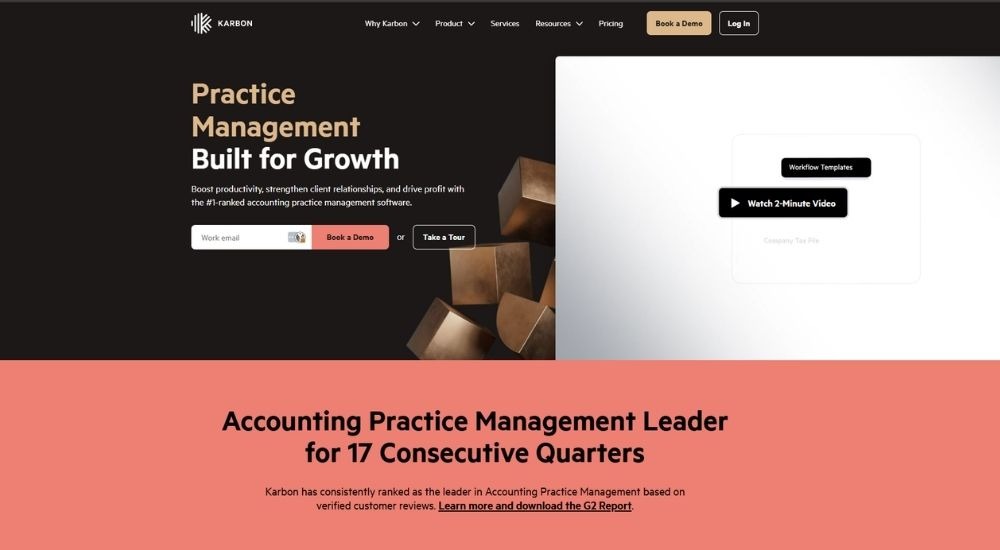
Karbon is a practice management platform built specifically for accounting and bookkeeping firms. Trusted by over 30,000 accounting professionals globally, it brings together workflow, client management, email, and billing into one connected system. As a leading workflow management software for bookkeepers, it helps firms eliminate blind spots, automate repetitive tasks, and save an average of 18.5 hours per employee each week.
- Cost: Starts at $59 per user per month (paid annually).
- Ratings: 4.8/5
- Who’s For: Bookkeepers, accountants, and accounting firm teams of all sizes, from small practices to large multi-office firms
- Best At: Unifying workflow, client management, email, and billing into one practice management platform
Key Features of Karbon
- Automate client reminders, task assignments, and recurring jobs using built-in workflow automation tools
- Manage all client communication, emails, and activity in one shared timeline per client
- Use work templates and schedulers to standardise recurring bookkeeping processes across the team
- Track time, budgets, and capacity to monitor profitability and team workload in real time
- Collaborate with clients directly through a secure portal for document sharing and task completion
Pros & Cons of Karbon
- Ranked number one in accounting practice management on G2 for 17 consecutive quarters
- Saves an average of 18.5 hours per employee per week, according to their own firm's usage research
- Covers workflow, email, client management, billing, and reporting, all within a single platform
- Pricing is per user, which can add up quickly for larger bookkeeping teams
- The entry-level Team plan has notable limitations, including no task automation or client groups
- No free trial available
TaxDome
TaxDome is an end-to-end practice management platform built specifically for bookkeeping, tax, and accounting firms of all sizes. Trusted by over 15,000 firms and three million clients across 25 countries, it consolidates client management, workflow automation, document handling, and billing into one login. As workflow management software for bookkeepers, it replaces multiple disconnected tools with a single, scalable system.

- Cost: Starts at $800 per seat per year (Essentials, single user only). Pro plan at $1,000 per seat per year, Business at $1,200 per seat per year. All plans are billed upfront.
- Ratings: 4.7/5
- Who’s For: Solo bookkeepers, small firms, mid-sized practices, and large multi-office accounting and bookkeeping teams
- Best At: Running an entire bookkeeping or accounting practice from one platform, from client onboarding through to payment collection
Key Features of TaxDome
- Automate end-to-end bookkeeping and accounting workflows using ready-made pipeline templates and conditional triggers
- Connect directly to client general ledgers and categorise transactions with no per-client fees on Pro and Business plans
- Manage all client communication, including email, SMS, and secure chat, from one centralised inbox
- Store, auto-tag, and rename client documents using AI, and collect e-signatures without leaving the platform
- Track time, generate invoices, send proposals, and collect payments all within the same workflow
Pros & Cons of TaxDome
- Purpose-built for bookkeepers with a dedicated Bookkeeping Hub and direct general ledger integrations
- Covers the full client lifecycle in one platform, reducing the need for multiple software subscriptions
- Rated 4.7 out of 5 across 7,600 reviews on Capterra, G2, and GetApp
- Essentials plan is limited to a single user, making it unsuitable for any firm with more than one team member
- All plans are billed upfront annually, which requires a significant initial outlay
- Demo available, no free trial
Financial Cents
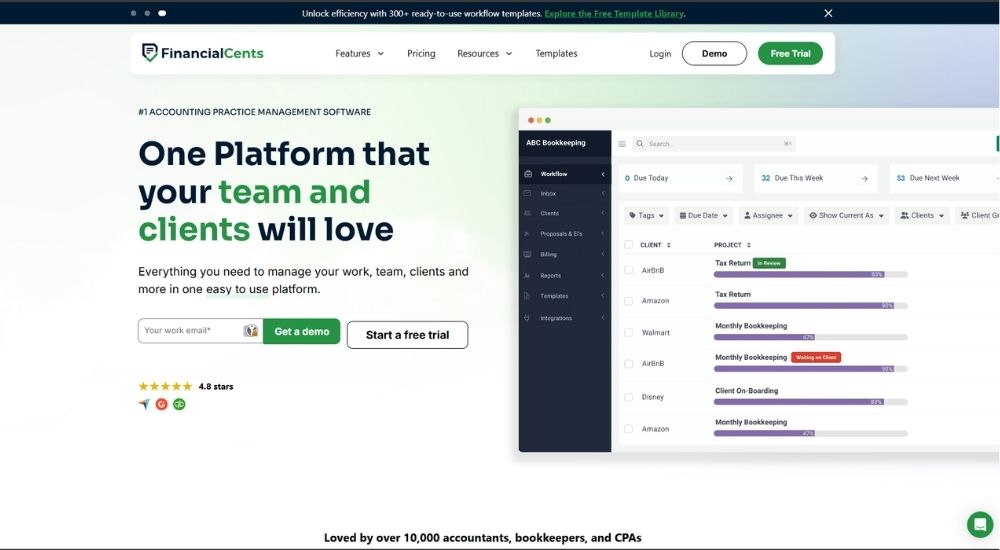
Financial Cents is a cloud-based practice management platform built specifically for bookkeepers, accountants, and CPAs. Loved by over 10,000 practitioners, it brings together workflow management, client communication, document handling, and billing into one easy-to-use system. As workflow management software for bookkeepers, it helps firms standardise recurring processes, track deadlines, and get client responses up to six times faster.
- Cost: Starts at $19 per month for solo users (billed annually). Team plan at $49 per user per month, Scale plan at $69 per user per month, Enterprise at custom pricing. All plans billed annually. Free 14-day trial available, no credit card required.
- Ratings: 4.7/5
- Who’s For: Solo bookkeepers, small bookkeeping firms, mid-sized and large accounting practices
- Best At: Helping bookkeeping firms track client work, automate recurring workflows, and manage month-end close from one organised platform
Key Features of Financial Cents
- Track all client work, deadlines, and task statuses across the firm from a single workflow dashboard
- Automate recurring bookkeeping and month-end close workflows using 300-plus ready-to-use templates
- Send automatic client requests and follow-up reminders, so your team always has what they need to move work forward
- Manage client relationships, notes, documents, passwords, emails, and billing from one centralised client profile
- Track time, generate invoices, send proposals and engagement letters, and collect payments within the same platform
Pros & Cons of Financial Cents
- Free 14-day trial available with no credit card required, making it easy to test before committing
- Solo plan at $19 per month makes it one of the most affordable options for single-user bookkeeping firms
- Rated 4.8 stars on Capterra and recognised across multiple categories, including best ease of use and best value
- Advanced automation features such as task dependencies and auto-follow-ups are only available on the Scale plan and above
- Month-end close is an add-on priced separately at $5 per client per month, adding to overall costs
- Integrated email and branded client portal are not included in the Solo plan
Pixie
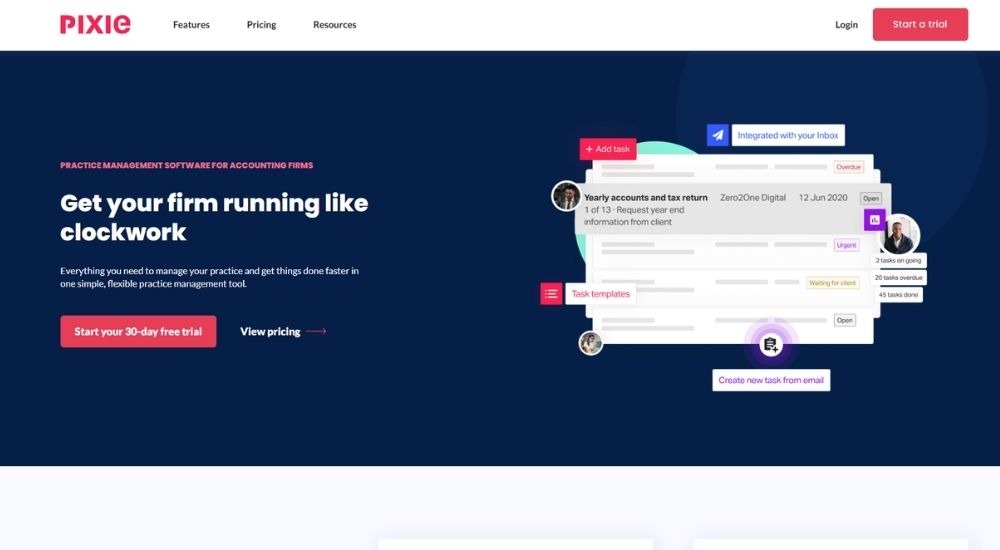
Pixie is a practice management platform built specifically for accounting and bookkeeping firms, and unlike many tools on this list, it is a UK-based company registered in London. Loved by thousands of accountants and bookkeepers worldwide, it offers workflow management, client records, document handling, and automation under one simple, flat-fee plan. For firms looking for workflow management software for bookkeepers that does not charge per user, Pixie is one of the few options built with that model from the ground up.
- Cost: Starts at $129 per month for unlimited users (for firms with fewer than 250 clients), billed monthly. Pricing scales with client volume. 30-day free trial available, no credit card required.
- Ratings: 4.6/5
- Who’s For: Accounting and bookkeeping firms of all sizes, from small practices to larger teams. Particularly well-suited for UK-based bookkeepers given its London-based roots and GDPR-compliant infrastructure.
- Best At: Giving bookkeeping firms a simple, flat-fee platform to manage workflows, client records, and deadlines without per-user charges
Key Features of Pixie
- Automate recurring jobs, auto-assign work to team members, and send client reminders without manual intervention
- Break down workflows into step-by-step stages with internal and external deadline tracking to keep work on schedule
- Centralise all client data, including custom fields, email timelines, and document correspondence, in one client record
- Share and receive documents securely through a GDPR-compliant client portal with built-in e-signing
- Embed training videos and checklists directly into standard operating procedures to train staff on the job
Pros & Cons of Pixie
- Flat monthly fee covers unlimited users, making it highly cost-effective as the team grows
- UK-based company with GDPR-compliant infrastructure, making it a strong fit for UK bookkeeping firms
- 30-day free trial with no credit card required and personalised onboarding support included
- Pricing is in USD despite being a UK-based company, so currency costs are worth checking before committing
- No mention integrations with UK-specific tools such as Xero or HMRC-connected software beyond Zapier
- Limited review volume compared to larger competitors, so independent ratings are harder to assess
Canopy
Canopy is a modular, all-in-one practice management platform built for accounting, tax, and bookkeeping firms. Trusted by over 15,000 practitioners, it lets firms start with a core client engagement platform and add only the modules they need. As workflow management software for bookkeepers, it brings together client management, document handling, workflow automation, and billing under one roof.

- Cost: Starts at $150 per month for unlimited users (Client Engagement Platform, annual contract). Additional modules priced separately: Workflow at $32 per user per month, Document Management at $36 per user per month, Time and Billing at $22 per user per month. Demo available, no free trial.
- Ratings: 4.6/5
- Who’s For: Bookkeepers, accountants, tax preparers, and accounting firm teams of all sizes, including small firms with four users or fewer
- Best At: Letting firms build a customised practice management system by selecting only the modules relevant to their practice
Key Features of Canopy
- Manage all client relationships, communication, and engagement through a branded, secure client portal available on web and mobile
- Automate recurring workflow tasks using templates, project automation, recurrences, and custom statuses
- Collect client information, files, and agreements upfront using Smart Intake and built-in questionnaires
- Store, annotate, and exchange documents securely with unlimited storage and unlimited e-signatures included in the Document Management module
- Track time, generate invoices, collect card and ACH payments, and monitor work in progress from within the same platform
Pros & Cons of Canopy
- Modular pricing means bookkeeping firms only pay for the features they actually use
- Client Engagement Platform covers unlimited users for a flat monthly fee, making it cost-effective for growing teams
- AI features run across the platform to generate checklists, summarise email threads, and auto-fill forms
- Costs can add up quickly once multiple modules are added across several users
- Smaller firms on Starter or Essentials plans cannot mix and match modules as freely as Standard or Pro plan users
- Demo available, no free trial
Jetpack Workflow
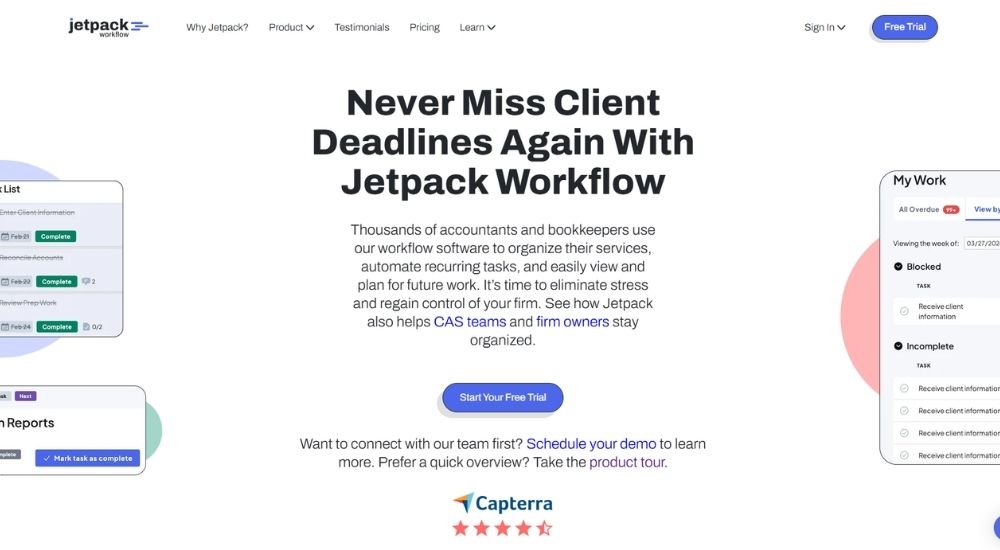
Jetpack Workflow is a dedicated workflow and task management platform built from the ground up for accountants and bookkeepers. Used by over 6,000 accounting and bookkeeping professionals, it focuses on one thing above all else: making sure recurring client work is never missed. Bookkeepers searching for workflow management software for bookkeepers that is laser-focused rather than feature-heavy will find Jetpack Workflow a refreshingly straightforward option.
- Cost: Starts at $40 per user per month (billed annually) or $49 per user per month (billed monthly). Free trial available, no credit card required.
- Ratings: 4.2/5
- Who’s For: Bookkeepers, accountants, solo practitioners, firm owners, and client advisory services teams at every stage of growth
- Best At: Standardising recurring client work, automating deadlines, and giving firms complete visibility over what their team is working on
Key Features of Jetpack Workflow
- Standardise recurring bookkeeping services using unlimited customisable workflow templates built for accounting and bookkeeping firms
- Automate recurring task deadlines and client work handoffs so nothing is missed across the team
- Track all client work in one central hub with custom progress reports and future work scheduling
- Collaborate across the team with change management tools, cascading global service updates, and mobile-friendly access
- Get up and running quickly with four complimentary onboarding sessions, built-in training, and same-day support included at no extra cost
Pros & Cons of Jetpack Workflow
- Simple, focused platform that is purpose-built for bookkeepers rather than adapted from a generic tool
- Free trial available with no credit card required, and onboarding support included with every subscription
- Firms report saving over ten hours of admin work per week and an average of four-plus hours of direct supervision per week
- More narrowly focused than competitors, with no built-in client portal, billing, or document management
- Single pricing tier means all users pay the same, regardless of the features they actually need
- No mention of UK-specific integrations or HMRC-connected tools, which may matter for UK bookkeeping firms
How to Choose Workflow Management Software for Your Bookkeeping Firm
Picking the right tool comes down to four things.
Firm size and team structure
A solo bookkeeper has very different needs from a firm managing ten staff and hundreds of clients. If you are working alone, go lightweight. If you have a growing team, look for automation, task delegation, and collaboration tools built in.
Pricing model
Per-user pricing works well for smaller teams, but adds up fast as you grow. Flat fee models are worth considering if you are planning to bring on more staff. Also, watch out for tools that require a full annual payment upfront before you have had a proper chance to test them.
UK fit
Check whether the software is GDPR compliant, whether it prices in GBP, and whether it connects with the tools your firm already uses. For a UK bookkeeping firm, these are baseline requirements, not nice-to-haves.
Free trial availability
Most tools on this list offer one, and you should always use it. Workflow management software for bookkeepers only delivers results if your team actually adopts it. A free trial is the only honest way to find out before you commit.
Conclusion
There is no single best answer here. The right workflow management software for your bookkeeping firm depends on your team size, your budget, and how you like to work.
If you are a UK-based bookkeeping firm, pay close attention to the UK practice fit scores in the table above. Not every tool on this list was built with your market in mind, and that difference matters more than it might seem day to day.
Shortlist two or three options, take the free trials seriously, and make the call based on how the software feels in practice rather than on a feature list alone. The best workflow management software for bookkeepers is ultimately the one your team will actually use every day.