

Accounting firms do not have a client problem. They have a systems problem.
Juggling deadlines, documents, and client communication across disconnected tools costs time your firm cannot afford to lose. The right Cloud Based Practice Management System changes that, pulling everything into one place so your team can focus on the work that actually moves the needle.
This guide reviews the top platforms for 2026, scored and ranked to help you find the best Cloud Based Tax Practice Management System for your firm’s size, budget, and workflow.
What Is a Cloud Based Practice Management System?
A Cloud Based Practice Management System is software that helps accounting firms run their entire operation from one online platform. Instead of switching between separate tools for tasks, emails, documents, and billing, everything lives in one place and is accessible from anywhere.
At its core, it covers client management, workflow tracking, document storage, time and billing, and team collaboration. The cloud element means no servers, no installations, and no being tied to a single office device.
Why Accounting Firms Need a Cloud Based Practice Management System
The way accounting firms operate has changed. Client expectations are higher, teams are more distributed, and the volume of work keeps growing. Yet most firms are still running on tools that were never built for this level of complexity. Here is what the right system directly solves.
Deadlines Cannot Afford to Slip
In accounting, a missed deadline is not just an inconvenience. It is a compliance risk, a damaged client relationship, and in some cases, a financial penalty. A practice management system gives every team member a live view of what is due, who owns it, and where it stands.
Clients Expect a Professional Experience
Secure portals, e-signatures, and fast responses are no longer a differentiator. They are the baseline. Firms that still rely on email attachments and manual follow-ups are falling behind the standard clients now expect.
Manual Processes Kill Growth
Every hour spent chasing documents, updating spreadsheets, or sending reminder emails is an hour not spent on billable work. Automation handles the repetitive work, so your team can focus on what actually generates revenue.
Remote and Hybrid Teams Need a Single Source of Truth
When work is spread across locations, visibility becomes the biggest challenge. A Cloud based platform ensures everyone is working from the same information, with no blind spots and no duplicated effort.
Cloud Based Practice Management Systems at a Glance
Before diving into the full reviews, here is a quick snapshot of all seven platforms scored across four criteria that matter most to accounting firms:
- Tax and Accounting Practice Fit
- Client and Document Management
- Workflow Automation and AI
- Pricing and Accessibility
Rankings are based on independent analysis of features, verified user reviews, and real-world suitability for accounting and tax firms.
| Software | Tax & Accounting Practice Fit | Client & Document Management | Workflow Automation & AI | Pricing & Accessibility | Total Score /30 |
|---|---|---|---|---|---|
| Karbon | Purpose-built for accounting firms; G2 leader 17 quarters | Shared inbox, client timelines, document folders, cloud sync | AI agents, deadline automation, capacity planning | From $59/user/month; no free trial | 27 |
| TaxDome | End-to-end tax platform; IRS transcripts, organizers, PDF editor | Branded portal, AI doc tagging, two-way SMS, top-rated mobile app | Saves 40hrs/user/month; AI reporting, invoice locking | From $800/seat/year; annual billing only | 26 |
| Canopy | Strong tax roots; IRS retrieval, Smart Intake, tax resolution | Branded portal, mobile app, e-signatures, proposals included | AI auto-fills forms; automates workflows and reminders | From $150/month unlimited users; modules add up | 24 |
| Financial Cents | Built for accountants; QBO integration, month-end close | Passwordless portal, auto document requests, 6x faster responses | Recurring templates, status automations, task triggers | From $19/month solo; free 14-day trial | 23 |
| Zoho Practice | Core accounting workflows; compliance alerts, workpapers | Live chat, WhatsApp, e-signatures via Zoho Sign | Event and date-based triggers, recurring task automation | From $49/org/month; free for Zoho partners | 21 |
| Xero Practice Manager | Solid for Xero-native firms; job scheduling and billing | Real-time Xero sync; no standalone client portal | Job templates, billing automation, and limited AI | Free for Xero silver, gold, and platinum partners | 19 |
| Jetpack Workflow | Workflow-focused only; no billing or client portal | No native portal or document management | Unlimited templates, cascading deadlines; no AI | From $40/user/month; training included free | 17 |
Top 7 Cloud Based Practice Management Systems (Full Reviews)
Here are the seven best Cloud Based Practice Management Systems available in 2026, reviewed and ranked to help your firm make the right call. Each entry covers key features, pricing, and honest pros and cons so you can compare what matters most.
Karbon
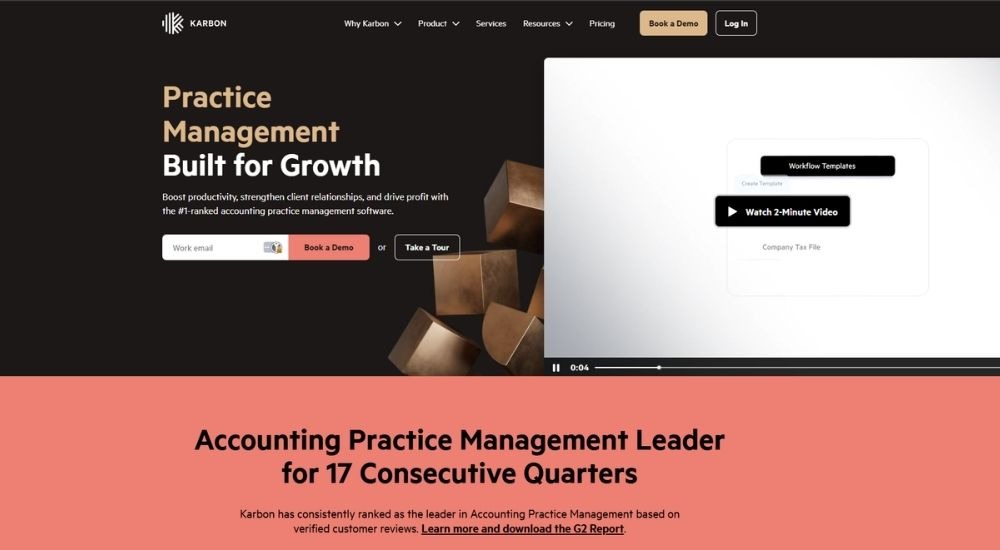
Karbon is a Cloud based practice management software built for accounting firms that want more control over their workflow, clients, and team. It centralizes email, tasks, and collaboration into one platform, helping firms eliminate blind spots, automate repetitive work, and keep every job on track. Ranked number one in accounting practice management on G2 for 17 consecutive quarters.
- Cost: Starts at $59 per user per month (paid annually). No free trial mentioned.
- Ratings: 4.8/5
- Who’s For: Accounting firms of all sizes, from small practices to large enterprises.
- Best At: Unifying workflow, email, and client management in a single platform.
Key Features of Karbon
- Automate client reminders, task assignments, and recurring workflows
- Manage billing, invoicing, and payments directly within the platform
- Track time and budgets against live work, in real time
- Collect client documents and signatures through a built-in client portal
- Use AI agents to handle repetitive admin and surface firm-wide insights
Pros & Cons of Karbon
- Saves up to 18.5 hours per employee weekly
- Strong G2 reputation across 17+ quarters
- All-in-one platform, no switching tools
- Available on web, iOS, and Android
- No free trial available
- Advanced reporting is locked to higher plans
- Per-user pricing adds up for larger teams
TaxDome
Trusted by over 15,000 firms, TaxDome is an end-to-end platform where accounting teams manage clients, workflows, billing, and documents from a single login. For firms evaluating a Cloud based practice management system, it covers everything from client onboarding to payment collection without needing separate tools. Rated 4.7/5 across 7,600-plus reviews.

- Cost: Starts at $800 per seat per year (Essentials, annual commitment).
- Ratings: 4.7/5
- Who’s For: Solo practitioners, growing firms, and large multi-office accounting practices.
- Best At: End-to-end firm management with automation, client portal, and built-in payments.
Key Features of TaxDome
- Automate workflows, task assignments, and client reminders across the firm
- Collect documents, e-signatures, and payments through a branded client portal
- Track time, generate invoices, and reduce accounts receivable automatically
- Use AI to tag and rename documents, generate reports, and surface firm insights
- Integrate with Drake, QuickBooks, Lacerte, ProConnect, Stripe, and 20-plus other tools
Pros & Cons of TaxDome
- Unlimited e-signatures on all plans
- Strong automation saves up to 40 hours per user monthly
- Top-rated client mobile app
- Scales from solo to 50-plus staff firms
- Setup and onboarding take time
- Essentials plan limited to one user
- Annual billing is required upfront
Canopy
Canopy is an all-in-one, Cloud based practice management system trusted by over 15,000 practitioners. Built around client management as its core, it lets accounting firms pick and choose modules to match their workflow, from document management and billing to AI-powered tax prep. A modular, scalable solution designed to grow with your firm.

- Cost: Starts at $150 per month for unlimited users (Client Engagement Platform, annual contract). Additional modules are priced per user per month.
- Ratings: 4.6/5
- Who’s For: CPA firms, tax practices, and bookkeeping firms of all sizes.
- Best At: Modular, customizable practice management built around client relationships.
Key Features of Canopy
- Manage clients, documents, and billing from one connected platform
- Automate workflows, task assignments, and recurring processes
- Collect client information and files through Smart Intake and a branded portal
- Track time, generate invoices, and collect payments within the same system
- Use AI to generate checklists, summarize threads, and auto-fill forms
Pros & Cons of Canopy
- Modular pricing, pay only for what you need
- Unlimited users on the base plan
- Strong tax-specific features for accounting firms
- Trusted by 15,000-plus practitioners
- An implementation fee required upfront
- Add-on credits needed for some features
- Costs rise quickly with multiple modules
Financial Cents
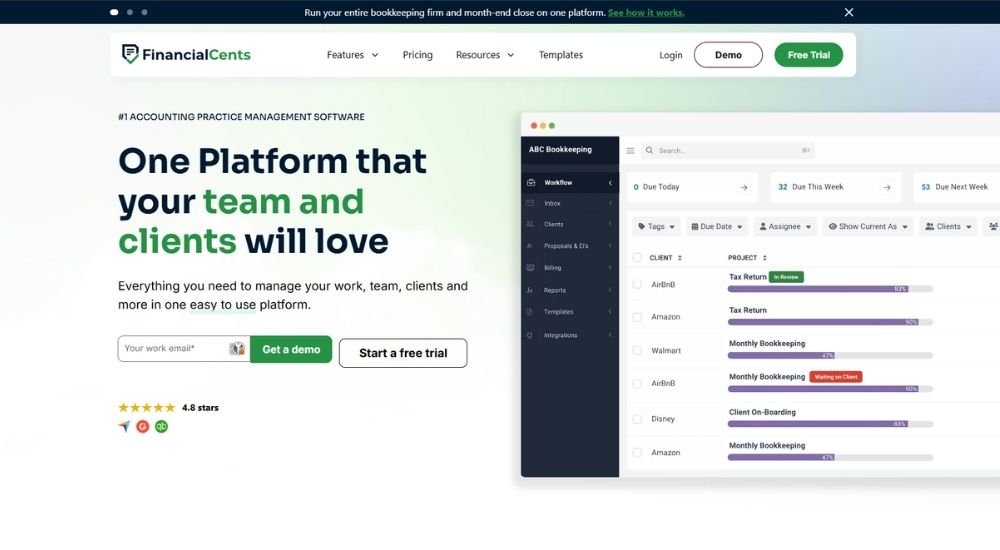
Financial Cents is a Cloud based practice management system designed to help accounting firms manage work, clients, and deadlines from one platform. Loved by over 10,000 accountants and bookkeepers, it consolidates multiple apps into one place, saving teams an average of 56 hours per month. A free 14-day trial is available with no credit card required.
- Cost: Starts at $19 per month for solo users (billed annually). Team plans start at $49 per user per month. Free 14-day trial available.
- Ratings: 4.7/5
- Who’s For: Solo practitioners, CPA firms, bookkeeping, and tax practices of all sizes.
- Best At: Workflow management, client task automation, and deadline tracking for accounting firms.
Key Features of Financial Cents
- Track all client work, deadlines, and team tasks in one dashboard
- Automate client document requests and follow-ups to get responses 6x faster
- Manage billing, invoicing, and proposals directly within the platform
- Integrate natively with QuickBooks Online, SmartVault, and Zapier
- Standardize recurring work with prebuilt workflow templates for tax and bookkeeping
Pros & Cons of Financial Cents
- Free 14-day trial, no credit card needed
- Very competitively priced for small firms
- Easy to set up and use
- Strong client portal and auto-reminder features
- Advanced automations only on Scale plan and above
- Fewer integrations than some competitors
- Enterprise pricing is not publicly listed
Zoho Practice
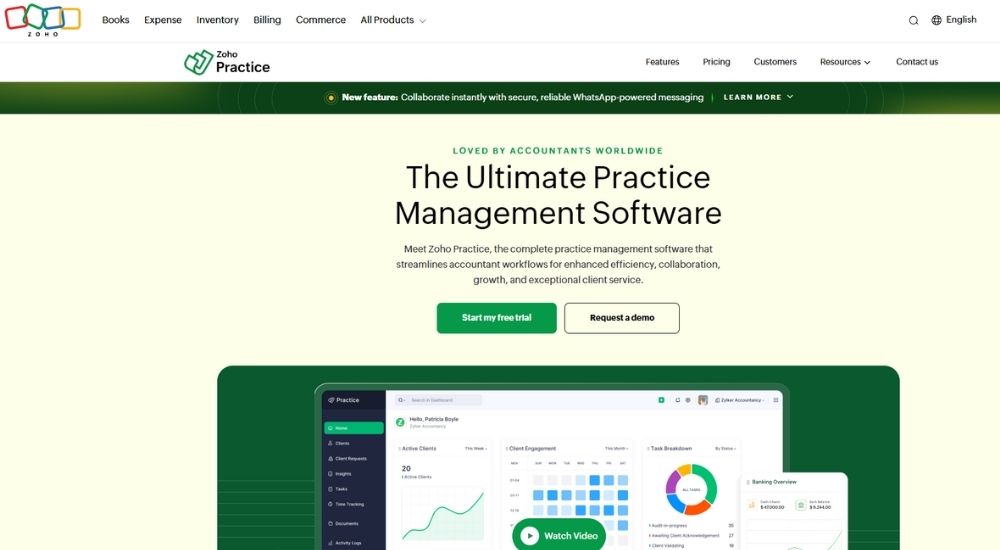
Zoho Practice is a complete practice management platform for accounting firms, covering client management, task tracking, document storage, timesheets, and billing in one place. Firms already using Zoho Books, Payroll, or Expense will find that it integrates seamlessly across the entire Zoho Finance ecosystem. A 14-day free trial is available.
- Cost: Starts at $49 per organization per month (Standard plan, billed annually). Free plan available for Zoho partners. Free 14-day trial available.
- Ratings: 4.1/5
- Who’s For: Accounting and bookkeeping firms already using or open to the Zoho ecosystem.
- Best At: Unified practice management tightly integrated with Zoho Finance apps.
Key Features of Zoho Practice
- Manage clients, tasks, and documents within a single Cloud based practice management system
- Automate recurring tasks, client requests, and workflow triggers using event or date-based rules
- Track billable time and convert timesheets into invoices with flexible billing options
- Collaborate with clients via live chat, WhatsApp messaging, and a secure self-service portal
- Review client financial health directly through Zoho Books, Expense, and Payroll integrations
Pros & Cons of Zoho Practice
- Free plan available for Zoho partners
- Deep integration with the Zoho Finance suite
- Highly customizable with custom modules and fields
- Includes digital signatures via Zoho Sign at no extra cost
- Best suited for firms already in the Zoho ecosystem
- Standard plan limited to five users
- Self-service portal is only available on the Premium plan
Xero Practice Manager (XPM)
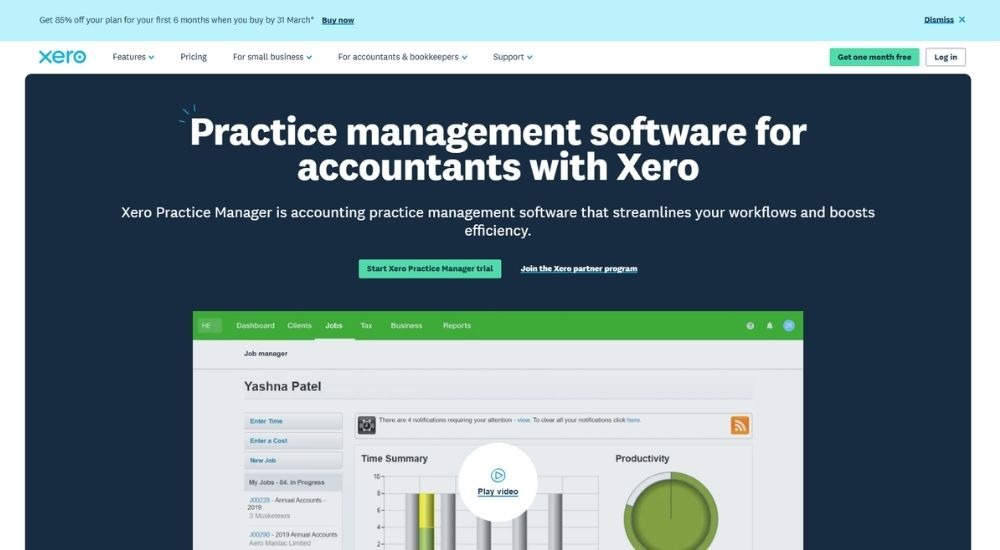
Xero Practice Manager is practice management software built for accounting and bookkeeping firms that want to streamline job scheduling, time tracking, and invoicing. It connects directly with Xero’s accounting software, keeping client data, invoices, and payments in sync. Free access is available to Xero partners who reach silver status or above.
- Cost: Free for Xero silver, gold, and platinum partners. A 14-day free trial is available for existing Xero partners.
- Ratings: 4.5/5
- Who’s For: Accounting and bookkeeping practices already using or planning to use Xero.
- Best At: Job management, time tracking, and invoicing are tightly integrated with Xero accounting.
Key Features of Xero Practice Manager (XPM)
- Assign jobs and tasks to staff with due dates, milestones, and productivity targets
- Track time by duration or start and stop, then convert directly into invoices
- Sync invoices, payments, and client data in real time with Xero accounting software
- Build custom reports on productivity, recoverable costs, and internal time
- Use customizable job templates suited to each accounting firm’s workflow
Pros & Cons of Xero Practice Manager (XPM)
- Free for qualifying Xero partners
- Seamless integration with Xero accounting
- Flexible invoicing with fixed price or rate-based billing
- Custom reporting built in
- Only practical for firms using Xero
- Not a standalone cloud based practice management system
- Limited features compared to dedicated full-suite platforms
Jetpack Workflow
Jetpack Workflow is a workflow and project management tool built specifically for accountants, bookkeepers, and CPA firms. Used by 6,000-plus practitioners, it helps firms standardize recurring client work, automate deadlines, and track team progress without the complexity of a full practice management suite. Teams can be up and running in days, not weeks.
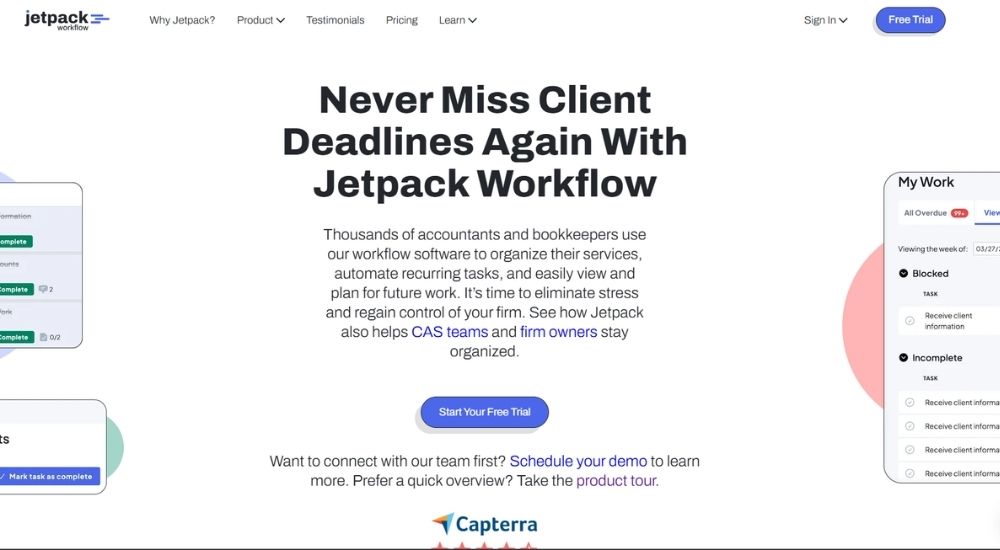
- Cost: Starts at $40 per user per month (billed annually). Free trial available, no credit card required.
- Ratings: 4.2/5
- Who’s For: Accountants, bookkeepers, CPA firms, and solo practitioners.
- Best At: Workflow standardization, recurring task automation, and deadline tracking.
Key Features of Jetpack Workflow
- Create unlimited workflow templates for recurring client services
- Automate recurring deadlines and team task handoffs
- Track all client work, team progress, and upcoming jobs in one view
- Schedule future work months in advance with cascading task deadlines
- Access complimentary onboarding, training, and support on every plan
Pros & Cons of Jetpack Workflow
- Simple, focused tool that is easy to adopt
- Free trial with no credit card required
- Support and training are included at no extra cost
- Up and running in days, not weeks
- Not a full Cloud based practice management system
- No built-in billing, payments, or client portal
- Limited integrations compared to broader platforms
How to Choose the Right Platform for Your Firm
With seven strong options on this list, the right choice comes down to where your firm is today and where you want it to go. The goal is not the most feature-rich platform. It is the one your team will actually use, that fits your budget, and that solves the problems costing you the most time right now.
Here is how to find it.
Start With Firm Size and Stage of Growth
Solo practitioners and small teams need something affordable and quick to set up. Larger or growing firms need deeper automation, stronger reporting, and the ability to scale without operations breaking down.
Look at Your Existing Tech Stack
If your firm is already built around a particular ecosystem, a platform that integrates tightly with those tools will always be easier to adopt than starting from scratch.
Consider How Client-Facing Your Needs Are
Some platforms excel at internal workflow management but rely on external tools for client communication. Others bring the entire client experience, portal, e-signatures, document requests, and billing, into one unified place.
Factor in Total Cost of Ownership
A low entry price can look attractive until add-ons, implementation fees, and per-module costs stack up. Always look beyond the headline number before committing.
Conclusion
The right Cloud Based Practice Management System does not just tidy up your workflow. It changes how your firm operates, how your team collaborates, and how your clients experience working with you.
The platforms reviewed in this guide cover a wide range of firm sizes, budgets, and needs. Some are built for full-service firms that want everything under one roof. Others are better suited to specific workflows or existing software ecosystems. What they all have in common is the ability to replace the disconnected, manual processes that slow most accounting firms down.
The best time to make the switch is before the chaos of the next busy season. Start with a free trial where available, book a demo, and test the platform against your firm’s actual day-to-day. The right fit will be obvious quickly.