
Accounting workflow templates that run every job the same way
FigsFlow is accounting workflow software that turns your practice's process into reusable workflow templates — the task list, who does which part, and due dates that count backward from the filing deadline. Apply one to a job and the whole schedule builds itself, including the parts where you chase the client.
 G2 reviews
 Google reviews Verified reviews
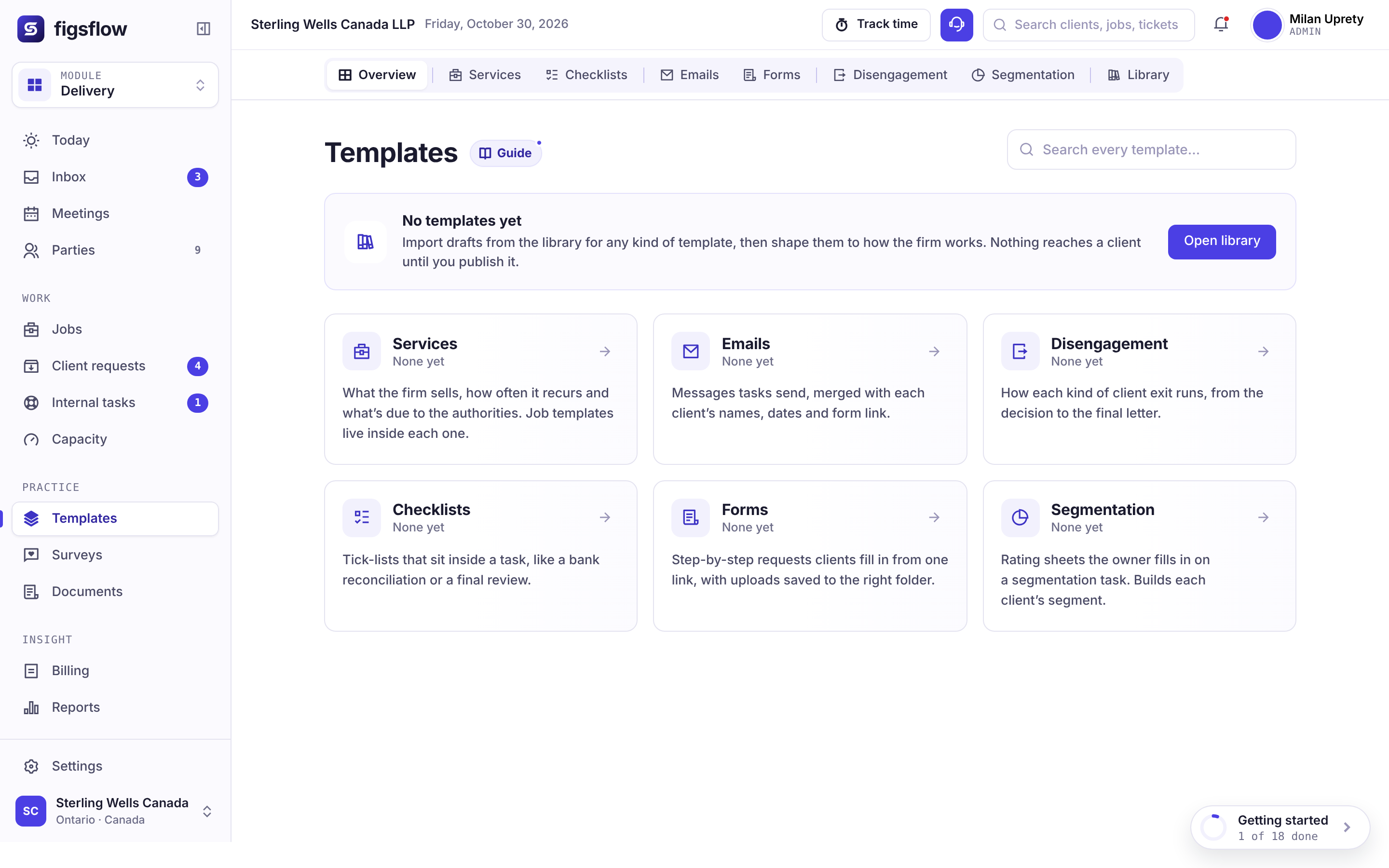
Product tour
Workflow templates in action
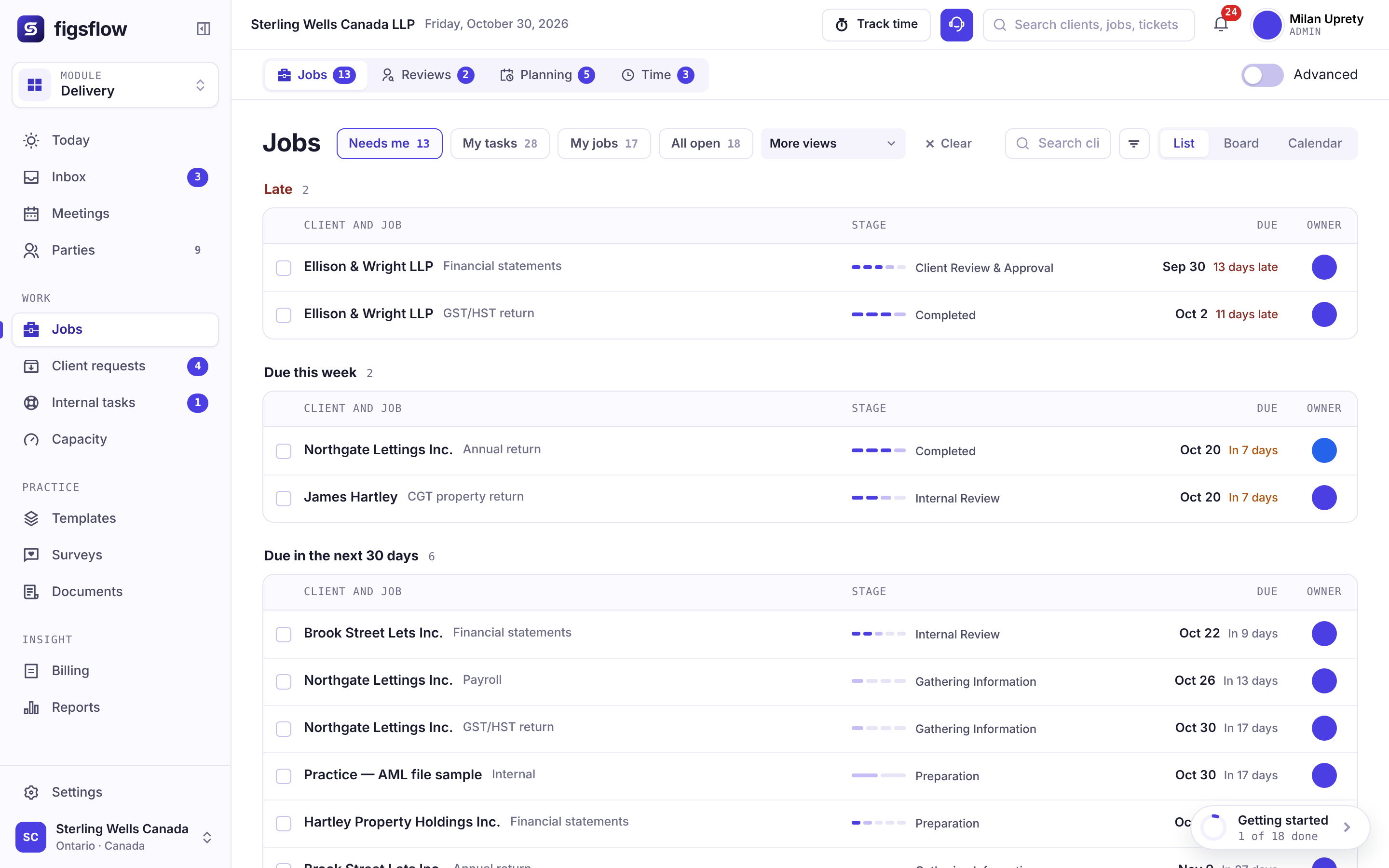
Apply an accounting workflow template to a client and every task, owner and deadline is set from their own year end. Nothing typed in by hand.
One process, four places it is stored
The way your firm does a year-end compilation job exists in a Word document somebody wrote in 2021, a spreadsheet the manager keeps, the memory of your best preparer, and the actual sequence of emails on last year's job. All four disagree slightly, and the one that gets followed is whichever the person doing the work happens to have open.
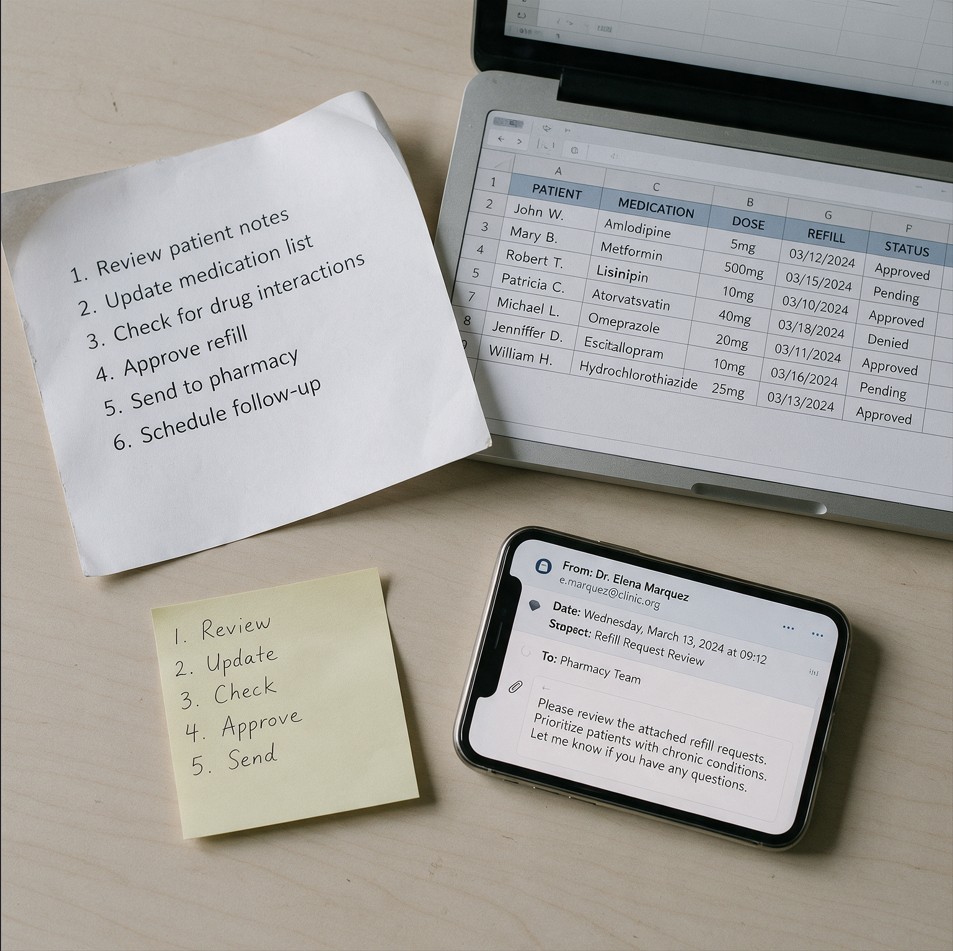
Where it sits
Before the job exists
In accounting workflow software, the template is where the work is decided. Change it and you are changing how the next hundred jobs run — which is why versioning matters more here than anywhere else in the platform.
- Engagement signed
- Template applied
- Anchor date read from the client
- Offsets calculated
- Roles assigned to people
- Job runs
Service templates
The work itself — steps, tasks, the scheduler and the board statuses a job moves through.
Email templates
What the client receives, with merge fields that resolve to real data rather than a mail-merge guess.
Form templates
The information request the client fills in — branching, so nobody is asked about rental income they do not have.
Checklist templates
The quality control inside a task — including reconciliations that balance or visibly do not.
Surveys
Built on the same question engine as forms, scoped as its own module.
Your own task types
Five built-in types, plus any your practice adds — client identity verification, business number registrations, CRA representative authorization.
Due dates
Offsets, not typed dates
Every task date in an accounting workflow template is an offset from an anchor — the client’s fiscal year end, their sales tax reporting period, their corporate annual return date. Apply the same template to a client with a September year end and a client with a March one, and both get correct dates. Nobody maintains a second version for the awkward clients.
Internal dates can roll to the next working day. Statutory deadlines follow the authority’s own rule rather than yours, so the platform treats internal and statutory dates as two different settings rather than one.
Anchors: client year end · tax year end · sales tax period end · calendar month end
The client manager assigns a person to each slot · owner is always required before a job can start
Assignment
Roles, not names
An accounting workflow template assigns to preparer, reviewer and partner — not to Priya, Tom and Rachel. When the job is created, the client manager puts a real person into each slot. Assignment is a deliberate step rather than an automatic one, and because the template never holds a name, somebody leaving does not mean editing templates.
The same mechanism decides what a job cannot start without. An owner is always required; team lead, client due date and internal due date are yours to make mandatory or not.
Versioning
What happens when you change it in February?
Templates are versioned. Jobs already running keep the version they started on; new jobs take the new one; and you can push a change to live jobs deliberately rather than by accident.
A template edit in the middle of the season is the single most dangerous action in accounting workflow software, and it should behave like one. The rule holds in the data, not just in a warning message.
- Started 12 Jan
- 1 job still running
- Keeps its original task set
- From 04 Feb
- All new jobs
- Extra review gate added
Reminders automatic · review before sending optional · portal, email or both
The client's part
The client's steps are in the template too
Sending the records, approving the draft, returning the signed copy — these are steps in the process, not things that happen outside it. Putting them in the template is what makes a date slip attributable rather than mysterious.
Each client step carries its own timing, its own reminders, and an optional partner review before anything leaves the building.
Seen enough? Bring the process you argue about most.
Book a demoThe difference
A document, or something that runs
Most accounting workflow templates are documents. They describe the process accurately and change nothing, because following them is voluntary and checking them is nobody's job. Accounting workflow software should run the process, not describe it.
| When… | Portal-first practice suitesJob templates inside a client-portal suite | Workflow-first appsChecklist templates with relative dates | FigsFlowA template that executes |
|---|---|---|---|
| A client has an unusual year end | !Dates run relative to the job; odd year ends are often handled job by job. | !Relative dates work; an odd year end often needs its own recurrence. | ✓Same template. Offsets recalculate from that client's anchor. |
| A deadline falls on a Saturday | !One weekend rule, if any, for every date. | !One weekend rule applied to everything. | ✓Internal dates roll. Statutory dates follow their own rule. |
| Someone leaves the firm | !Bulk reassignment, but templates that name people need editing. | !Bulk reassignment, but templates that name people need editing. | ✓Reassign that job's slot. The template is untouched. |
| The process changes mid-season | !Edits usually reach new jobs only, so live jobs drift from the standard. | !Whether an edit reaches live jobs depends on the product. | ✓Running jobs keep their version. Pushing the change is deliberate. |
| The client is the blocker | ✓Client requests and portal reminders, often well done. | !Client requests in some products; in others it lives in email. | ✓A step in the template, with its own reminders. |
| A new starter joins | !A task list without the reasoning behind it. | !A task list without the reasoning behind it. | ✓The template is the training — they work inside it from day one. |
| You want to know if it was followed | !Completed tasks and an activity log. | !Checked-off items, if anyone checked them. | ✓The job is the record of the template running. |
Columns describe two common kinds of practice software, not any one product. Features vary by product and plan.
Changing one changes what happens next. Changing the other changes what is described.
Who uses it
What this looks like at your size
Pick the shape of your practice. The same accounting workflow software fits a sole practitioner and a firm of 50 or more.
What you’ll see0:00 / 1:58
- 0:00 Your process is in your head, and it works
- 0:30 You write it down once, as offsets not dates
- 1:02 A client with a September year end runs correctly Nothing had to be adjusted
- 1:34 You are ill for a week and the job still moves
Preview clock — no video source set
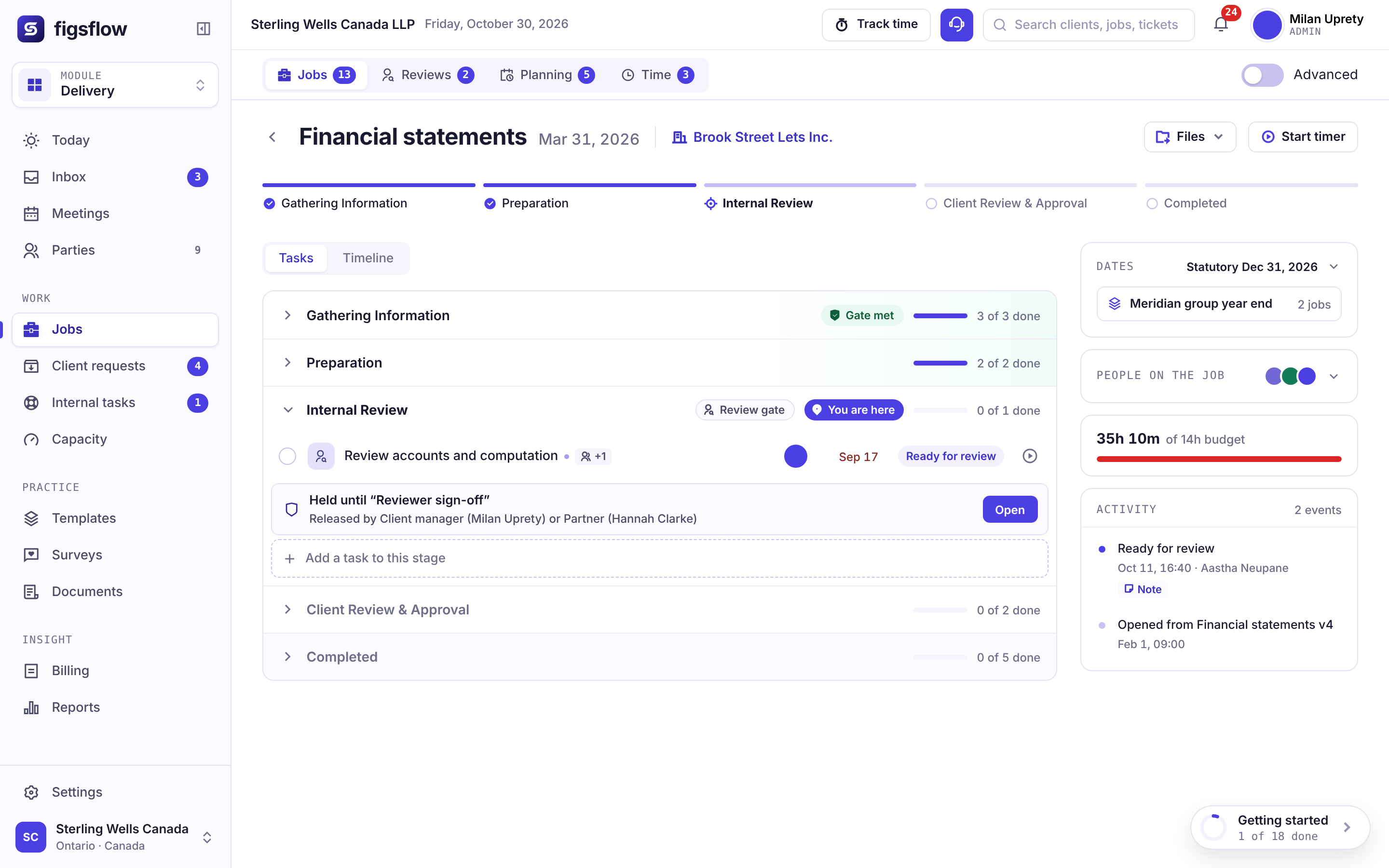
What you’ll see0:00 / 2:08
- 0:00 Two people do the same job differently
- 0:34 Both approaches are perfectly defensible
- 1:06 The steps go on a screen and the difference is visible The argument resolves itself
- 1:40 One template, and neither person was told they were wrong
Preview clock — no video source set
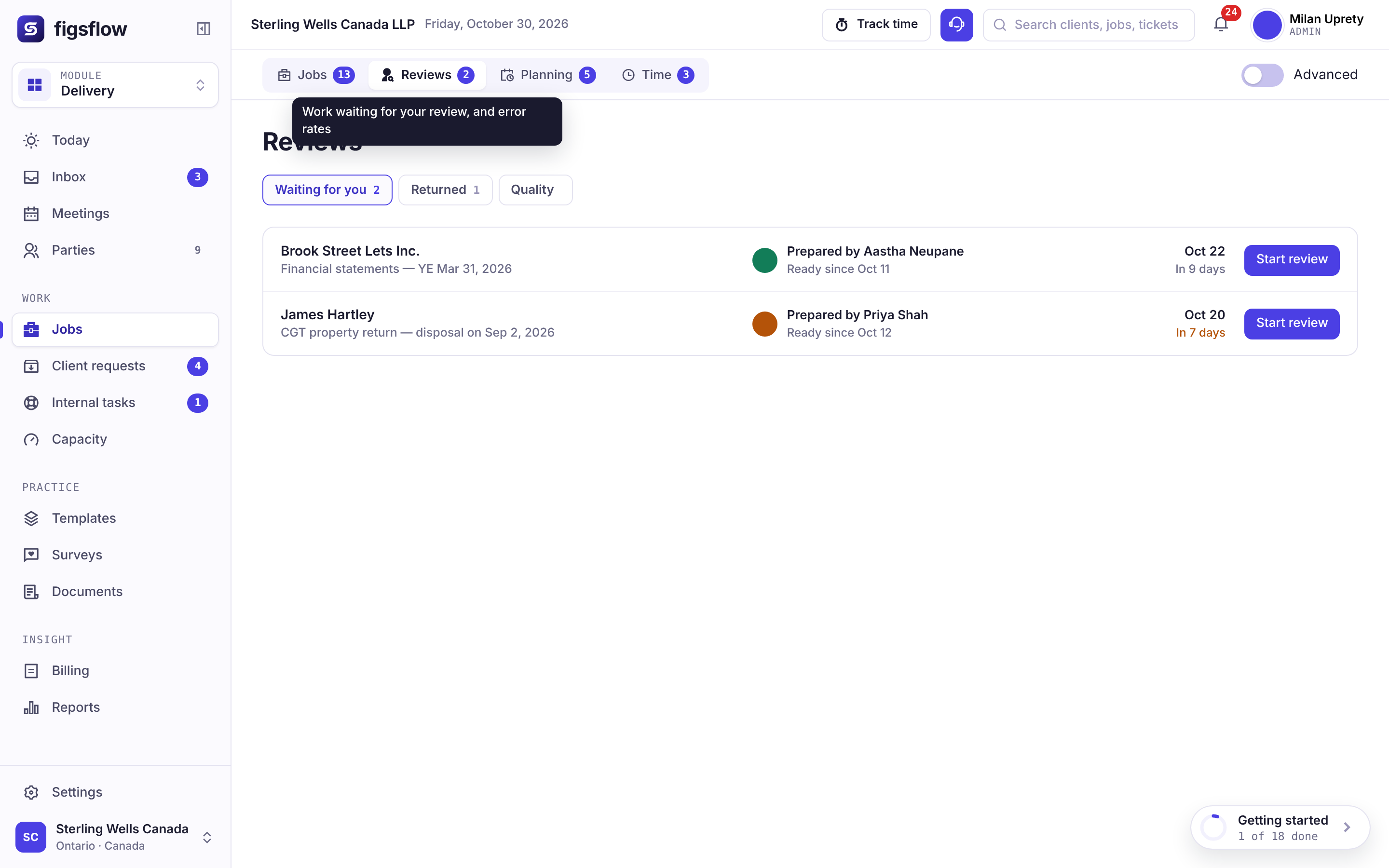
What you’ll see0:00 / 2:22
- 0:00 A new starter joins in the middle of the season
- 0:36 They work inside the template from day one
- 1:12 The template carries the reasoning, not just the list The template is the training
- 1:50 Useful in weeks rather than months
Preview clock — no video source set
What you’ll see0:00 / 2:36
- 0:00 Four offices, one service, four slightly different methods
- 0:40 One template becomes the standard
- 1:18 A mid-season edit is versioned, not broadcast Deliberate, not an incident
- 2:00 Every office can be compared on the same basis
Preview clock — no video source set
Your stack
Works with what you already run
Anchors read from the client record. Documents stay in your own SharePoint, and email runs through the mailbox you already use.
- Microsoft 365
- Outlook
- SharePoint
- Gmail
Proof
Built inside working practices
The first templates in FigsFlow were the ones a working practice had already written down four different ways.
This is a solid platform for a tax advisory practice
“I found the ad hoc LOE templates especially helpful, since most software only covers standard engagements. … Once it’s set up, it pretty much runs on its own.”
A great experience with FigsFlow
“Creating professional proposals and engagement contracts takes only a few minutes, which has saved me a lot of time.”
Saves so much time
“…being able to duplicate a proposal and carry the wording across to a new client saves so much time.”
Reviews and figures as shown on Trustindex on October 30, 2026. Read every review on Trustindex
 Coming soon 0:52
 Coming soon 1:06
 Coming soon 0:58
 Coming soon 1:11
Named practice references and review-platform ratings are not shown on this page yet. They will be added once the practices concerned have agreed in writing.
Pricing for this module
Accounting workflow templates sit in Practice Management, FigsFlow's accounting workflow software plan. Prices are in Canadian dollars and exclude GST/HST; monthly billing and every module are on the Canadian pricing page.
Practice Management
Beta in Canada. No minimum. One tier, nothing gated.
First 10 people, then C$79 from the 11th · billed annually (C$72 and C$95 on monthly billing) · plus GST/HST
Book a demo- Unlimited jobs, tasks and templates
- Timesheets, capacity and job profitability
- Client portal, documents in your own SharePoint
- Email and deadline automation
- 20 AI actions a person a month
- No implementation fee
AI Assist
For Practice Management and the Suite, on the seats you choose.
Billed annually (C$19 on monthly billing)
Book a demo- Email triage and thread summaries
- Drafting you approve before anything sends
- Client and job summaries drawn from your own record
- Removes the 20-action monthly cap for that person
Add it only to the people who need it.
Related modules
Next in the platform
A template is where the work is decided. These four are where it happens.
Jobs, tasks and deadlines
What the template creates, and the gates that stop a step closing early.
See the jobs moduleCanadian tax calendar
The anchors the offsets run from, and the statutory dates each job works back from.
See the Canadian tax calendarTeam and capacity
The hours the template implies, before you commit to them.
See the capacity moduleClient portal
Where the client's steps actually happen, with reminders that chase for you.
See the portal module