
Five Questions We Asked About Our Own Data
Where Do Client Documents Actually Sit?
 Swikriti ThakuriSep 30, 2026Updated Sep 30, 2026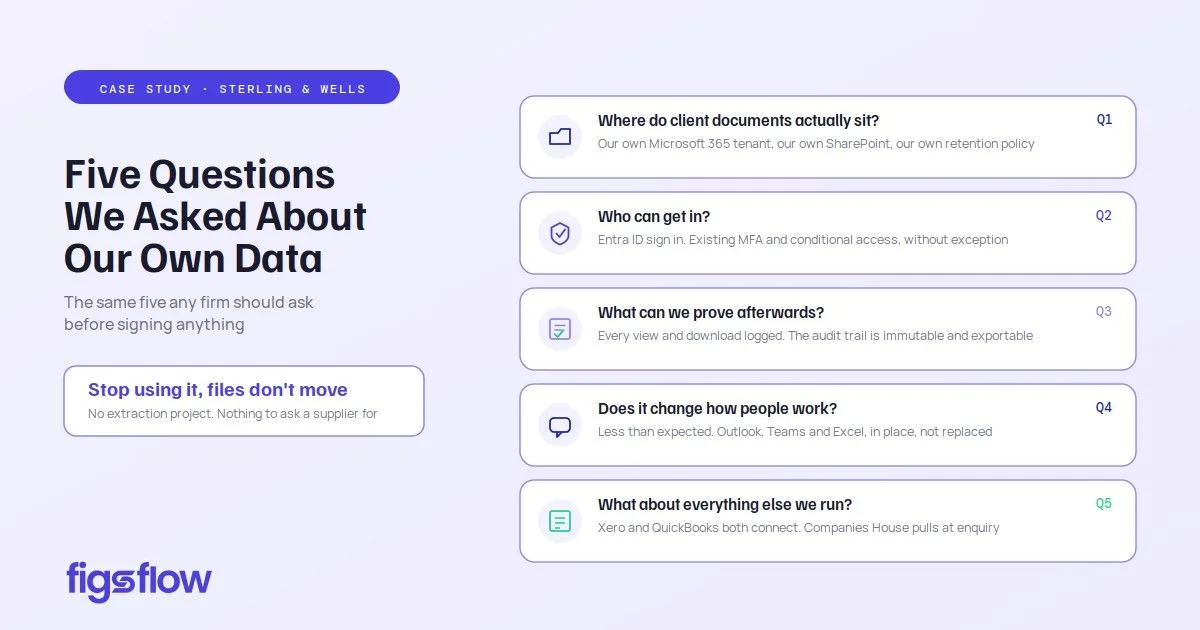
When we, as FigsFlow users, reviewed our own data protection position, five questions came up. They are the same five any firm should put to any practice management system before signing anything, and they are worth answering plainly rather than reassuringly.
Where Do Client Documents Actually Sit?
In our own Microsoft 365 tenant, in our own SharePoint library, in our folder structure, under our retention policy. FigsFlow files them there and names them against the right client and job. It holds the workflow and the audit trail. It does not hold the documents.
The practical test is what happens if we stop using it. The files would be exactly where they have always been, so leaving would not be a data extraction project and would not require asking a supplier for our own client records back.
Who Can Get In?
Staff sign in through Entra ID, so the multi-factor authentication and conditional access policies we already enforce apply without exception or amendment. There is no separate password for our own IT to govern, and no account outside our identity system.
Permissions are role-based across partner, manager, junior and MLRO, and each sees what their role allows rather than what they remember not to open.
What Can We Prove Afterwards?
Every view and download is logged, and the audit trail is immutable and exportable.
That is the record we would need if a supervisor, a client or the Information Commissioner ever asked. Reconstructing the same thing from mailboxes and shared folders was never going to satisfy anyone, including us.
Does It Change How People Already Work?
Less than we expected, which was the point. It is Outlook rather than a copy of Outlook. Client threads link to the client record from inside the mailbox people already live in. Job notifications land in the Teams channel the team already watches. Excel working papers are edited in place.
This mattered to us for a specific reason. When a manager moved on some years ago, 18 months of correspondence about several of our larger clients existed in precisely one mailbox. That correspondence now also sits on the record, which means it belongs to the firm rather than to whoever happened to send it.
What About Everything Else We Run?
Ledger data comes in from Xero and QuickBooks alongside the job, which matters because our clients split roughly evenly between the two and we were never going to dictate that choice to them. Company details pull from Companies House at enquiry rather than being typed from a screenshot.
The API and webhooks handle the one system every firm has that it will not give up.