
Find Complete UK Company Data with Companies House Advanced Search
Every advanced search filter explained — SIC code, status, incorporation date, registered office — plus three filter combinations for prospect lists and client-book audits.

You’re vetting a potential client. Three browser tabs open. LinkedIn shows one director name. Companies House basic search shows another. The company’s own website lists a third.
Thirty minutes later, you’re still building a picture from fragments. And you’re still not confident in the accuracy.
Complete, verified company data can be accessed quickly through Companies House Advanced Search. This is the full guide to using it effectively.
- Companies House Advanced Search offers nine precision filters unavailable in basic search
- Filter by SIC code, incorporation date, company status, location, and more
- The tool is free, requires no registration, and updates in real time
- Accountants use it for client verification, conflict checks, and competitive intelligence
- Advanced search is a starting point for research, not a replacement for due diligence
What Is Companies House Advanced Search?
Defining Companies House Advanced Search
Companies House Advanced Search is a free filtering tool that lets you search the UK company register using nine specific criteria simultaneously.

The tool lives at find-and-update.company-information.service.gov.uk/advanced-search. No registration required. No cost. No search limits.
Think of basic search as asking, “Does this company exist?” Advanced search answers, “Show me all active insurance companies in Manchester incorporated after 2020.”
Companies House updates the register in real time as companies file documents. You’re searching the same data that solicitors, banks, and regulators use.
The interface accepts partial matches, date ranges, SIC code filters, and status selections. Combined, these filters narrow millions of records to exactly what you need.
When to Use Companies House Advanced Search Vs Simple Search

The basic search box works perfectly when you know exactly what you’re looking for. Type the company name or number, click search, and you’re done.
When it comes to filtering results, Companies House Advanced Search is the tool you need. It lets you define exactly what you’re looking for across multiple dimensions.
The decision point is simple. If you’re verifying information you already have, use basic search. If you’re researching, filtering, or discovering, use advanced search.
Complete Your Identity Verification
How Companies House Advanced Search Works (Live Example)

Let’s find all active assurance companies in London incorporated after 2020.
The Results: No results found. There are no companies that match these exact criteria.
This is valuable information. If a prospective client claims to operate an active assurance company in London incorporated after 2020, the register contradicts that claim. That’s due diligence working exactly as intended.
Why UK Accountants Need Advanced Search
Companies House Advanced search solves three problems that basic searches can’t address: verification depth, pattern discovery, and competitive intelligence.
Basic search tells you a company exists. Advanced search tells you whether you should take them on as a client.
Companies House Advanced Search Filters Explained
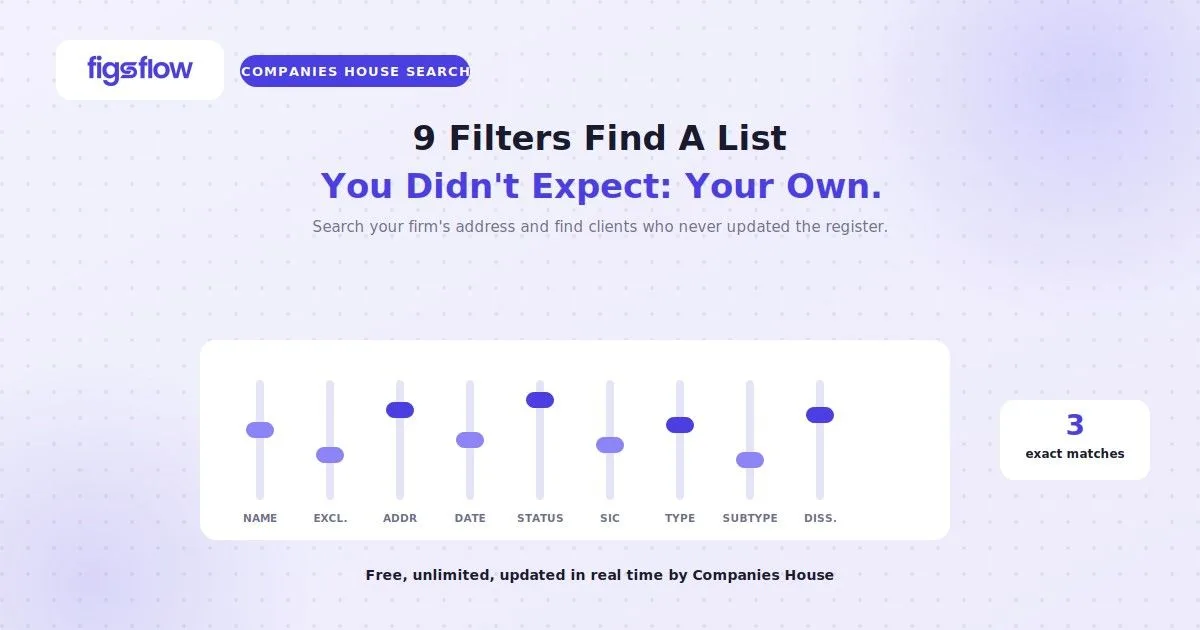
Advanced search has nine filters, and they combine — which is where the power is. Note first what is not there: there is no company number field. If you have a company number, put it straight into the ordinary search box on the Find and update service; advanced search is built for finding companies you cannot yet name, not for looking up one you can.
Company names that contain. Free text, matched anywhere in the name rather than just the start. “dental” returns every company with the word buried in it.
Exclude company names that contain. The most underused field on the form. Strip out the noise before you look at results — excluding “HOLDINGS”, “TRUSTEE” or “NOMINEE” removes most of the structural shells from a sector list in one pass.
Registered office address. Takes a full or partial address, so a postcode district on its own works. Two things worth knowing: it searches the registered office, which for a great many small companies is their accountant’s address rather than their trading premises — so a local search by postcode returns fewer genuinely local businesses than you would expect. The flip side is the useful one: searching your own firm’s address returns your own client book, and searching a competing firm’s address returns theirs.
Incorporation date, from and to. Entered as day, month, year. This is the prospecting filter — a narrow recent window gives you companies formed in the last few weeks, before anyone has appointed an accountant.
Company status. Active, Dissolved, Open, Closed, Converted closed, Removed, Receivership, Liquidation, Administration, Insolvency proceedings and Voluntary arrangement. Leaving this blank is the most common reason a list comes back cluttered — set it to Active unless you specifically want the others.
Nature of business (SIC code). Takes the code, not the description — 01120, not “growing of rice”. Look the code up first; guessing the description gets you nothing.
Company type. Twenty-odd options covering private limited company, public limited company, limited liability partnership, charitable incorporated organisation, overseas company and the rest. Useful for stripping out entity types you do not act for.
Company subtype. Only two: community interest company, and private fund limited partnership. Narrow, but the only way to isolate CICs.
Dissolved date, from and to. One hard limitation to remember: the register only shows companies dissolved since 1 January 2010. Anything struck off before that will not appear however you filter.
Three filter combinations worth saving
Newly incorporated local companies. Incorporation date set to the last 30 to 90 days, registered office address set to your postcode district, status Active, company type Private limited company. This is the closest thing the register offers to a prospect list.
A sector list you can actually work. SIC code for the trade, status Active, company type Private limited company, and “HOLDINGS” in the exclude field. The exclusion is what turns an unusable dump into a list.
An audit of your own client book. Registered office address set to your firm’s address, status left blank. You will see every company still registered at your address — including ones you resigned from and former clients who never updated the register. That is a compliance risk sitting in plain sight, and most firms have never looked.
If you are searching for a person rather than a company, advanced search is the wrong tool — officer and PSC searching works differently, and our guide to Companies House director search covers it properly.
Practical Applications for Accountancy Practices
Advanced search prevents onboarding mistakes that basic searches miss. A prospective client claims three years of trading history. Advanced search confirms the company was only incorporated eight months ago. That gap matters for risk assessment.
Conflict checks become systematic. Your client manufactures automotive parts. A potential new client operates in the same SIC code and postcode district. Advanced search reveals the overlap before you create a conflict.
Competitive intelligence gets precise. Track new accounting firm formations in your area. Monitor dissolution rates in your clients’ sectors. Identify growth trends before they become obvious.
Limitations of Companies House Advanced Search Everyone Must Know
Companies House shows you what’s been filed, not what’s necessarily true. Understanding these limitations protects your practice from over-reliance on register data.
Use advanced search as your starting point for research, not your endpoint. Combine register data with other verification methods for complete due diligence.
Additional Resources
The Most Affordable Way Small Firms Can Stay Compliant: Read here
Companies House Identity Verification Complete Guide: Read here
Enhanced Due Diligence on Politically Exposed Persons: Read here
Source of Funds and Wealth for High-Risk Customers: Read here
Conclusion
Companies House Advanced Search turns hours of research into minutes of focused filtering.
Basic search answers “Does this company exist?” Advanced search answers “Show me everything that matches these specific criteria.”
Advanced search isn’t a replacement for due diligence. It’s the foundation that makes due diligence faster, more accurate, and more comprehensive.